81
Shooting Functions
4
3
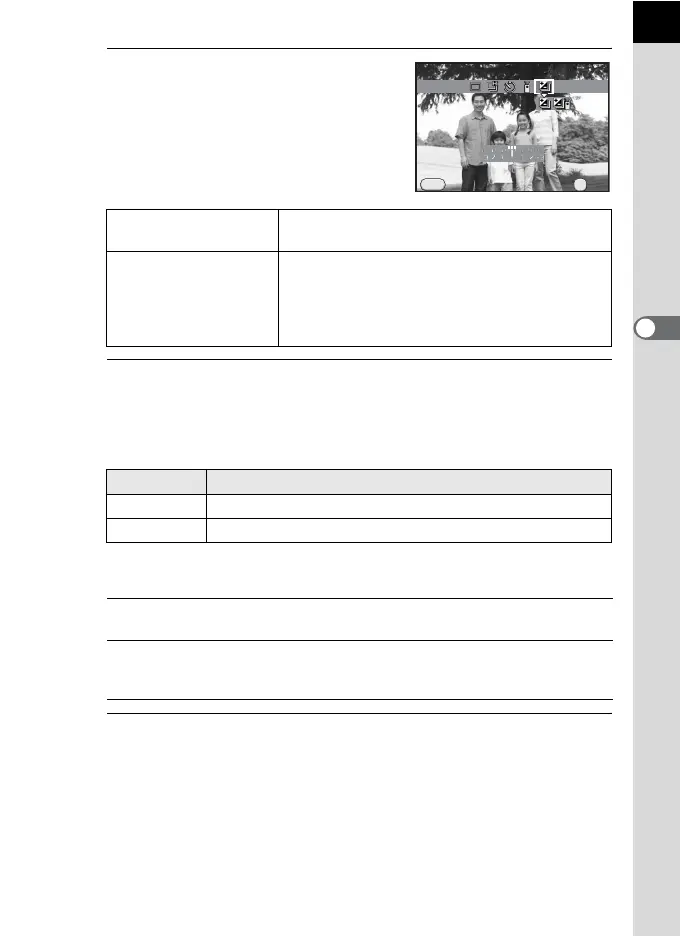
Press the four-way controller
(3), and use the four-way
controller (45) to select l or
c.
4
Press the four-way controller (3), and turn the e-dial to set
the bracket value.
The bracket value can be set in increments of 1/3 EV or 1/2 EV
depending on the lens being used.
Available operations
5
Press the 4 button.
The camera is ready to take a picture.
l Exposure
Bracketing
Takes pictures with the shutter release button.
c
Exposure Bracket
+Remote Ctrl
Takes pictures with an optional remote control
unit. The remote control operates according to
the Remote Control shooting (p.100) setting. The
shutter is immediately released when set to i
(Remote Continuous Shooting).
Step Interval Bracket Value
1/3 EV
±0.3, ±0.7, ±1.0, ±1.3, ±1.7, ±2.0, ±2.3, ±2.7, ±3.0
1/2 EV
±0.5, ±1.0, ±1.5, ±2.0, ±2.5, ±3.0
mc button
´ e-dial
Adjusts the EV compensation value (only when taking
underexposed or overexposed images).
d/i button Resets the compensation value.
(Available only when [Green Button] is assigned to the
d
/
i
button in [Green Button] of the [
A
Rec. Mode 3] menu (p.144).)
Exposure Bracketing
Cancel
MENU
OK
OK



 To Next Page