180 KENR6933
Troubleshooting Section
g01172794
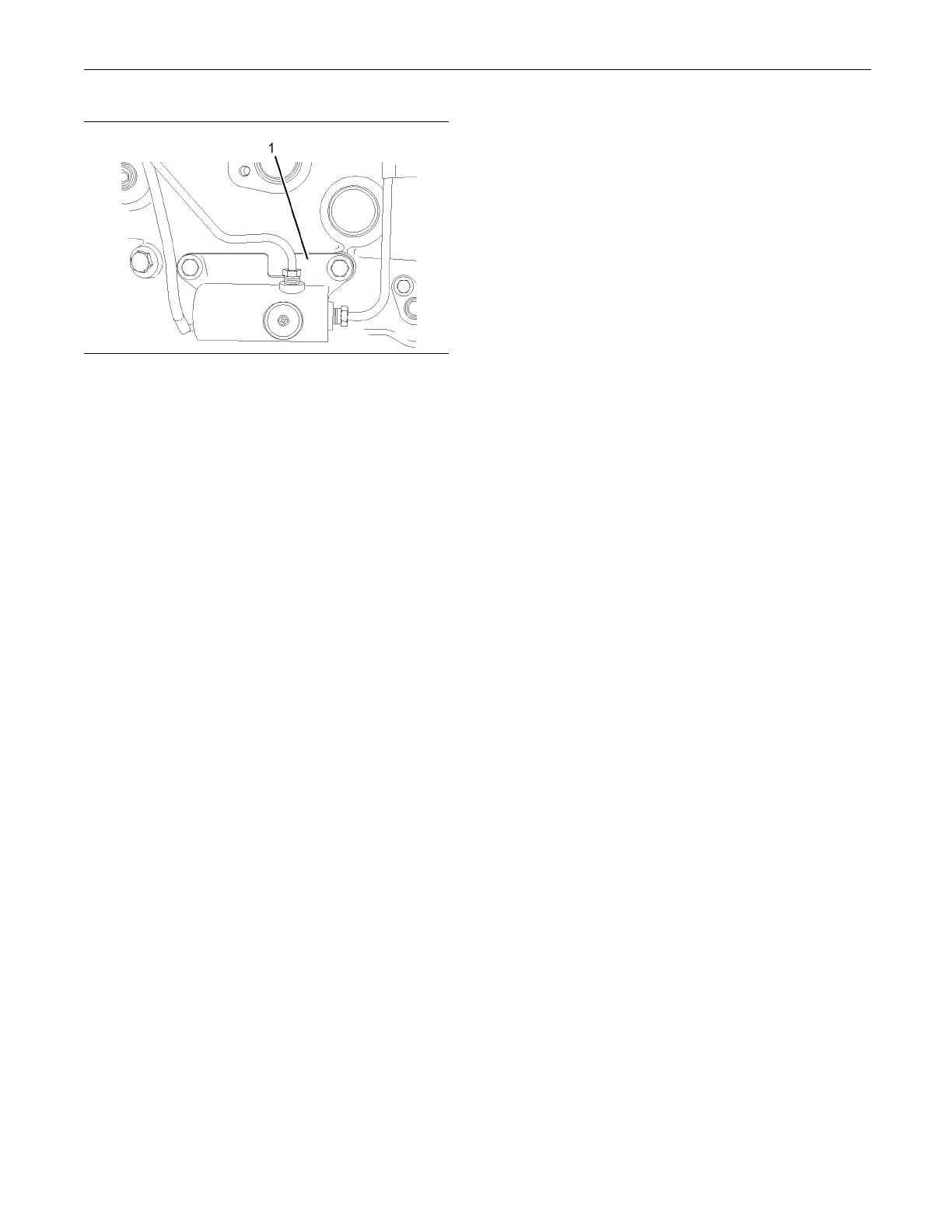
Illustration 74
Wastegate regulator
(1) Wastegate regulator
Test Step 1. Check for Diagnostic Codes
A. Turn the keyswitch to the OFF position.
B. Connect the electronic service tool to the data link
connector.
C. Turn the keyswitch to the ON position. Start the
Perkins EST.
D. Monitor the electronic service tool for active
diagnostic codes and/or logged diagnostic codes.
Expected Result:
One or more diagnostic codes are active or logged.
Results:
•
Diagnostic codes 526-5 and/or 526-6 are active
and/or logged – Proceed to Test Step 2.
•
No Codes – The fault seems to be resolved.
Repair: For intermittent faults, refer to
Troubleshooting, “Electrical Connectors - Inspect”.
STOP.
Test Step 2. Insp ect Electrical Connectors
and Wiring
A. Thoroughly inspect the P2/J2 ECM connector and
the P511 connector for the wastegate regulator.
Refer to Troubleshooting, “Electrical Connectors -
Inspect” for details.
B. Perform a 45 N (10 lb) pull test on each of the
wires that are associated with the wastegate
solenoid.
C. Check the screw for the ECM connector for the
correct torque
of5.0N·m(44lbin).
Expected Result:
All connectors, pins, and sockets are completely
coupled and/or inserted and the harness is free of
corrosion, ab
rasion, and pinch points.
Results:
•
OK – The harness is OK. Proceed to Test Step 3.
•
Not OK – There i
s a fault in the connectors and/or
the harness.
Repair: Repai
r the connectors or the harness or
replace the connectors or the harness. Ensure that
all of the seals are correctly installed and ensure
that the conn
ectors are completely coupled.
Use the electronic service tool in order to clear all
logged diagn
ostic codes and then verify that the
repair eliminates the fault.
STOP.
Test Step 3. Determine the D iagnostic
Code that is Ac tive
A. T urn the keyswitch to the ON position. Access the
“Diagnostics Tests” on the electronic service tool.
Activate th
e “Turbo Wastegate Solenoid Test”.
Wait at least 30 seconds in order for the result to
be displayed.
B. Determine if the fault is related to either of the
following:
•
“Low current” (open circuit)
•
“High curr
ent” (short circuit)
Expected Result:
The electronic service tool displays no diagnostic
codes.
Results:
•
OK – There
are no active codes.
Repair: The original codes may have been caused
by a loose
connector. If this is an intermittent fault,
refer to Troubleshooting, “Electrical Connectors -
Inspect”.
STOP.
•
Not OK – Di
agnostic code 526-5 is active at this
time. Proceed to Test Step 4.










 To Next Page