permaPROC-12-
5.5 Control Buttons
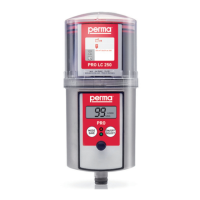
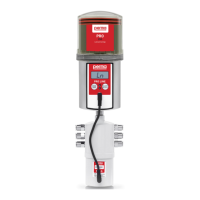
Therearetwopush-buttonsonthecontrolunit(refertogure8)whichcanbeusedforamenu-guidedchangeof
thesettings.
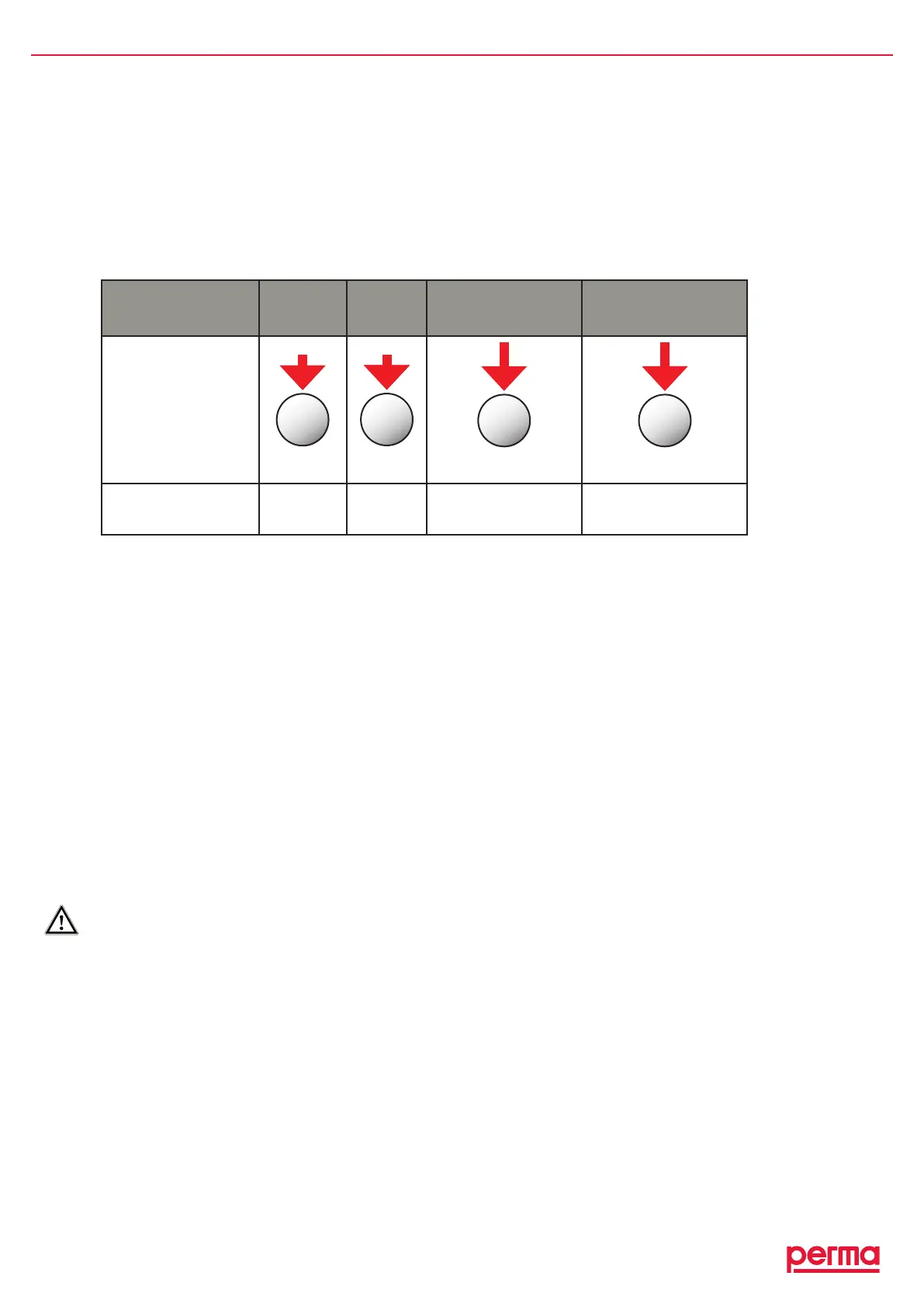
♦ WiththeMODE/SAVEbutton(refertofigure11)youcanreachtheconfigurationmenu,changethemodeand
savethemodifiedsettingsforfurtheroperation.
♦ WiththeSELECTbutton(refertofigure12)youcandothefollowing:increasedischargeperiod(Days,
Weeks,Months-eachtimeyoupressthebuttonincreasesthedischargeperiodbyonecalendarunit),
changePROLCunitsize,activateMP-6outletsandsetPIN.
6. Operation and Control
6.1 Preparations
♦ Priortotheinstallationofthelubricator,thelubricationpointandthecompleteconnectiontubemustbe
sufficientlypre-lubricatedwiththesamelubricantthatthePROLCunitcontains.Forthis,perma-tecoffers
a400glubricationcartridgeforgreasepresseswiththecorrespondinglubricant(referto”Accessoriesand
SpareParts”).
♦ WheninstallingthepermaPROC,thesuppliedperma-tecmountingdeviceshouldbeused.
♦ WhenconnectingthepermaPROCtoyourcontrolsystem,thesuppliedperma-tecconnectingcableshould
beused.Thisconnectionmayonlybeestablishedbyqualifiedpersonnel.
♦ Thelubricanttubemustbeinstalledandmountedcorrectly.Thelengthofthelubricanttubemaynotexceed
amaximumof5metersandthetubemustbeaperma-tecproduct.
♦ PleasecheckifthethreadofthepermaPROC(G3/8)correspondstotheconnectionthreadofthelubrication
point.Ifthisisnotthecase,youcanorderacorrespondingreducerorotherpartsfromthepermaaccessory
line.
FortheinitialsettingintooperationofapermaPROC,thepumpsysteminthedriveunitispre-lledwithSF04
fromperma’sstandardrangeoflubricants.Anexceptionismadewithregardtolubricantsforthefoodindustry.
Acompletedischargeofthispumpllingisguaranteedafterapprox.10discharges(carryoutadditionaldis-
charges,ifnecessary).
6.2 Prior to Operation
♦ Checkallpartsofthelubricatorforobviousdamages!
♦ IsthenewPROLCunitlledwiththerequiredlubricant?
♦ Istheconnectingcableconnectedtothecontrolsystemofyourequipmentandisthesupplyvoltage
(DC15Vto30V)applied?
♦ Didyouremoveprotectioncover,discandplugfromdriveunit(seechapter1.2)?
♦ Didyouassembleandmountallofthepartscorrectlyandtightly?
PRESS Short Short
Long > 4 sec. until
the display content
changes completely
Long > 4 sec. until
the display content
changes completely
BUTTON
MODE
SAVE
gure11
SELECT
gure12
MODE
SAVE
gure11
SELECT
gure12
FUNCTION
Selection
incurrent
display
Changingof
values
Movestonewmenuand
savesselectedvalues
Returnstooriginalmenu
withoutsavingchanges
chart4,gure11,gure12


 To Next Page