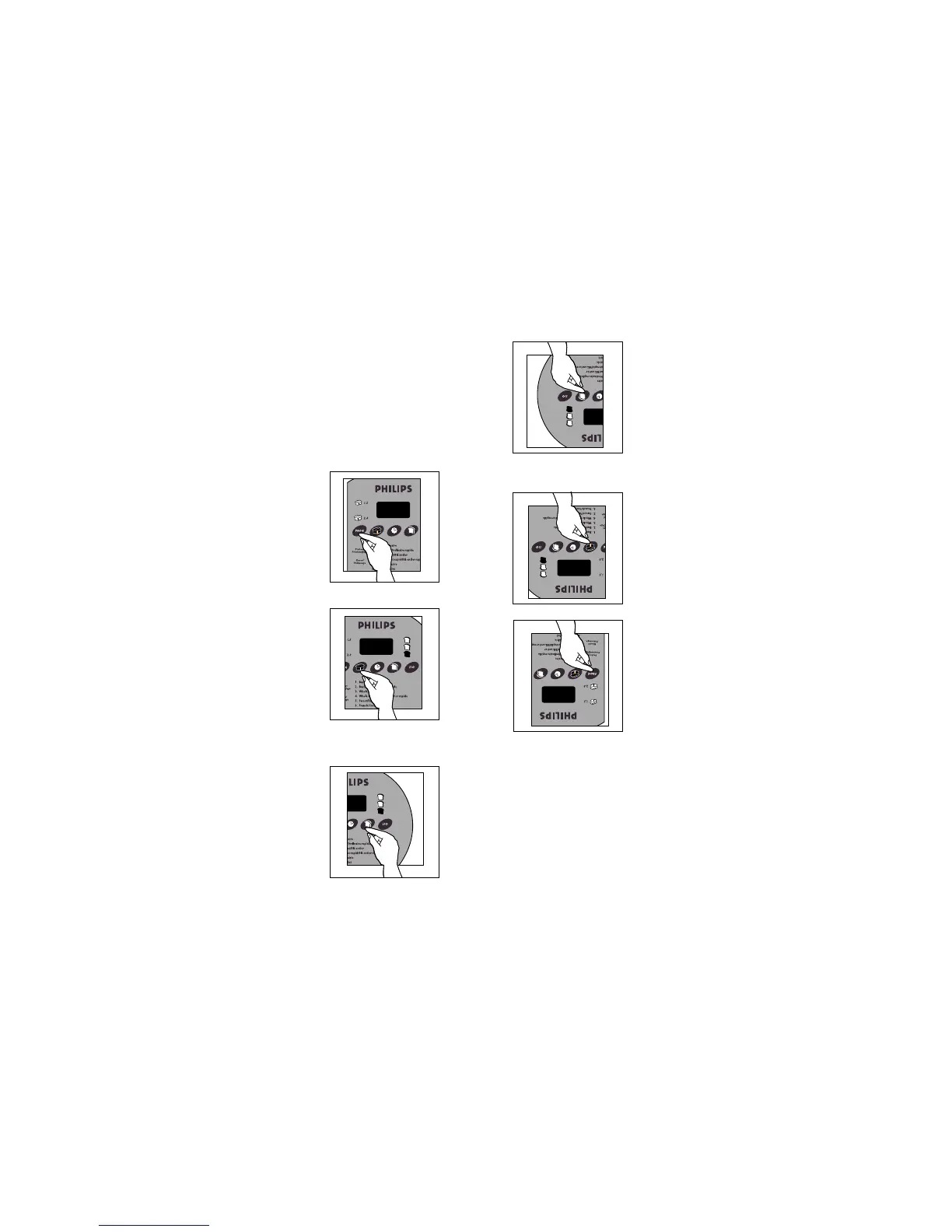
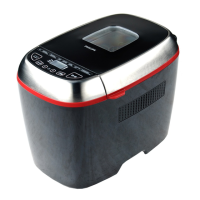
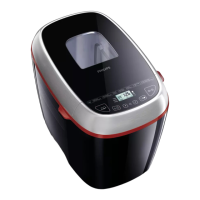
Close the lid and connect the plug to an outlet.You hear
a beep and the display window reads “000”.
CAUTION: This appliance has a polarized plug (one blade is
wider than the other). As a safety feature, this plug fits in a
polarized outlet one way only. If the plug does not fit fully in
the outlet, reverse the plug. If it still does not fit, contact a
qualified electrician. Do not attempt to defeat this safety
feature.
Select the appropriate program for your recipe by
pressing the
PROG button on the control panel. Each
time
PROG is pressed, the number in the display window
advances to the next setting. Be sure to press the button until
you hear a beep.
Select the appropriate setting for loaf size by pressing
the
LOAF button. For programs 1 to 7, the preset LOAF
is 2.0. Each time
LOAF is pressed, the LED display cycles from
2.0 to 1.5 and then back to 2.0 lb. again.
Select the appropriate crust colour setting by pressing
the
CRUST button. For programs 1 to 7, the pre-set
CRUST is medium. Each time CRUST is pressed, the LED
display cycles from medium to dark to light and then back to
medium again.
Comment utiliser le boulangeur 16
Fermer le couvercle et brancher la fiche dans une prise
de courant. Un «bip» se fait entendre et «000» s’affiche
à l’écran.
MISE EN GARDE : Cet appareil est doté d’une fiche polar-
isée (l’une des lames est plus large que l’autre). Par mesure
de sécurité, cette fiche ne peut être introduite dans une prise
polarisée que dans un seul sens. Si vous ne parvenez pas à
introduire la fiche complètement dans la prise, essayez avec
la fiche dans l’autre sens. Si vous êtes toujours incapable,
communiquez avec un électricien qualifié. Il ne faut pas essay-
er de contourner cette mesure de sécurité.
Choisir le programme approprié à la recette en
appuyant sur le bouton PROG du panneau de com-
mande. Chaque fois que la touche PROG est pressée, le
numéro à l’écran avance au réglage suivant. S’assurer de
presser le bouton jusqu’à ce qu’un «bip» se fasse entendre.
Choisir le poids approprié de la miche en appuyant sur
la touche MICHE. Pour les programmes 1 à 7, le poids
de la miche est préréglé à 2,0 lb. Chaque fois qu’on appuie
sur le bouton MICHE, l’affichage à DEL passe de 2,0 à 1,5,
puis de nouveau à 2,0(lb).
Choisir l’intensité de coloration appropriée pour la
croûte du pain en appuyant sur la touche CROÛTE.
Pour les programmes 1 à 7, le niveau de coloration préréglé
est «moyen». Chaque fois qu’on appuie sur CROÛTE, l’af-
fichage passe de «moyen» à «foncé», puis à «pâle», et ainsi
de suite.
5
6
7
8
Using Your Breadmaker 16
5
6
8
7



 To Next Page