Directions for Use
GB 10 L01.1A3.
16
F
INE
T
UNING
OF
C
HANNELS
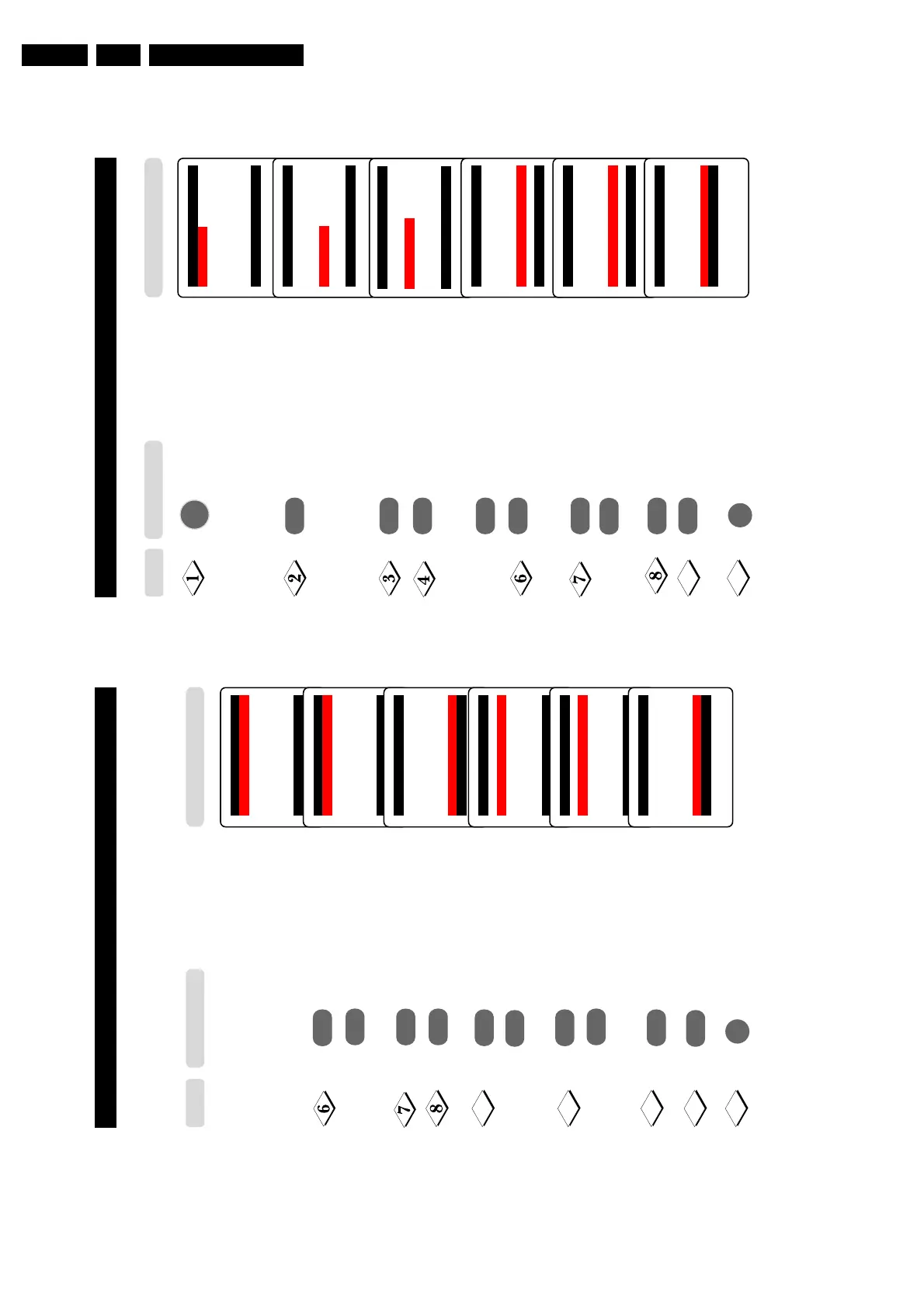
This feature allows you to adjust picture reception in areas of weak reception.
Enter main menu.
Press button repeatedly until
Install is selected.
Enter install menu.
Press button repeatedly until
Manual Store is selected.
Enter manual store menu.
Press button repeatedly until
Fine Tune is selected.
Fine tune until the best reception
is obtained.
Select Store.
Store last fine-tuned status.
Exit menu from screen.
Main o
✔ Picture π Brightness
■
Sound Color
■
Features Contrast
■
Install Sharpness
Tint
More...
œ
Main o
■
Picture Language
■
Sound Auto Store
■
Features Manual Store
✔ Install π Sort
Channel Edit
Name
œ
¸
˙
¸
˙
¸
˙
¸
˙
9
Install o
■
Language Colour System
■
Auto Store Sound System
✔
Manual Store π Search
■
Sort Channel No.
■
Channel Edit Fine Tune
■
Name Store
œ
Manual Storeo
■
Colour System
■
Sound System
■
Search
■
Channel No.
✓ Fine Tune
p
❘❘❘❘❘❘❘❘❘❘❘
❘❘
❘❘❘❘❘❘❘❘❘❘❘
π
■
Store
œ
Manual Storeo
■
Colour System
■
Sound System
■
Search
■
Channel No.
✓ Fine Tune
p
❘❘❘❘❘❘❘❘❘❘❘❘❘❘❘❘❘❘
❘❘
❘❘❘❘
π
■
Store
œ
Manual Storeo
■
System
■
Search
■
Channel No.
■
Fine Tune
✔
Store Stored
œ
10
Step
Press button
15
SELECTING THE COLOUR/SOUND SYSTEM
This feature allows you to select your desired Colour and Sound system. If Auto
is selected, the respective colour and sound system will be automatically selected according
to the transmission system. Note : Select your desired colour and sound system manually if
reception is poor at Auto mode.
Repeat step 1 Colour System is selected.
to step 5 as in
“Manual Tuning
of TV Channels”
Select the desired colour
system (Auto, PA L,
NTSC 3.58, NTSC 4.43
or SECAM).
Press button repeatedly
until STORE is selected.
Store selected system.
Proceed to select Sound
System.
Select the desired sound
system (Auto, BG, I,
DK or M.
Press button repeatedly
until STORE is selected.
Store selected system.
Exit menu from screen.
Step
Press button
Result on TV Screen
Manual Store o
✔
Colour System Auto π
■
Sound System
■
Search
■
Channel No.
■
Fine Tune
■
Store
œ
Manual Store o
✔
Colour System PAL π
■
Sound System
■
Search
■
Channel No.
■
Fine Tune
■
Store
œ
˝
˙
or
¸
˙
˝
Manual Store o
■
Colour System
✔
Sound System
■
Search
■
Channel No.
■
Fine Tune
■
Store Stored
œ
9
¸
˙
Manual Store o
■
Colour System
✔
Sound System Auto π
■
Search
■
Channel No.
■
Fine Tune
■
Store
œ
Manual Store o
■
Colour System
✔
Sound System DK π
■
Search
■
Channel No.
■
Fine Tune
■
Store
œ
or
¸
˙
m
Manual Store o
■
Colour System
✔
Sound System
■
Search
■
Channel No.
■
Fine Tune
■
Store Stored
œ
10
11
12
13
or
˚



 To Next Page