Directions for Use
GB 12 L01.1A3.
20
¸
A
DJUSTING
THE
TV P
ICTURE
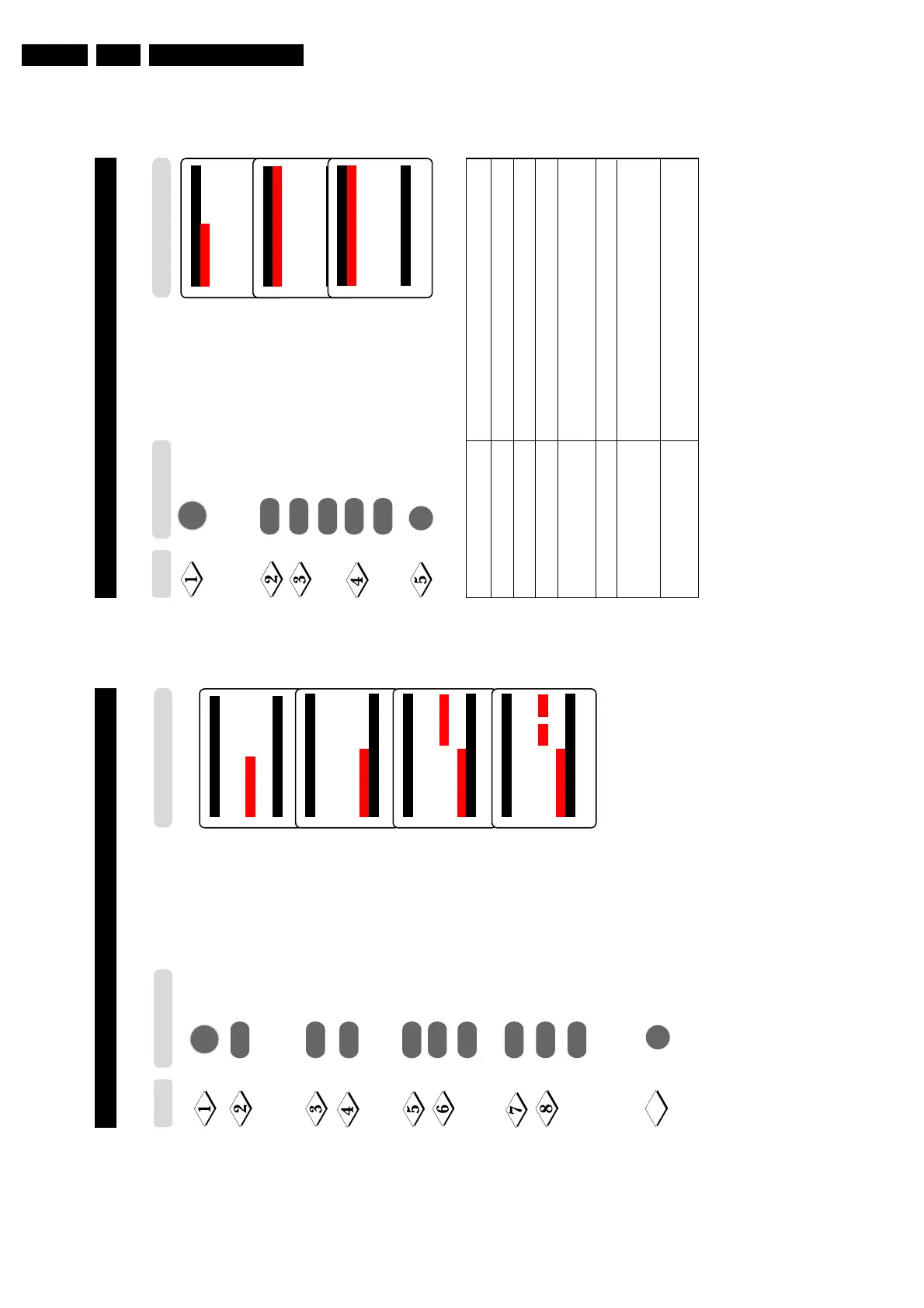
The picture menu allows you to make adjustments to the picture.
Main o
✔ Picture π Brightness
■
Sound Colour
■
Features Contrast
■
Install Sharpness
Colour Temp
More...
œ
Picture o
✔ Brightnessp
❘❘❘❘❘❘❘❘❘❘❘
❘
❘❘❘❘❘❘❘❘❘❘❘
59π
■
Colour
■
Contrast
■
Sharpness
■
Colour Temp
■
NR
œ
˙
Display the main menu on screen.
Enter Picture menu.
Select item.
Adjust level or select desired
setting.
Exit menu from screen.
˝
˙
or
Picture menu items Activities
Brightness Increase or decrease brightness level.
Colour Increase or decrease color level.
Contrast Increase or decrease contrast level.
Sharpness Increase or decrease sharpness level to improve detail
in picture.
Color temperature Choose from 3 settings (Normal, Warm or Cool).
NR (Noise Reduction) Select “On” to reduce “noisy” picture (little dots on
picture) due to weak signal.
Contrast + Select “On” to allow you to optimise the total contrast
for improved picture quality.
˚
or
Step
Press button
MENU
m
Picture o
✔ Colour p
❘❘❘❘❘❘❘❘❘❘❘
❘
❘❘❘❘❘❘❘❘❘❘❘
59π
■
Contrast
■
Sharpness
■
Colour Temp
■
NR
■
Contrast +
œ
19
N
AMING
OF
C
HANNELS
This feature enables you to name or rename channels.
Enter main menu.
Press button repeatedly until
Install is selected.
Enter install menu.
Press button repeatedly until
Name is selected.
Enter name mode.
Select the channel you want to
name.
Move to first character slot.
A cursor appears for you to start
the input of characters. Select the
character you want. Move to next
character slot by the Cursor Right
button and select the next character.
You can enter up to a
maximum of 5 characters.
Exit menu from screen.
Main o
■
Picture Language
■
Sound Auto Store
■
Features Manual Store
✔ Install π Sort
Channel Edit
Name
œ
Install o
■
Language 000
■
Auto Store 001
■
Manual Store 002
■
Sort 003
■
Channel Edit 004
✔
Name π 005
œ
¸
˙
¸
˙
¸
˚
˙
or
¸
˚
or
Install o
■
Language 000
■
Auto Store 001
■
Manual Store 002
■
Sort 003π
■
Channel Edit 004
✔
Name π 005
œ
Install o
■
Language 000
■
Auto Store 001
■
Manual Store 002
■
Sort 003π
■
Channel Edit 004
✔
Name π 005
œ
9
Step Result on TV Screen
Press button
MENU
m



 To Next Page