Service Modes, Error Codes and Fault Finding
GB 25L01.1A 5.
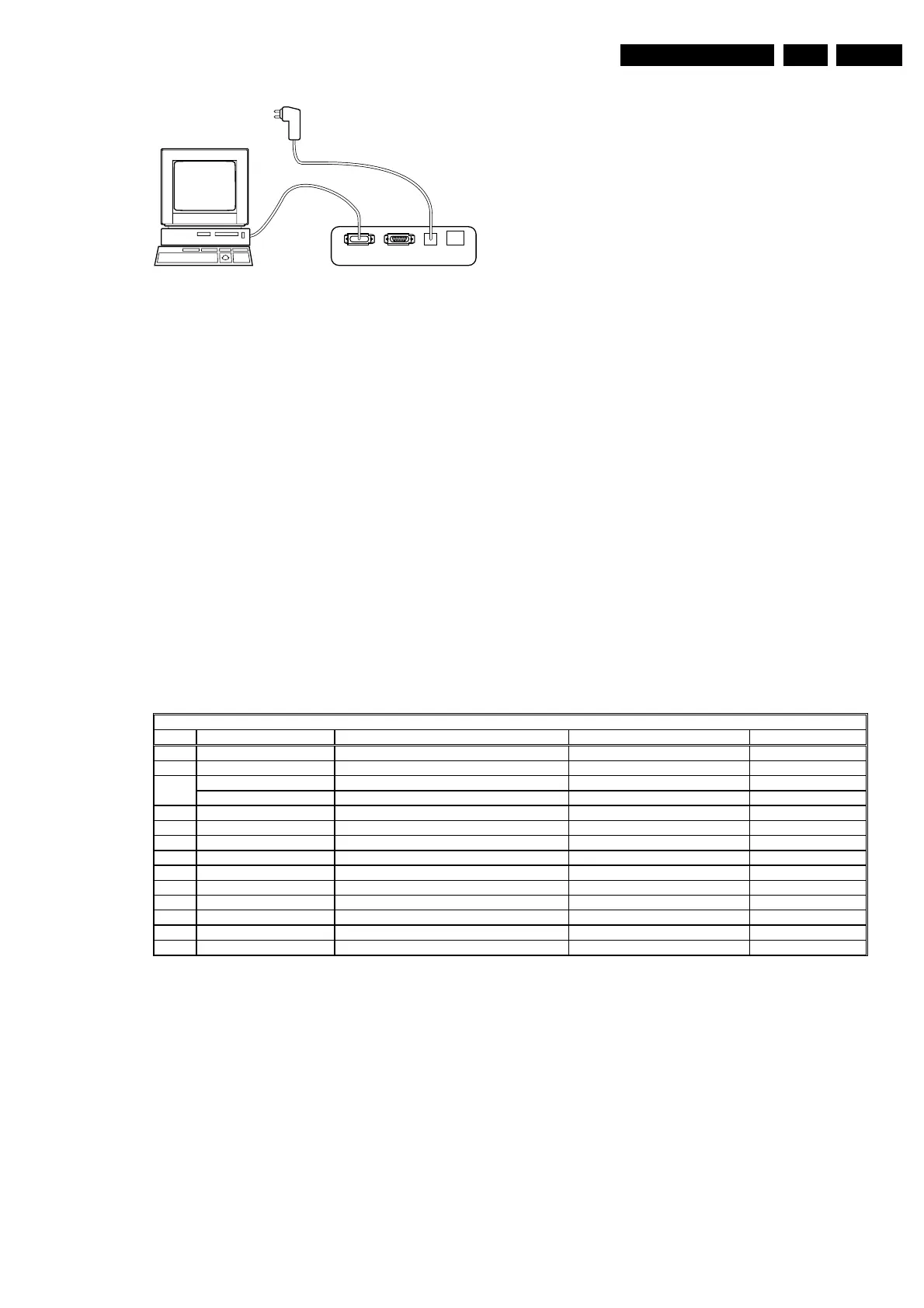
Figure 5-6
5.4.4 How to Order
ComPair order codes:
• Starter kit ComPair + SearchMan software + ComPair
interface (excluding transformer): 4822 727 21629
• ComPair interface (excluding transformer): 4822 727
21631
• Starter kit ComPair software (registration version): 4822
727 21634
• Starter kit SearchMan software: 4822 727 21635
• ComPair CD (update): 4822 727 21637
• SearchMan CD (update): 4822 727 21638
• ComPair interface cable: 3122 785 90004
5.5 Error Buffer
The error code buffer contains all detected errors since the
last time the buffer was erased. The buffer is written from left
to right. When an error occurs that is not yet in the error code
buffer, it is written at the left side and all other errors shift one
position to the right.
5.5.1 How to Read the Error Buffer
Use one of the following methods:
• On screen via the SAM (only if you have a picture).
Examples:
– ERROR: 0 0 0 0 0 : No errors detected
– ERROR: 6 0 0 0 0 : Error code 6 is the last and only
detected error
– ERROR: 9 6 0 0 0 : Error code 6 was first detected
and error code 9 is the last detected (newest) error
• Via the blinking LED procedure (when you have no
picture). See next paragraph.
• Via ComPair.
5.5.2 How to Clear the Error Buffer
The error code buffer is cleared in the following cases:
• By activation of the CLEAR command in the SAM menu:
• When you exit SDM / SAM with the STANDBY command
on the remote control (when leaving SDM / SAM, by
disconnecting the set from AC power, the error buffer is
not reset).
• When you transmit the command DIAGNOSE-99-OK
with ComPair.
• If the content of the error buffer has not changed for 50
hours, it resets automatically.
5.5.3 Error Codes
In case of non-intermittent faults, clear the error buffer before
you begin the repair. These to ensure that old error codes are
no longer present.
If possible, check the entire contents of the error buffer. In
some situations, an error code is only the result of another
error code and not the actual cause (e.g., a fault in the
protection detection circuitry can also lead to a protection).
Figure 5-7
5.6 The Blinking LED Procedure
Via this procedure, you can make the contents of the error
buffer visible via the front LED. This is especially useful when
there is no picture.
When the SDM is entered, the LED will blink the contents of
the error-buffer.
Error-codes ³ 10 are shown as follows:
– a long blink of 750 ms (which is an indication of the
decimal digit),
– a pause of 1.5 s,
– n short blinks (n = 1 - 9),
– when all the error-codes are displayed, the sequence
finishes with a LED blink of 3 s,
– the sequence starts again.
Example of error buffer: 12 9 6 0 0
After entering SDM:
– 1 long blink of 750 ms followed by a pause of 1.5 s,
– 2 short blinks followed by a pause of 3 s,
– 9 short blinks followed by a pause of 3 s,
– 6 short blinks followed by a pause of 3 s,
– 1 long blink of 3 s to finish the sequence,
– the sequence starts again.
86532027_003.EPS
050898
PC VCR I
2
CPower
9V DC
(5525&2'(7$%/(
(UURU 'HYLFH (UURUGHVFULSWLRQ 'HILWHP 'LDJUDP
CL 16532008_047.pdf
210501



 To Next Page