Directions for Use
GB 16 L01.1A3.
28
U
SING
THE
S
CREEN
F
ORMAT
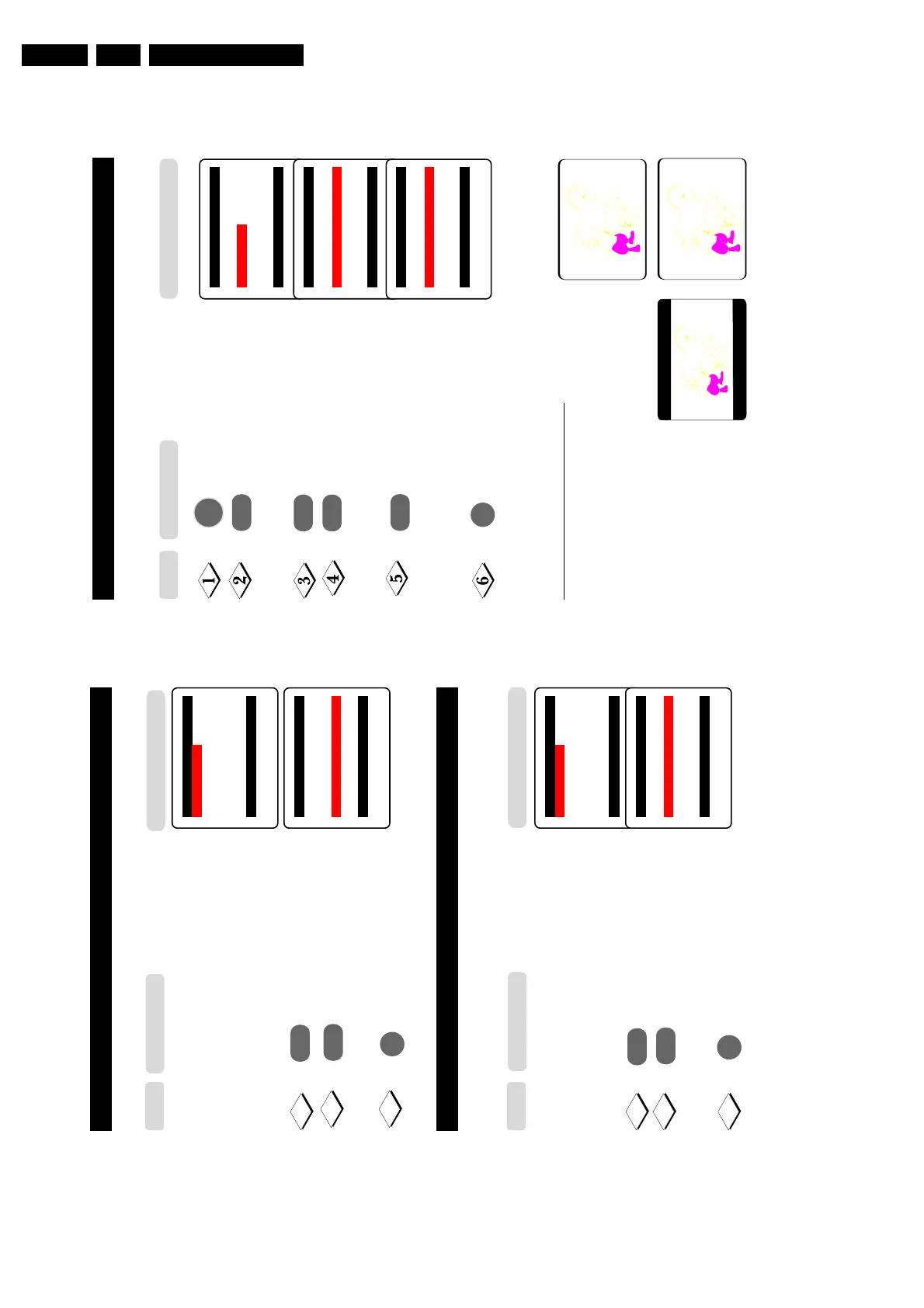
You can have a choice of two formats for your viewing pleasure, namely : - 4:3 mode and the
EXPAND 4:3 mode through the FORMAT menu.
Display the main menu on screen.
Press button repeatedly until
Features is selected.
Enter the Features menu.
Press button repeatedly umtil
Format is selected.
Press the button repeatedly to
cycle through the different formats
(4:3 or Expand 4:3) or and select
your desired format.
Exit menu from screen.
When to use the Screen Formats
4:3 format
Select the 4:3 format if you want to
display the 4:3 picture using the full
surface of the screen.
Expand 4:3 format
Select the Expand 4:3 format if you
want to expand movie images
recorded in the letterbox format.
When this format is selected, the
black horizontal bars at the top and
bottom are expanded thus filling
up the entire TV screen.
¸
Main o
■
Picture Timer
■
Sound Child Lock
✔ Features π Format
■
Install
œ
Features o
■
Timer
■
Child Lock
✔ Format 4:3 π
œ
Features o
■
Timer
■
Child Lock
✔ Format 4:3 Expand π
œ
¸
˙
˙
➩
➩
MENU
Step
Press button
m
27
A
CTIVATING
THE
C
HILD
L
OCK
(L
OCK
A
LL
)
You can choose to lock all channels in the Lock All mode in the Child Lock menu.
Repeat Steps 1 to 8 as
The Child Lock menu will
in “C
HILD
Lock (A
CCESS
now appear. You can proceed
C
ODE
)”
to lock all channels.
Select Lock All.
Select the On option to
lock all channels.
Exit menu from screen.
Child Lock o
✔ Lock Channel π 002
■
Change Code 003
■
Clear All 004
■
Lock All 005
006
007
œ
A
CTIVATING
THE
C
HILD
L
OCK
(C
LEAR
A
LL
)
To unlock channels that you have locked, enter the Child Lock menu and select the Off option
Clear All mode.
Repeat Steps 1 to 8 as
The Child Lock menu will
in “C
HILD
Lock (A
CCESS
now appear. You can proceed
C
ODE
)”
to clear all channels.
Select Clear All.
Select the Off option to
unlock all channels.
Exit menu from screen.
Child Lock o
✔ Lock Channel π 002
■
Change Code 003
■
Clear All 004
■
Lock All 005
006
007
œ
Child Lock o
■
Lock Channel
■
Change Code
■
Clear All
■
Lock All π On
œ
¸
˙
¸
˙
9
10
11
10
9
11
Step
Result on TV Screen
Press button
m
Step
Result on TV Screen
Press button
Child Lock o
■
Lock Channel
■
Change Code
✔ Clear All π Off
■
Lock All
œ
m



 To Next Page