Directions for Use
GB 11L01.1A 3.
18
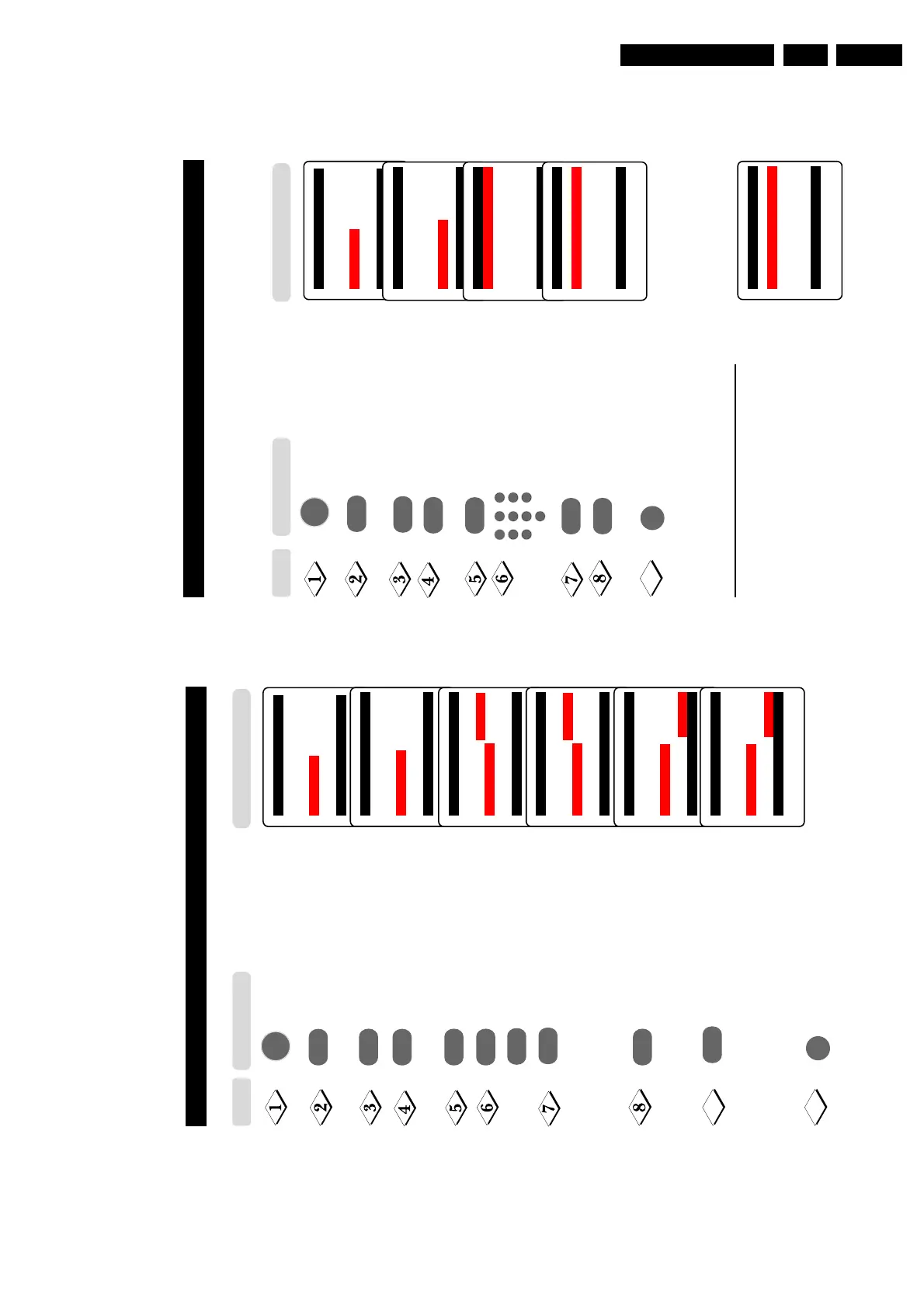
EDITING OF CHANNELS
This feature allows you to skip or edit channels which have bad or weak TV signal or channels
that you do not watch often. Note : Once a channel is skipped, you cannot have access to it by
theCH (Channel) + or – button. You can only have access to the channel by the Digit (0 -9)
buttons.
Main o
■
Picture Language
■
Sound Auto Store
■
Features Manual Store
✔ Install π Sort
Channel Edit
Name
œ
Install o
■
Language Channel No.
■
Auto Store Skipped
■
Manual Store
■
Sort
✔
Channel Edit π
■
Name
œ
Enter main menu.
Press button repeatedly until
Install is selected.
Enter install menu.
Press button repeatedly until
Channel Edit is selected.
Enter Channel Edit menu.
Key in the channel number to be
skipped.
Select Skipped.
Select On to skip channel.
Exit menu from screen.
Channel Edit o
✔
Channel No. 2 π
■
Skipped
œ
Channel Edit o
■
Channel No.
✔
Skipped On
œ
9
HOW TO RESTORE SKIPPED CHANNELS
• Repeat Steps 1 to 5 as in”Editing of Channels”.
• Key in the channel number to be restored by the
Digit (0 - 9) button.
• Select Skipped by the Cursor Dow button.
• Select Off to restore channel by the Cursor Right button.
• Exit menu from screen by the OSD button.
Channel Edit o
■
Channel No.
✔
Skipped Off
œ
Step
Result on TV Screen
Press button
MENU
m
5
1
3
2
4
6
7
9
8
0
¸
˙
¸
˙
¸
˙
17
S
ORTING
OF
C
HANNELS
This feature rearranges channel numbers.
Enter main menu.
Press button repeatedly until
Install is selected.
Enter install menu.
Press button repeatedly until
Sort is selected.
Enter sort mode.
Select the channel number you want
to change from (e.g. 002).
Confirm selection.
Select the channel number you want
to change to (e.g. 005).
Confirm selection.
The change is done.
Note : Channel numbers 5, 4 and 3
will move upwards accordingly. that
is, Channel 5 will move up to Channel
4, Channel 4 to 3 and Channel 3 to 2.
Exit menu from screen.
Main o
■
Picture Language
■
Sound Auto Store
■
Features Manual Store
✔ Install π Sort
Channel Edit
Name
œ
Install o
■
Language 000
■
Auto Store 001
■
Manual Store 002
✔
Sort π 003
■
Channel Edit 004
■
Name 005
œ
Install o
■
Language 000
■
Auto Store 001
■
Manual Store 002 π
✔
Sort π 003
■
Channel Edit 004
■
Name 005
œ
˙
˙
¸
¸
˙
¸
¸
Install o
■
Language 000
■
Auto Store 001
■
Manual Store 002 p
✔
Sort π 003
■
Channel Edit 004
■
Name 005
œ
Install o
■
Language 000
■
Auto Store 001
■
Manual Store 002
✔
Sort π 003
■
Channel Edit 004
■
Name 005 p
œ
9
10
Step Result on TV Screen
Press button
MENU
m
or
˚
Install o
■
Language 000
■
Auto Store 001
■
Manual Store 002
✔
Sort π 003
■
Channel Edit 004
■
Name 005 π
œ
˝



 To Next Page