Directions for Use
GB 14 L01.1A3.
24
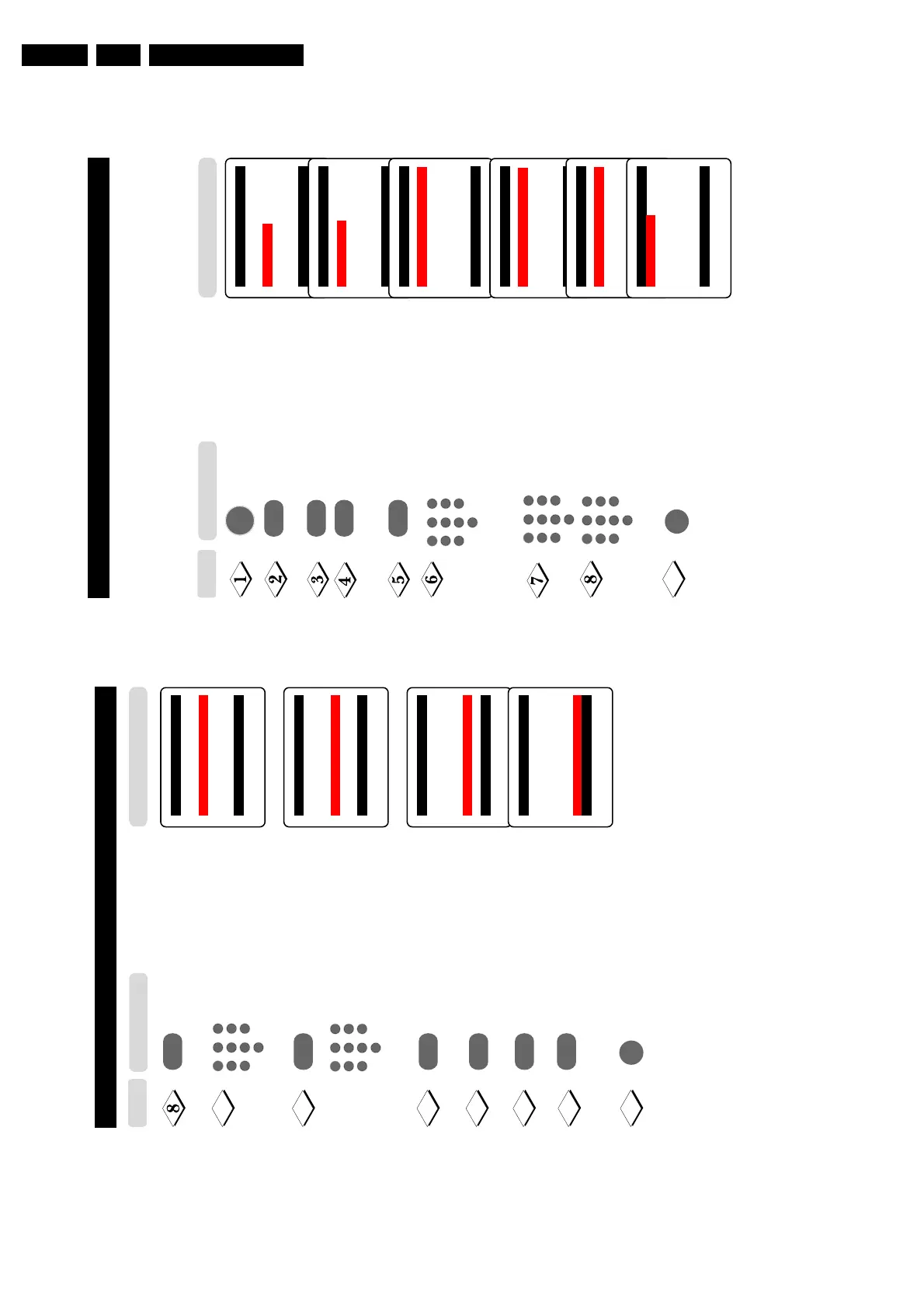
ACTIVATING THE CHILD LOCK (ACCESS CODE)
The Child Lock feature allows you to lock channels to prevent your children from watching
programmes you deem undesirable.
Note : You can only have access to the locked channels via the remote control. Keep the
remote control out of reach so as to prevent your children from having access to it.
Display the main menu on screen.
Press button repeatedly until
Features is selected.
Enter the Features menu.
Select Child Lock.
Enter Child Lock mode.
Key in the 4-digit access code.
For the first time or if you have
forgotten the access code, enter
the universal access code 0711
twice. It will now prompt you to
key in a New Code.
Key in your preferred code (4-digit).
Key in the new code the second
time to confirm code.
The Child Lock menu will now
appear. You can proceed to lock
channel (refer to section on
“Lock Channel”). If not, exit menu
from screen.
Note : After you have exit menu from screen and you want to
enter the child lock menu again, you need to key the new
access code only once.
Main o
■
Picture Timer
■
Sound Child Lock
✔ Features π Format
■
Install
œ
Features o
■
Timer
✔ Child Lock π
■
Format
œ
¸
˙
¸
˙
Features o
■
Timer Access Code
✔ Child Lock π xxxx
■
Format Correct
œ
Features o
■
Timer New Code
✔ Child Lock π xxxx
■
Format
œ
Features o
■
Timer Confirm Code
✔ Child Lock π xxxx
■
Format Confirmed
œ
Child Lock o
■
Lock Channel π 002
■
Change Code 003
■
Clear All 004
■
Lock All 005
006
007
œ
9
5
1
3
2
4
6
7
9
8
0
5
1
3
2
4
6
7
9
8
0
MENU
5
1
3
2
4
6
7
9
8
0
m
Step
Press button
23
U
SING
THE
T
IMER
Select Stop Time.
Key in the time you want the
programme to be switched off.
Select Channel.
Key in the channel you want to
switch to.
Select Activate.
Activate timer. You can select
Once, Daily or Off.
Select Display.
Select On mode if you want to
display the time on the TV screen.
Exit menu from screen.
Note : After the Stop Time is activated,
the TV will go on standby mode. To
switch on set from standby mode, press
Channel +/–, Digit (0 -9) or
Power button.
¸
Timer o
■
Time
■
Start Time
✔
Stop Time π 12:30
■
Channel
■
Activate
■
Display
œ
Timer o
■
Time
■
Start Time
■
Stop Time
✔
Channel π
5
■
Activate
■
Display
œ
9
10
¸
11
12
¸
˙
¸
˙
Timer o
■
Time
■
Start Time
■
Stop Time
■
Channel
✔
Activate π
Once
■
Display
œ
Timer o
■
Time
■
Start Time
■
Stop Time
■
Channel
■
Activate
✔
Display π
On
œ
13
14
15
5
1
3
2
4
6
7
9
8
0
5
1
3
2
4
6
7
9
8
0
m
Result on TV Screen
Press button
Step



 To Next Page