Directions for Use
GB 15L01.1A 3.
26
A
CTIVATING
THE
C
HILD
L
OCK
(L
OCK
C
HANNEL
)
Repeat Steps 1 to 8 as The Child Lock menu will
in “C
HILD
Lock (A
CCESS
now appear. You can proceed
C
ODE
)” to lock channel.
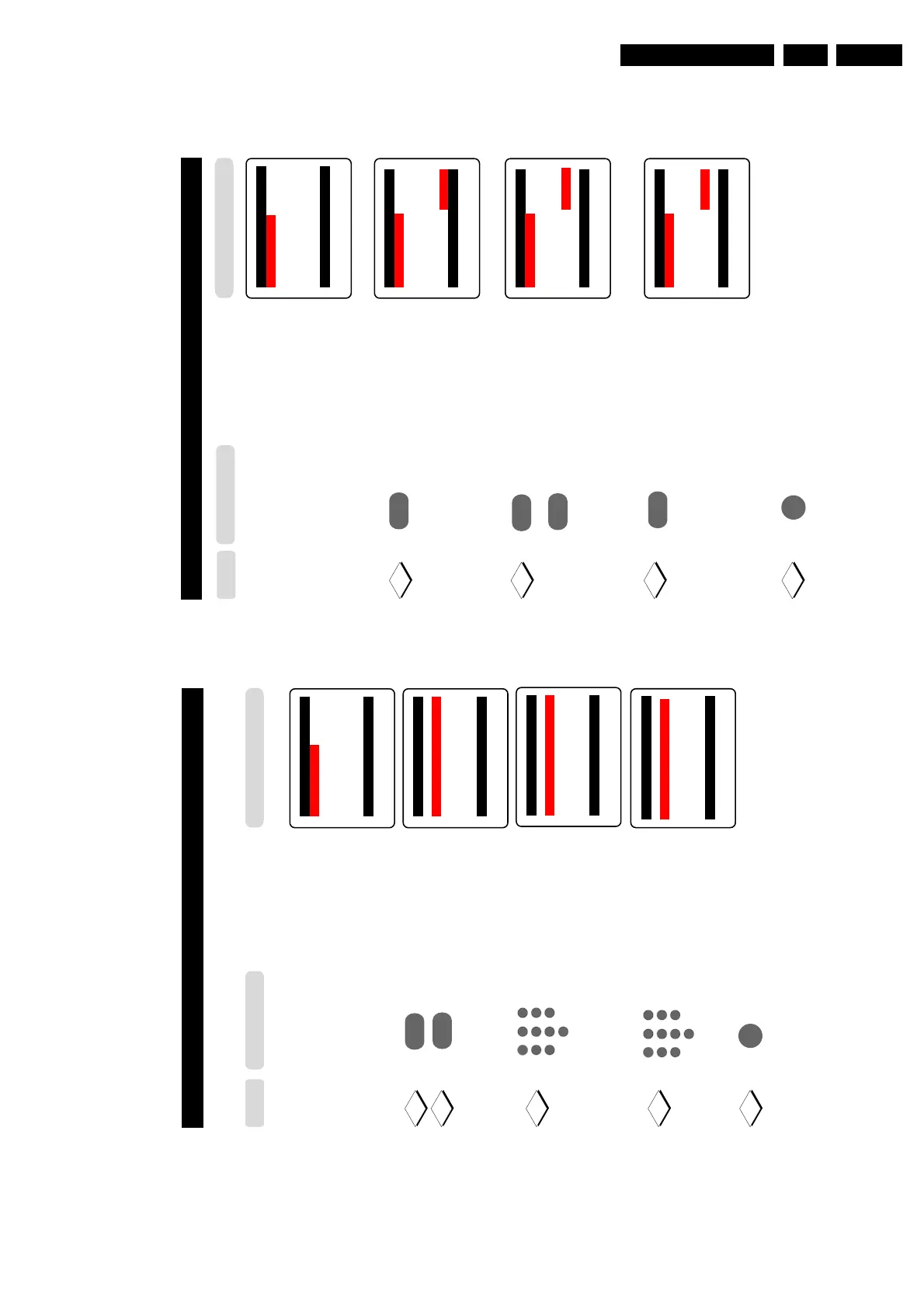
Enter lock channel mode.
Select the channel you want
to lock.
Activate blocking of channel.
A keylock symbol will appear
beside the channel number
indicating that it is locked.
Note : To lock more than one
channel, repeat Steps 10 to 11
before exiting menu from
screen.
Exit menu from screen.
Child Lock o
✔ Lock Channel π 002
■
Change Code 003
■
Clear All 004
■
Lock All 005
006
007
œ
Child Lock o
✔ Lock Channel π 002
■
Change Code 003
■
Clear All 004
■
Lock All 005
006
007 π
œ
Child Lock o
✔ Lock Channel π 002
■
Change Code 003
■
Clear All 004
■
Lock All 005
006 π
007
œ
˙
¸
˙
10
11
12
9
or
˚
Child Lock o
✔ Lock Channel π 002
■
Change Code 003
■
Clear All 004
■
Lock All 005
006 π
F
007
œ
m
Step
Press button
25
ACTIVATING THE CHILD LOCK (CHANGE CODE)
Note : You need to key the access code only once.
Repeat Steps 1 to 8 as
The Child Lock menu will
in “ACTIVATING THE
now appear. You can proceed
CHILD LOCK
to change
code.
(ACCESS CODE)”
Select Change Code.
Enter change code mode.
Key in your preferred code
(4-digit).
Key in the new code the
second time to confirm
code.
Exit menu from screen.
Child Lock o
✔ Lock Channel π 002
■
Change Code 003
■
Clear All 004
■
Lock All 005
006
007
œ
10
12
11
¸
˙
5
1
3
2
4
6
7
9
8
0
Child Lock o
■
Lock Channel New Code
✔ Change Code π ----
■
Clear All
■
Lock All
œ
Child Lock o
■
Lock Channel New Code
✔ Change Code π xxxx
■
Clear All
■
Lock All
œ
Child Lock o
■
Lock Channel Confirm Code
✔ Change Code π xxxx
■
Clear All Confirmed
■
Lock All
œ
5
1
3
2
4
6
7
9
8
0
Step
Press button
Result on TV Screen
m
13
9



 To Next Page