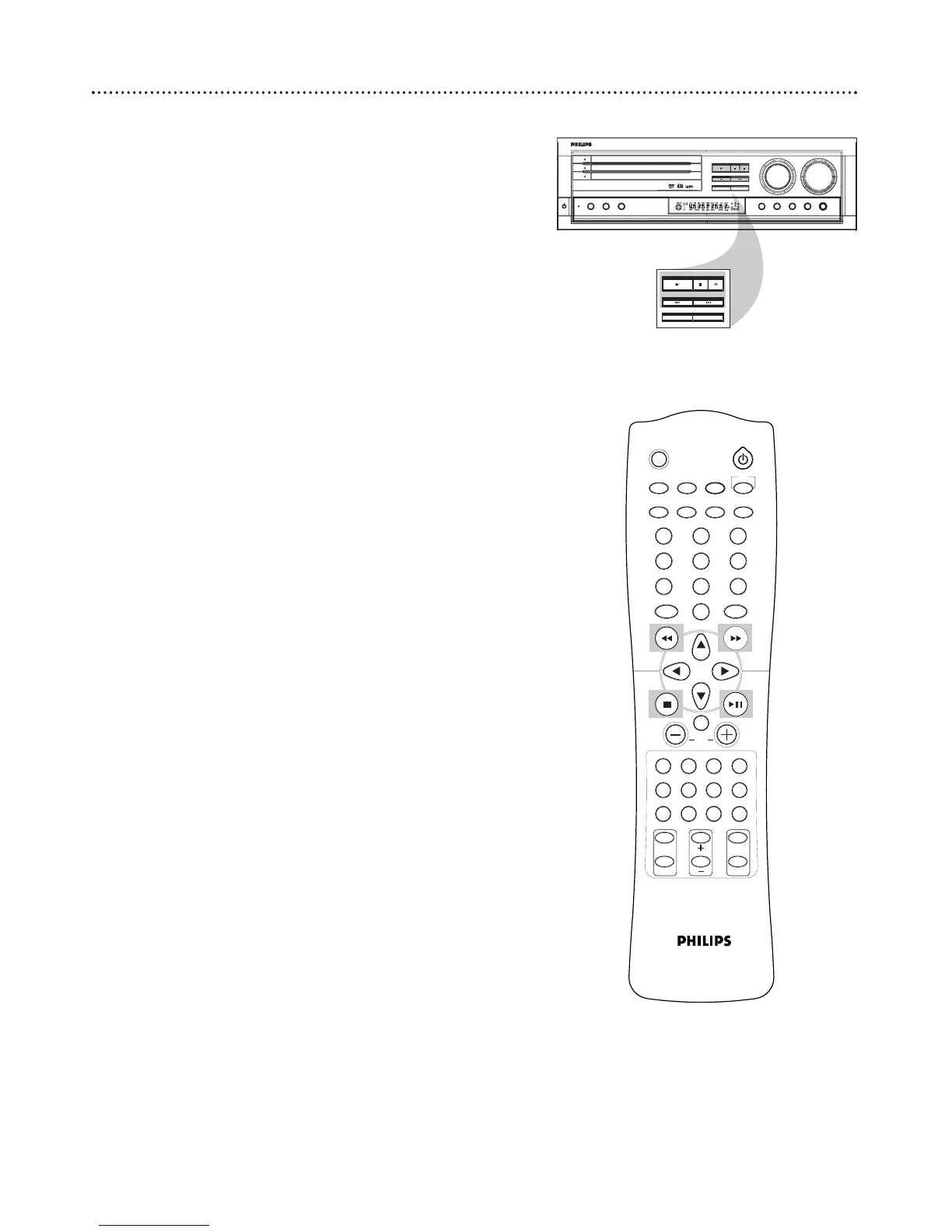
Pausing playback
1
Press 38 during playback to freeze the picture and mute the
sound.
2
Press 38 to resume normal playback.
Selecting another Track/Chapter
1
Press 4 once during playback to go to the beginning of the
current track/chapter. Press 4 multiple times to go to previ-
ous tracks/chapters.
2
Press ¢ during playback to go to the next track/chapter.
Press ¢ multiple times to go to subsequent tracks/chapters.
3
Press the number buttons (0-9) to go directly to a desired track
or chapter.
Searching
1
Press and hold 4 or ¢ for two seconds to fast reverse or
fast forward the disc at 2x speed. Press and hold the button again
for 4x speed, 8x speed and 16x speed. Each time you press and
hold the button the speed increases by a step.
2
Press 38 to resume normal playback.
Stopping and Resuming
1
Press 7 to stop playback. RESUME appears on the display and
stores the last frame viewed in memory. When you press 38 play-
back will begin at that point.
2
Press 7 again to clear the resume memory.
16 Playback Features



 To Next Page