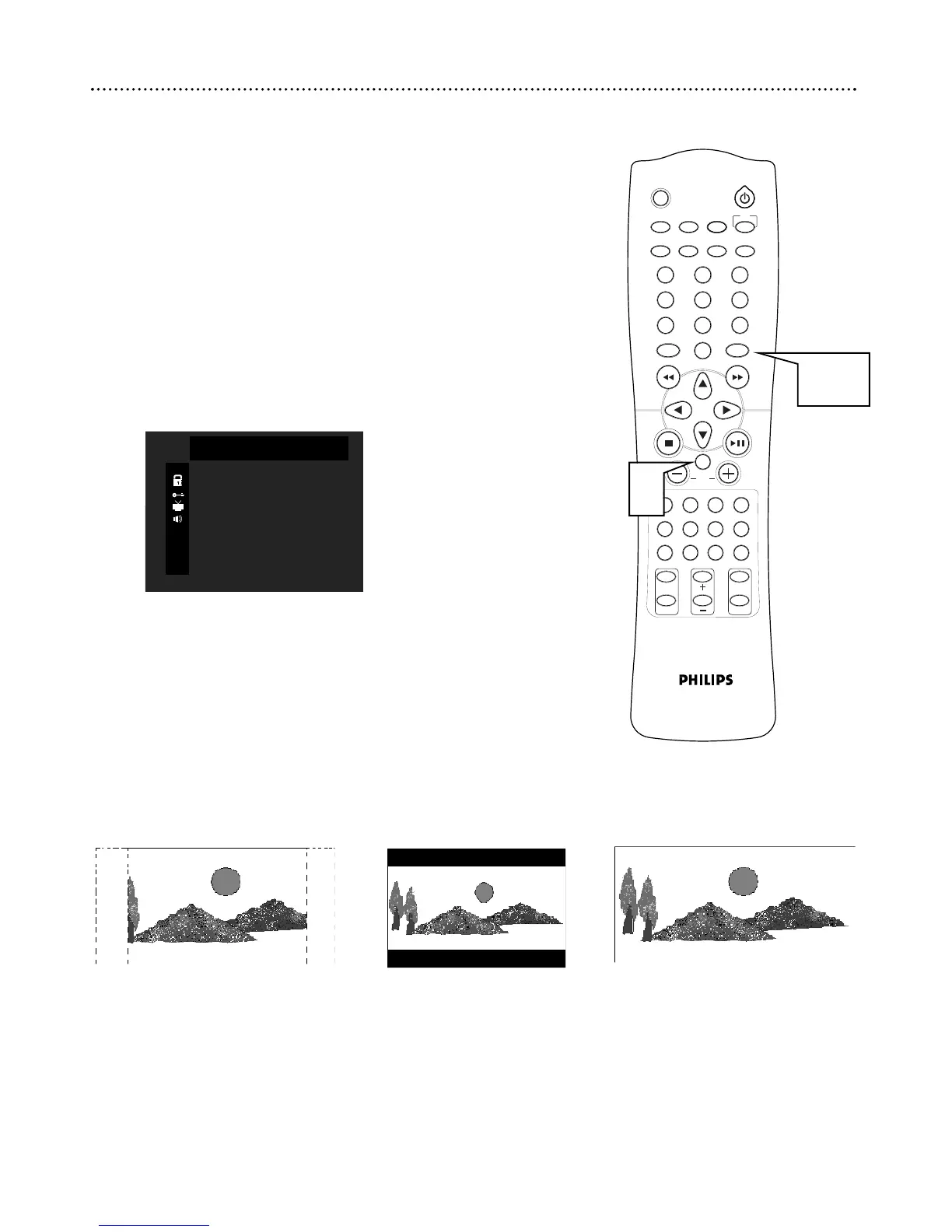
You may set the DVD Receiver to display a DVD picture in one of three
formats: Letterbox, Pan & Scan, or Wide. The format you select must be
available on the DVD. To choose a format, follow these steps.
1
Press SYSTEM MENU. Press ∞ to select TV DISPLAY.
2
Press OK to choose 4:3/PS, 4:3/LB, or 16:9 WIDE.
● Select 4:3/PS (pan & scan) if you want both sides of the picture to
be trimmed (or formatted to fit your TV screen). This setting is
possible only if the DVD is recorded in pan & scan or regular for-
mat. Check the Disc case for details.
● Select 4:3/LB (letterbox) if you want to see the picture with black
bars at the top and bottom of the screen. This looks like the pic-
ture you see when watching movies in a theater. This setting is pos-
sible only if the DVD was recorded in the letterbox or widescreen
format. Check the Disc case for details.
● Select 16:9 WIDE if you connected the DVD Receiver to a
widescreen TV. Also remember to set the TV to its “full size”
setting.
3
Press SYSTEM MENU to save your selection and exit the
menu.
TV Shape 27



 To Next Page