Radio Tuner 33
Tuning Radio Stations
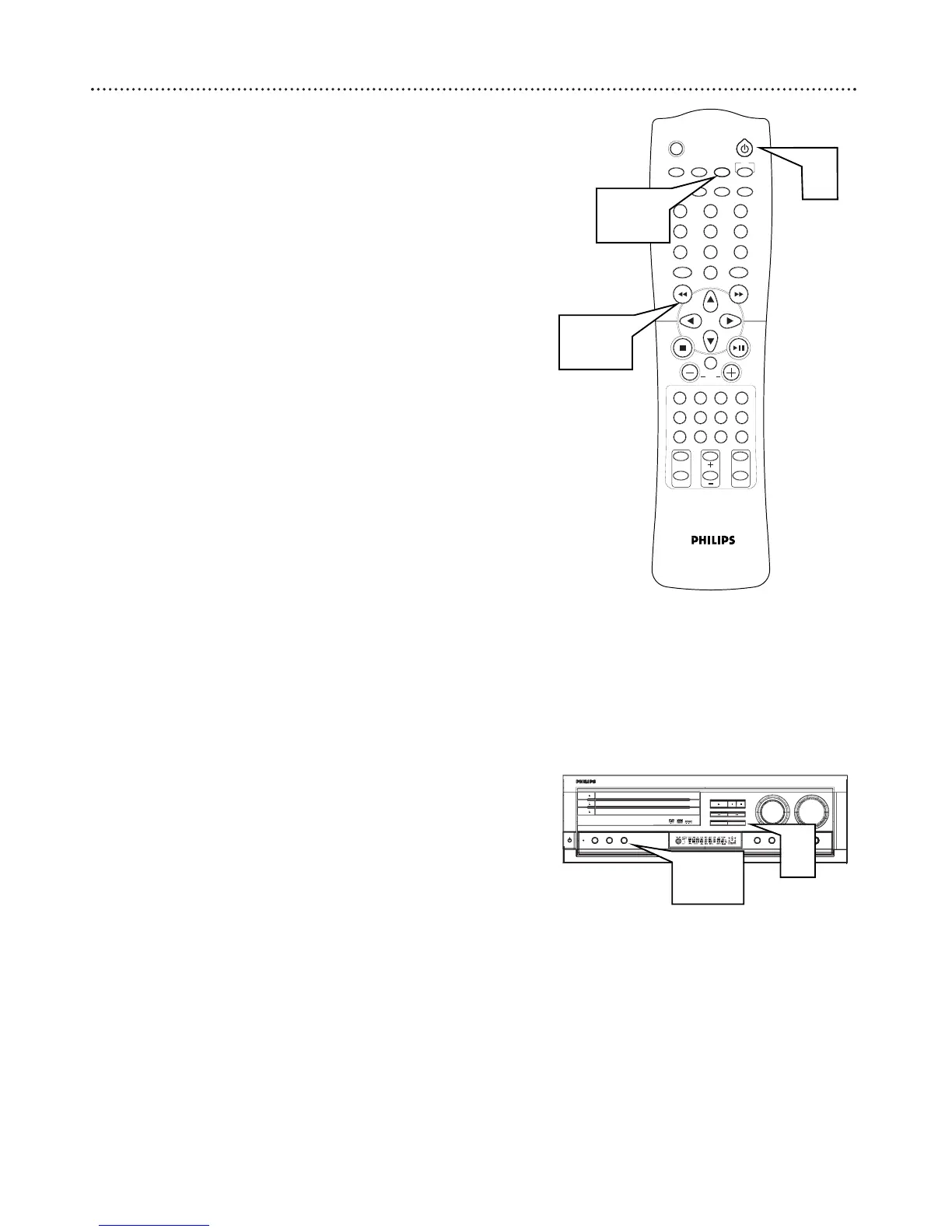
1
Press
yy
(or STANDBY-ON
yy
on the front of the DVD Receiver)
to turn on the last selected sound source.
2
Press TUNER on the remote (or turn the SOURCE dial on the
DVD Receiver) to select TUNER mode.
3
Press TUNER again to select FM or AM.
4
Press and hold H or G until the frequency indicator (station
number) starts to change, then release. The next radio station will
tune automatically.
5
To tune to a weak station, press H or G briefly and
repeatedly until the best possible reception is found.
2-3
1
4-5
Automatic Preset
1
Press TUNING•PRESET.
2
Press Program until PRESET flashes. All radio stations (up to
30) with sufficient strength will be stored.
3
Press Program to stop the automatic preset.



 To Next Page