Introduction 5
Welcome!
We hope you enjoy your complete DVD Home Cinema
System. This seven-piece, 700-watt system creates dynamic
sound quality and realism found only in cinemas. Features of
the DVD Home Cinema System include:
● Surround Sound options
● Night Mode: Reduces the range between high and low vol-
umes during Disc playback.
● Parental Controls: Sets a rating level so your children can-
not watch a DVD that has a rating higher than the level
you set.
● Adjustable speaker settings let you customize your set up..
Package Contents
● Remote Control and two (2) AA batteries
● Audio and Video (Composite) cables
● Five speakers, including speaker wires
● Subwoofer, including connection cable and power cable
● AM loop antenna and FM wire antenna
● Owner’s manual, Quick-Use Guide and product registra-
tion materials
Environmental Information
All unnecessary packaging has been omitted. We have tried to
make the packaging easy to separate into three materials:
cardboard (box), polystyrene foam (buffer) and polyethylene
(bags, protective foam sheet).
Your system consists of materials which can be recycled and
reused if disassembled by a specialized company. Please
observe the local regulations regarding the disposal of packag-
ing materials, exhausted batteries and old equipment.
Playable Discs
This DVD Home Cinema System will play:
● Digital Video Discs (DVDs)
● Video Compact Discs (VCDs) or Super Video CDs
● All finalized Audio CDs
● MP3 files on Compact Disc Recordable (CD-R) or
Compact Disc Rewritable (CD-RW)
Region Codes
DVDs must be labeled for ALL regions or for Region 1 in
order to play on the DVD Receiver of this Home Cinema
System. You cannot play Discs that are labeled for other
regions. The region code for the DVD Receiver is 1 (one).
Look for the correct region symbol on your DVDs.
The number inside the globe refers to a region of the world.
Region 1 represents the United States of America, Canada,
upper regions of North America, Bermuda, the U.S. Virgin
Islands, and small regions near Australia.
Maintenance and Cleaning
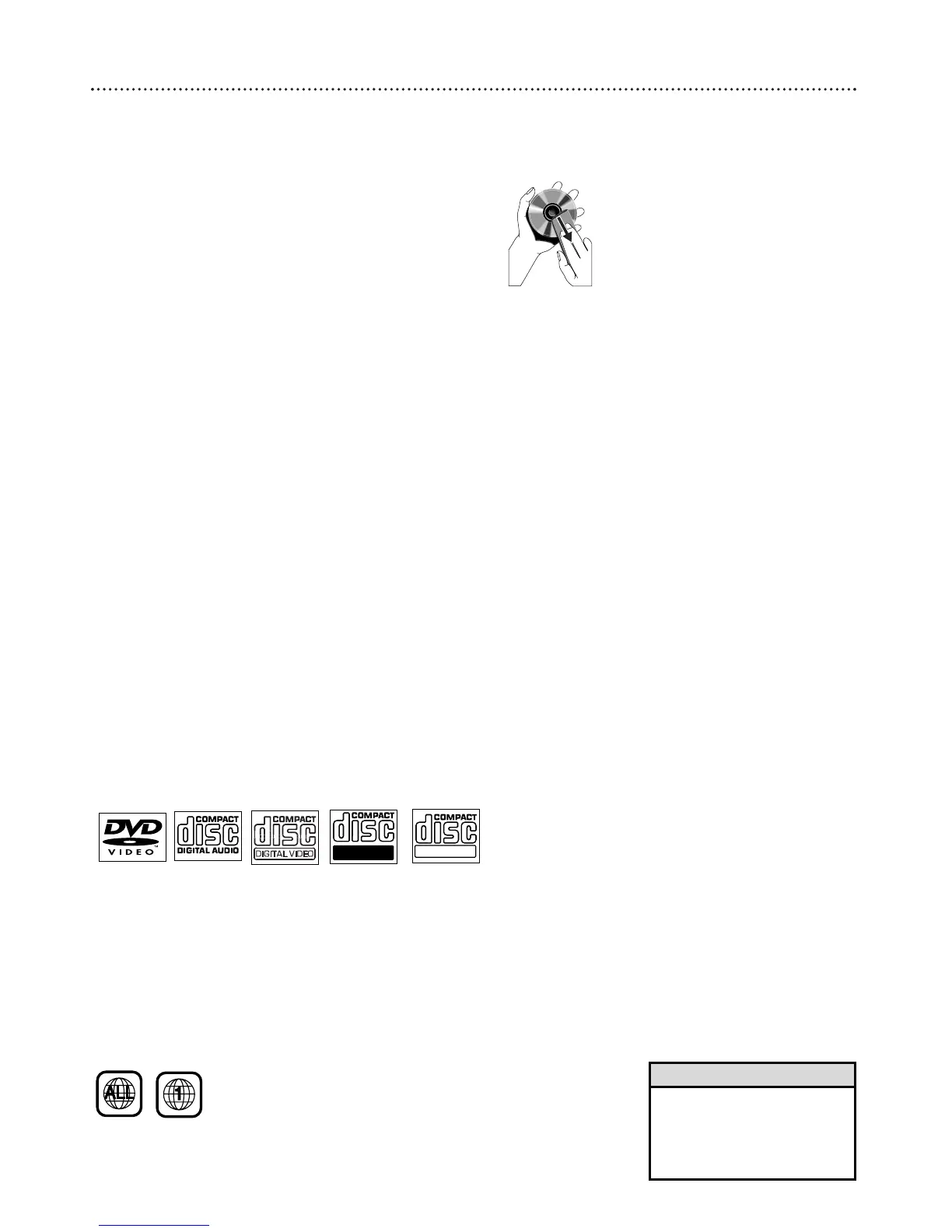
● Clean Discs with a cleaning cloth, wiping from the center
to the edge in a straight line. Do not wipe the Disc in a
circular motion.
● Do not use solvents such as benzine, thinner, commercial-
ly available cleaners, or anti-static spray intended for ana-
log discs.
● If the DVD Receiver cannot read Discs correctly, use an
accessory cleaning CD/DVD to clean the lens. Other
cleaning methods may destroy the lens. Always keep the
tray closed to avoid dust on the lens.
● The lens may cloud over if you suddenly move the DVD
Receiver from cold to warm room conditions. If lens
clouding occurs, you may not be able to play a Disc. Leave
the power on for about one hour with no Disc in the unit
until playback is possible.
● Do not expose the receiver, batteries, or discs to humidi-
ty, rain, sand, or excessive heat (from devices or direct
sunlight). Always keep the disc tray closed to avoid get-
ting dust on the lens.
• If you are having trouble playing
a certain Disc, remove the Disc
and try a different one.
Improperly formatted Discs will
not play on this DVD Receiver.
Helpful Hint



 To Next Page