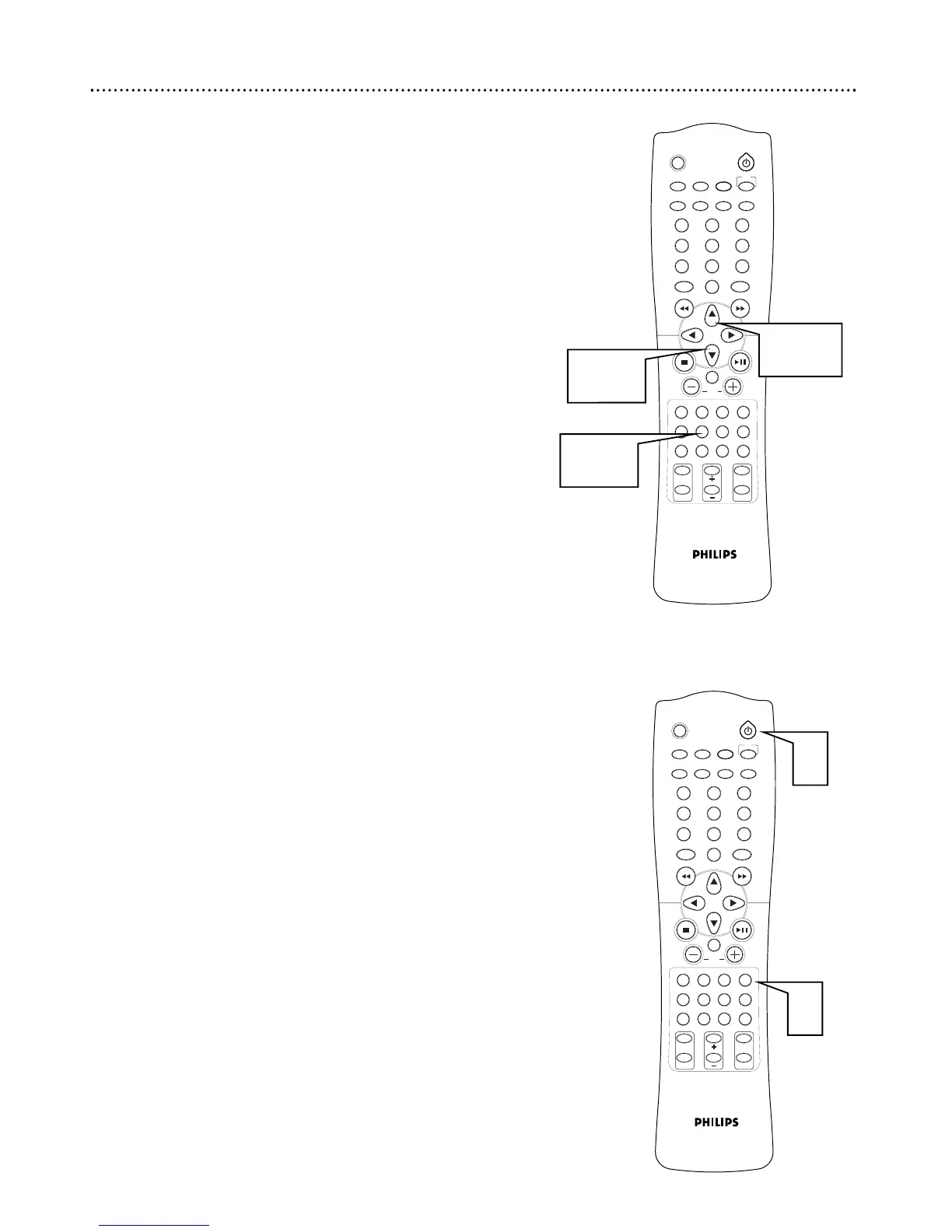
Speaker Channel Level
You can adjust the sound level for each speaker individually. This may be
helpful when trying to balance the sound for your room.
1
With the Receiver in DVD/CD mode, press SPEAKER. SP
SIZE appears.
2
Press 5 to select CH LEVEL and press 3 to confirm.
3
Press 5 or ∞ to select the speaker and press 3 to confirm.
● FL LEVEL: front left, C LEVEL: center, FR LEVEL: front right,
SR LEVEL: surround right, SL LEVEL: surround left,
SW LEVEL: subwoofer.
4
Press 5 or ∞ to select the desired level. Select a setting
between -10 and +10.
5
Press 3 to confirm. Repeat 3-5 for other settings.
6
Press SPEAKER to save the settings and exit speaker mode.
30 Speaker Level, Test Tone
Test Tone
You can check the sound level of the speakers. Sit in your normal listening
position to guarantee accurate speaker settings.
1
Press POWER if the receiver is not already on.
2
Press TEST TONE. A test signal plays from the left, center, right,
and surround speakers. It will last for 2-3 seconds in each speaker.



 To Next Page