MP3 Features, Sleep Timer 23
MP3 Features
MP3 is a compression method that makes digital music files up to 10 times
smaller without losing significant sound quality. MP3 is a common audio
format on the Internet, letting you transfer tracks to your computer and
onto a CD Recordable or CD Rewritable.
1
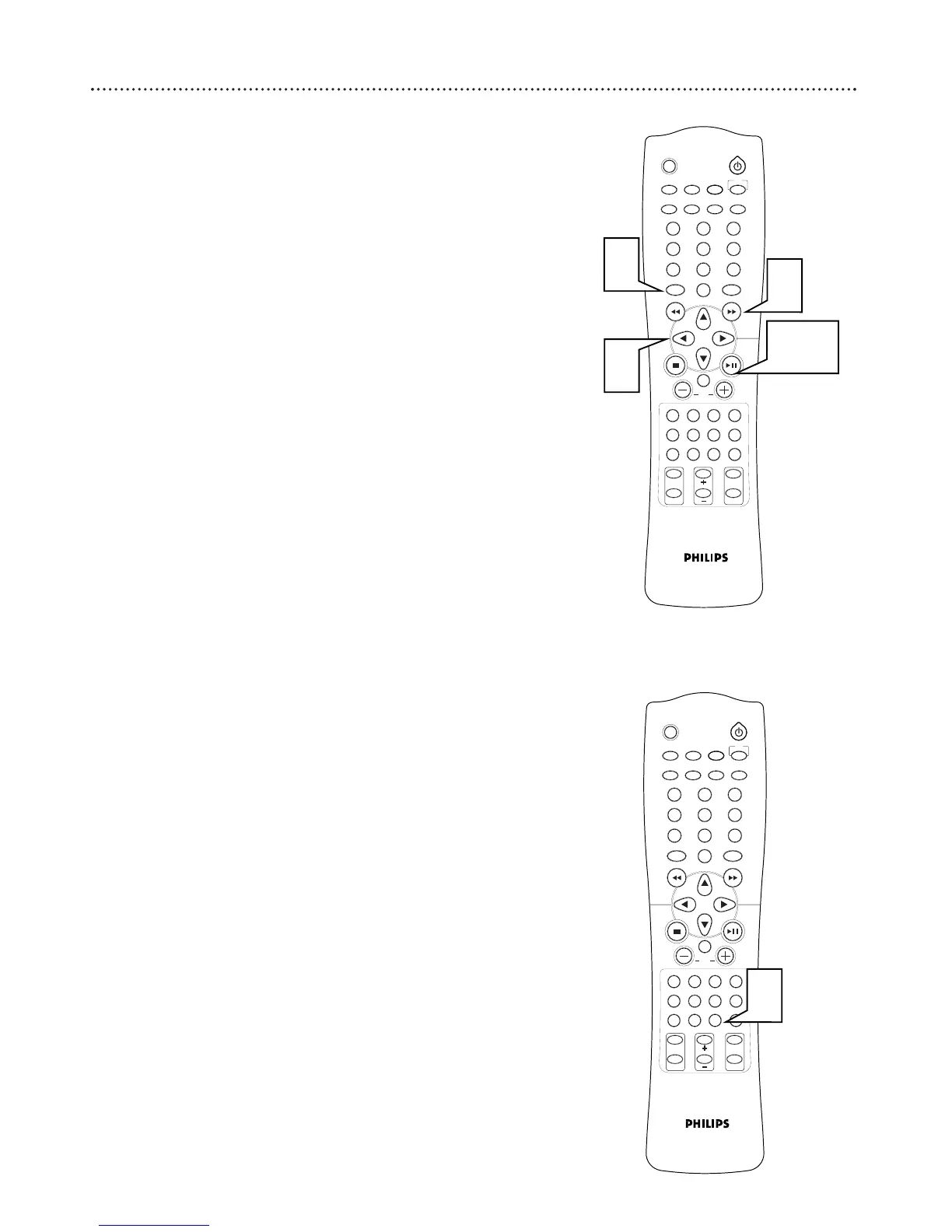
After you insert a Disc containing MP3 files, press DISC
MENU. The Album menu or list will appear on the TV screen. It
may take the DVD Receiver up to 30 seconds to recognize the Disc
due to the amount of songs on the Disc.
2
Press
99 88 ;; ::
to select an Album or Track for playback.
You also can use the Number buttons to select a Track directly.
3
Press
3388
to confirm your selection and begin playback.
4
Or, if an MP3 menu or file list does not appear, you can play the
currently selected Track or Album by pressing
3388
.
5
Press H or G to select the previous or next Track during play-
back. The current Track number will appear on the DVD Receiver’s
display panel.
Sleep Timer
The Sleep Timer turns the DVD Home Cinema System to Standby mode
(off) at a preselected time.
1
Press SLEEP repeatedly to choose how long you want the DVD
Receiver to remain on. You may choose (in minutes): 10, 20, 30, 40,
50 60, 70. 80, 90, or 120. “
SLEEP” appears on the display.
● To check the time remaining for the Sleep Timer (after you
have set it), press SLEEP once.
● To change the Sleep Timer, press SLEEP again while the Sleep
Timer minutes appear. The next Sleep Timer option will appear
on the display panel.
● To cancel the Sleep Timer, press SLEEP repeatedly until
“SLEEP” disappears. Or, press STANDBY-ON
yy
to turn off the
DVD Receiver.



 To Next Page