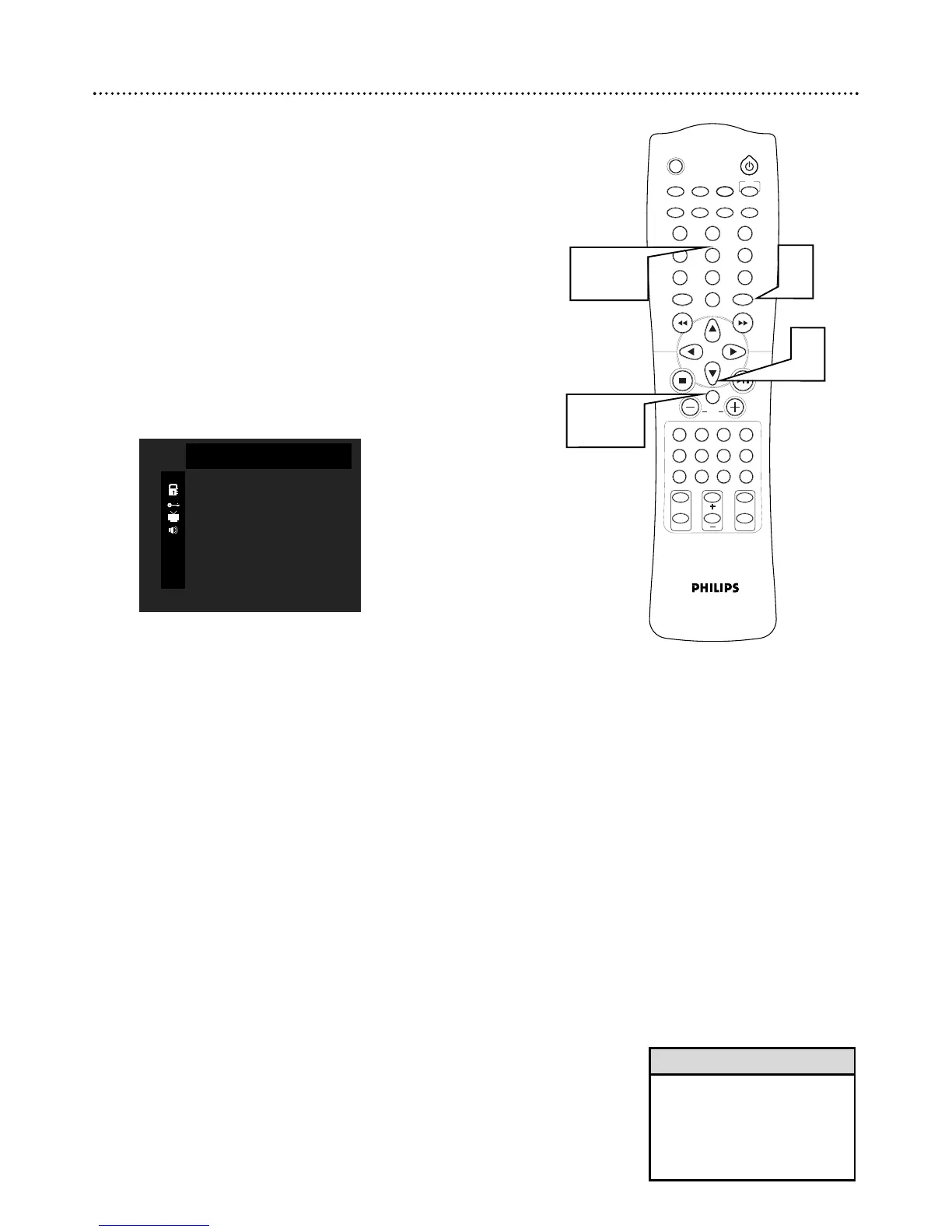
Parental Control Password
To set your four-digit password for Parental Control, follow these steps.
1
While playback is stopped, press SYSTEM MENU.
2
Press 9 to select PASSWORD.
3
Press OK to change.
4
Press Number buttons 1, 2, 3, 4 (default password) when you
are asked to enter the code for the first time. If you are replacing
an old password, enter it.
Or, press 2580 to clear the old password.
Notice to Parents: You cannot reset the current Parental pass-
word without choosing a new code. If a password changes and you
did not alter the code, then someone has reset the code and possi-
bly viewed previously blocked or restricted level material.
5
Press the Number buttons (0-9) to enter your NEW CODE
number.
6
Press OK to save the new password and SYSTEM MENU to remove
the menu.
• If you forget your password and
cannot restore the default pass-
word, disconnect the DVD
Receiver from power for a few
minutes to restore the default
password.
Helpful Hint
2
1
3 , 6
4 - 5



 To Next Page