20 Slow Motion, Zoom
• Sound will be muted during Slow
motion playback and Forward
and Reverse Searching.
Helpful Hint
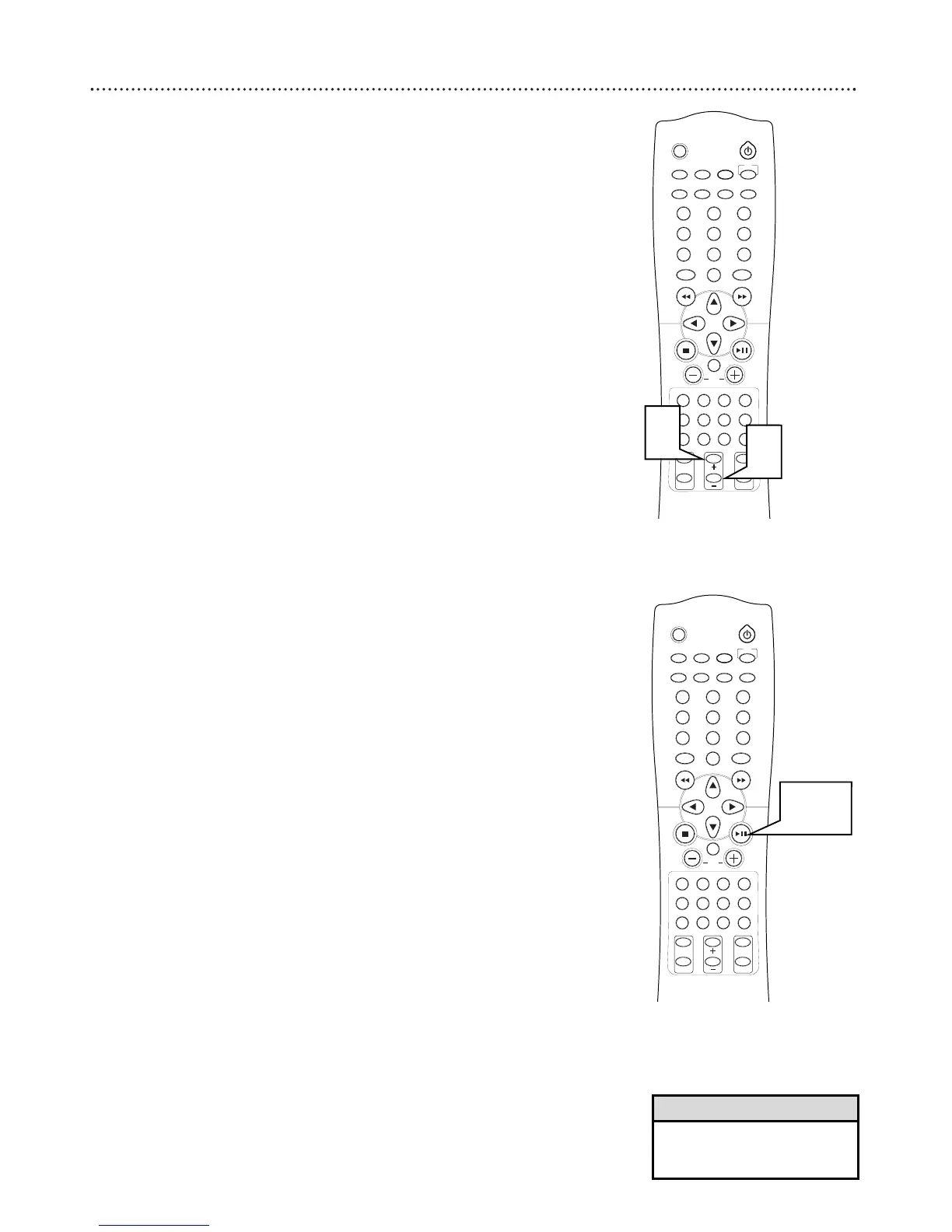
Slow Motion
1
Press SLOW MOTION + to select the speed for slow play-
back. Press the button repeatedly to select 1/2x, 1/4x, or 1/8x.
2
Press SLOW MOTION
-
to reverse the playback direction.
Press the button repeatedly to select 1/2x, 1/4x, or 1/8x.
Step Playback
1
Press PAUSE 8 to interrupt playback.
2
Press PAUSE 8 on the receiver to advance to the frame. Each
time your press the button, the picture advances one frame.



 To Next Page