Audio Language, Angle 19
• If a desired Audio or Subtitle
language cannot be selected,
the language is not available on
the current Disc.
• Some DVDs only allow you to
change the Audio or Subtitle
language in the DVD Disc
menu. Refer to the DVD’s Disc
menu for details on changing
the Audio or Subtitle language.
Helpful Hints
SLEEP
MUTE
DVD/CD TV/AV TUNER
TV
CDRAUXSATVCR
MENUMENU
DISC
SYSTEM
OK
VOL
TITLE
ANGLE
ZOOM
LANGUAGE
NIGHT
PICTURE
RETURN
SPEAKER
SURROUND VIRTUAL TONE TEST TONE
G U I
REPEAT
SUBTITLE
PROGRAM
SLOW MOTION
AUDIO
123
456
78
0
9
II
Angle
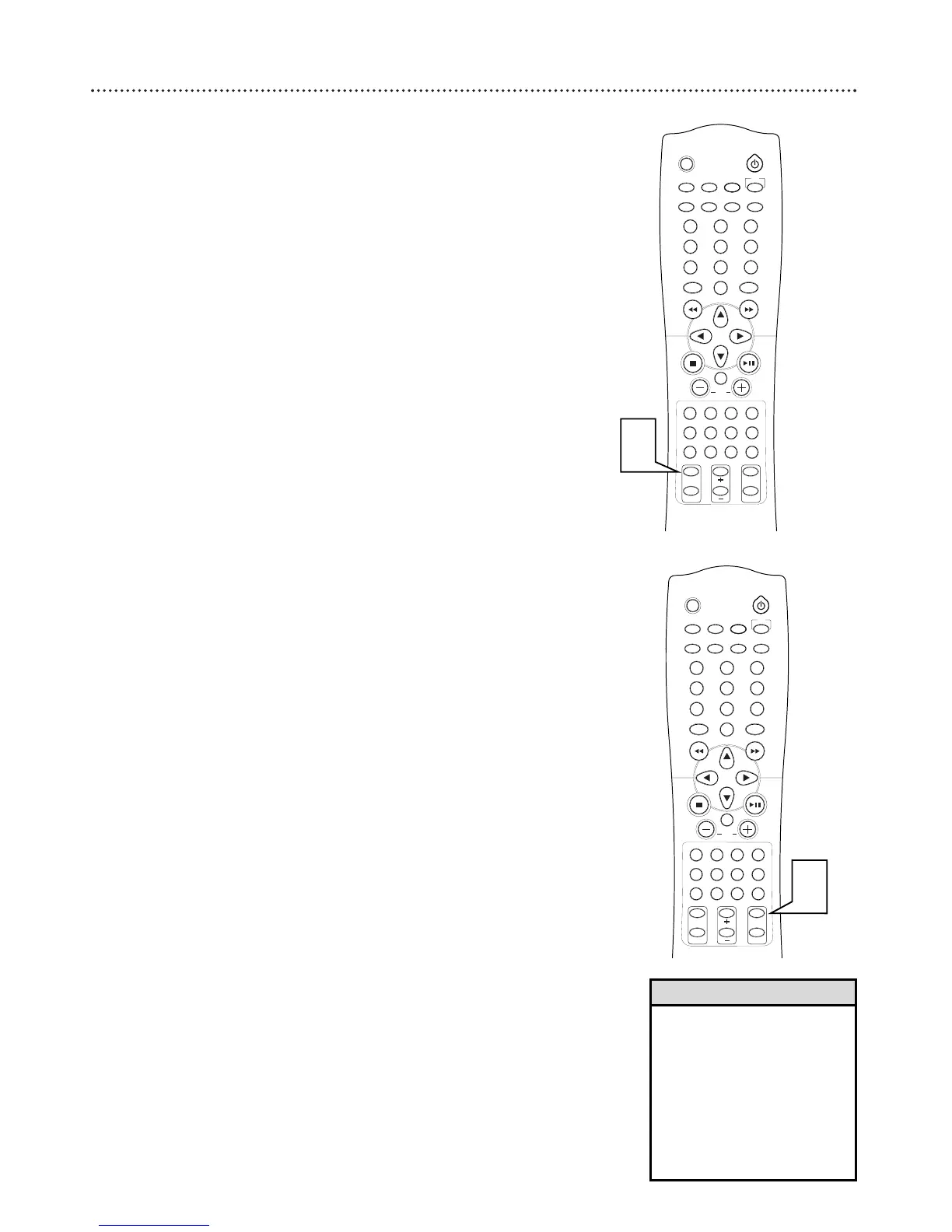
Some DVDs contain scenes that were recorded at different angles or per-
spectives. Use the Angle feature in the Menu Bar to view DVD playback
from a different angle.
Multiple angles may not be available on the DVD. Check the DVD Disc
Menu or the DVD case for details and availability of multiple angles.
1
Press ANGLE during playback to select the desired angle.
If the angle does not change, the DVD probably does not include
different angles.
1
SLEEP
MUTE
DVD/CD TV/AV TUNER
TV
CDRAUXSATVCR
MENUMENU
DISC
SYSTEM
OK
VOL
TITLE
ANGLE
ZOOM
LANGUAGE
NIGHT
PICTURE
RETURN
SPEAKER
SURROUND VIRTUAL TONE TEST TONE
G U I
REPEAT
SUBTITLE
PROGRAM
SLOW MOTION
AUDIO
123
456
78
0
9
II
1
Audio Language
Some DVDs are recorded in multiple languages; some may have extra audio
options such as a director’s commentary or a music soundtrack. Check the
DVD or its case to determine whether different audio options or languages
are available.
1
Press AUDIO during playback to select the audio language.



 To Next Page