Graphic User Interface (GUI) 17
Graphic User Interface (GUI)
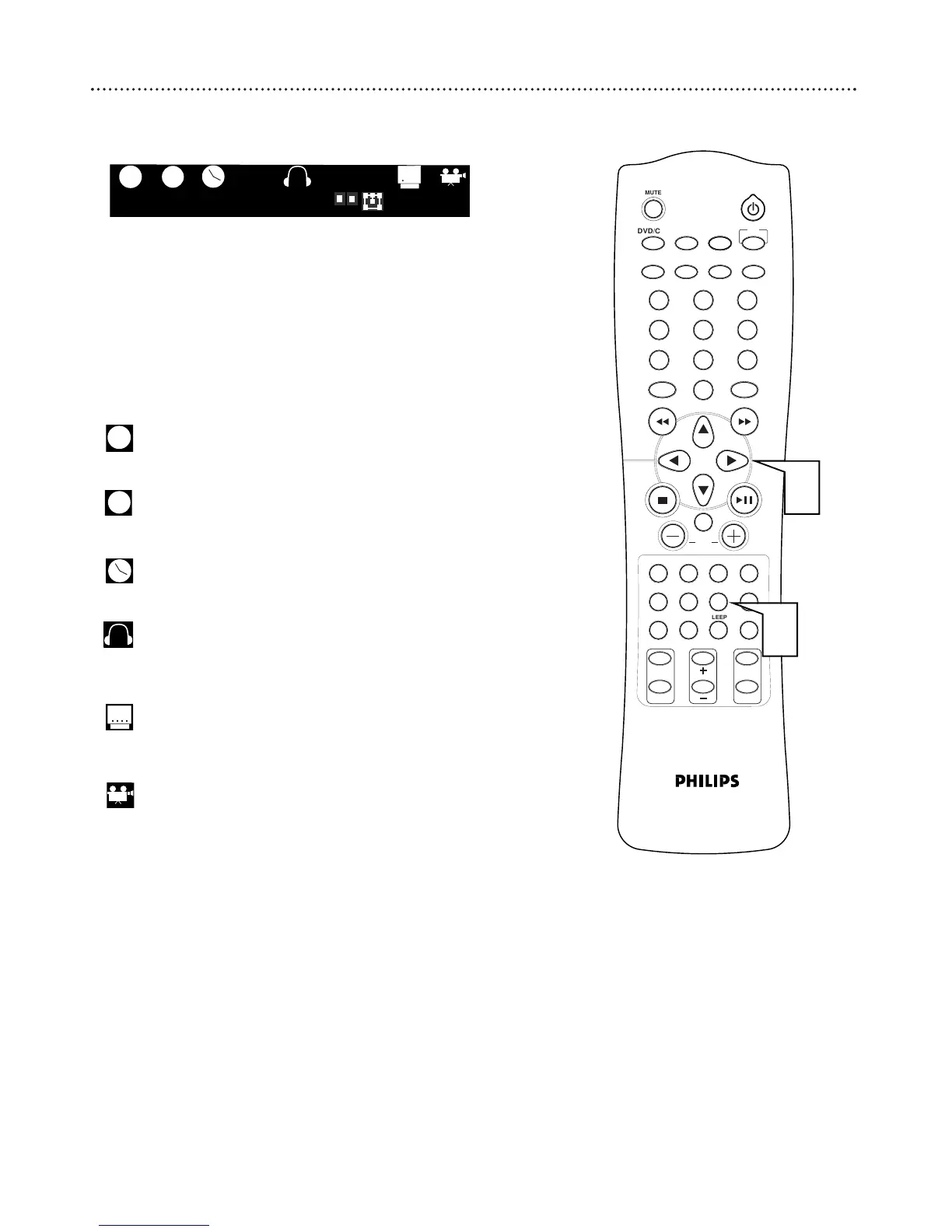
The GUI is displayed during playback and provides disc information and
options
1
Press GUI during playback to access the menu.
2
Press 2 or 3 to select the desired feature.
3
Press the appropriate button or numbers to make your
selection.
● The disc must be playing for the GUI to be used.
Title/Track:
Use the number buttons to select the title, then press OK
Chapter:
Use the number buttons to select the chapter, then press OK
Time Search:
Use the number buttons to select the time, then press OK
Language:
Press AUDIO to switch the sound track language, then press
OK.
Subtitle:
Press SUBTITLE to switch the sound track language, then press
OK.
Angle:
Press ANGLE to select the desired angle, then press OK.
. . . .



 To Next Page