System Menu, Parental Controls 25
• Some DVDs are not encoded
with a rating, although the
movie rating is printed on the
Disc case. Parental Control will
not block viewing of such Discs.
• Philips cannot guarantee the
availability of Parental Control
with all Discs, and therefore
denies any liability associated
with unintended watching of
Discs.
• If you forget your password and
cannot restore the default pass-
word, disconnect the DVD
Receiver from power for a few
minutes to restore the default
password.
Helpful Hints
Parental Control
Some DVD and Video CD makers code the DVD/Video CD so it will only
play according to the level you set at the DVD Receiver. The Parental
Control level may apply to the complete Disc or to certain scenes on the
Disc. Follow the steps below to set the Parental Level at which you want
Discs to play.
1
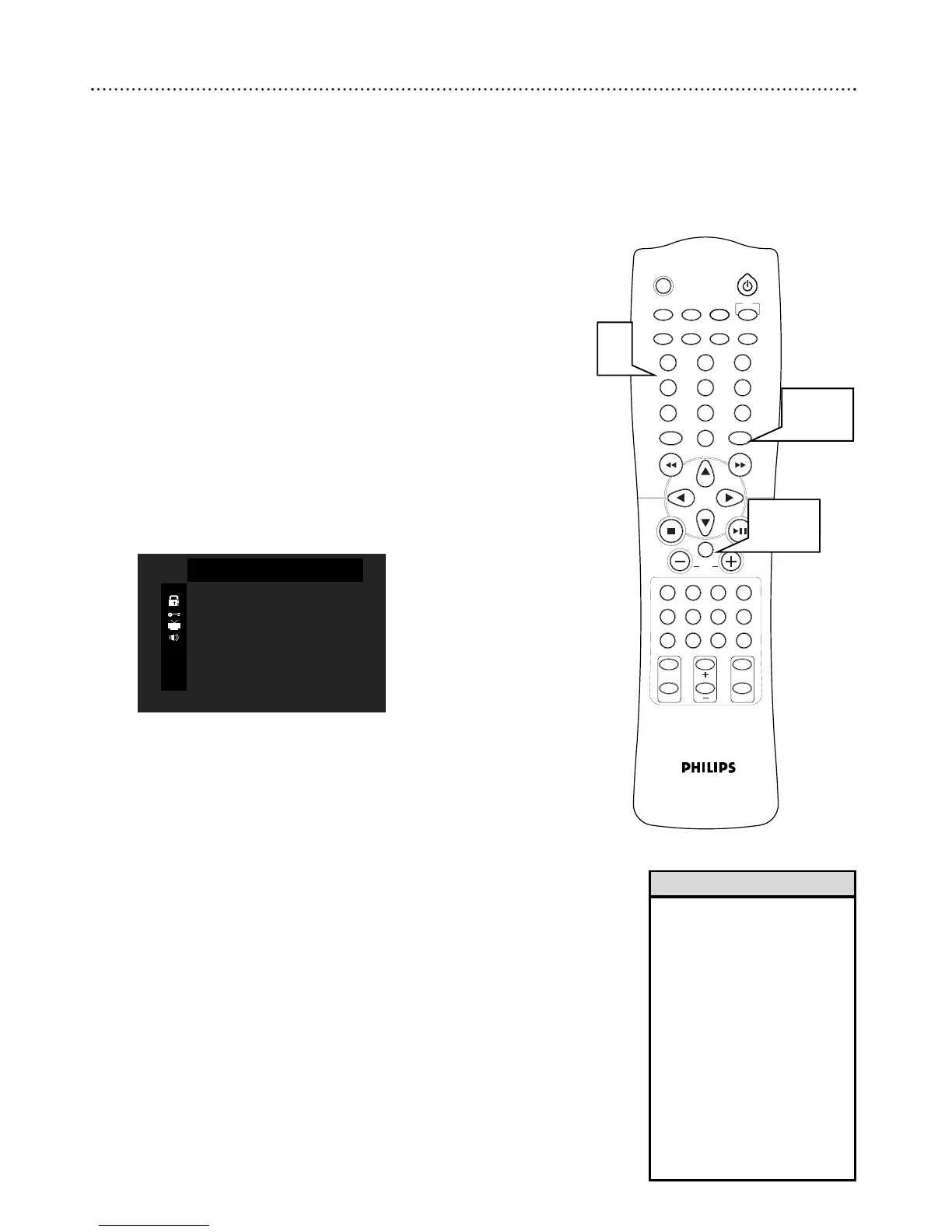
While playback is stopped, press SYSTEM MENU.
2
RATING will be selected. Press OK.
3
Press the Number buttons (0-9) on the remote control to
enter your four-digit code and press OK. When doing this for
the first time, enter 1234. Then enter any four numbers for your
personal code. You will have to enter the same code, exactly, twice.
For password details, see page 26.
4
Press OK to select a Parental Control Level. DVDs that are
rated above the level you selected will not play unless you enter
your four-digit password and choose a higher level.
To disable Parental Controls and have all Discs play, choose
UNLOCK.
5
Press SYSTEM MENU to save changes and remove the menu.



 To Next Page