28 Digital Output
Digital Output
If you connect a device to the receiver’s DIGITAL OPTICAL jacks, you will
need to set the Digital Output. The setting will depend on the type of
device you connected.
1
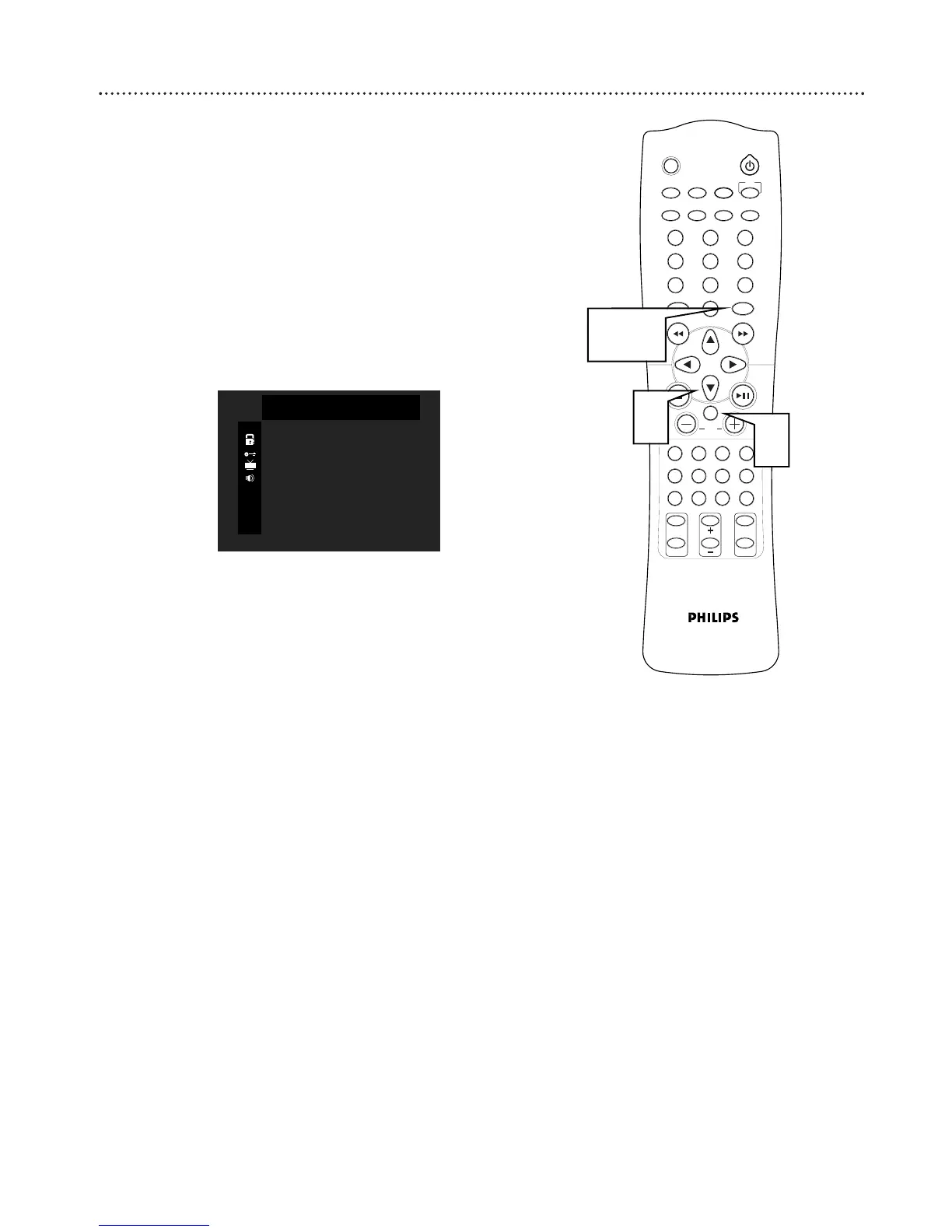
Press SYSTEM MENU to open the menu.
2
Press ∞ to select DIGITAL OUT.
3
Press OK to choose BITSTREAM or PCM.
● Choose BITSTREAM for normal playback of DVDs using Dolby
Digital or DTS.
● Choose PCM to record audio from the receiver to an MD player
or other equipment.
4
Press SYSTEM MENU to save your selection and exit the menu.



 To Next Page