24 Disc Menu, Title Menu
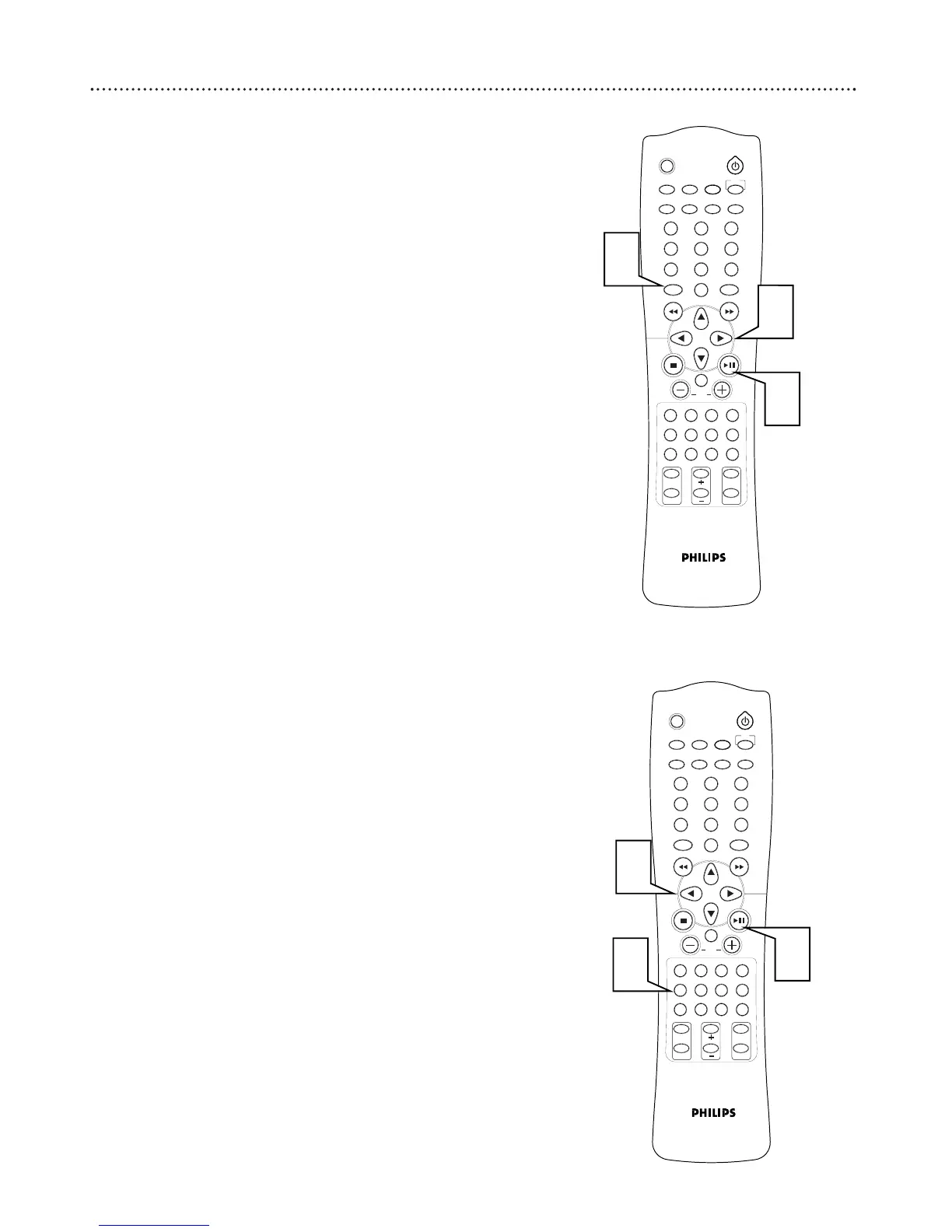
DVD Disc Menu
DVD Disc Menus vary among DVDs. The DVD Disc Menus allow you to
choose different playback features from those available on the Disc.
1
Press DISC MENU to display the Disc Menu.
2
Press 235∞ to select the desired feature.
3
Press 38 or OK to begin playback or use the feature.
● Not all DVDs contain disc menus and operation will vary
between DVDs.
DVD Title Menu
Some DVDs contain more than one title. If the disc has a Title Menu, you
can use it to select which title to view.
1
Press TITLE to display the Title Menu.
2
Press 235∞ or the number buttons to select the desired title.
3
Press 38 or OK to begin playback.
● Not all DVDs contain title menus and operation will vary
between DVDs.



 To Next Page