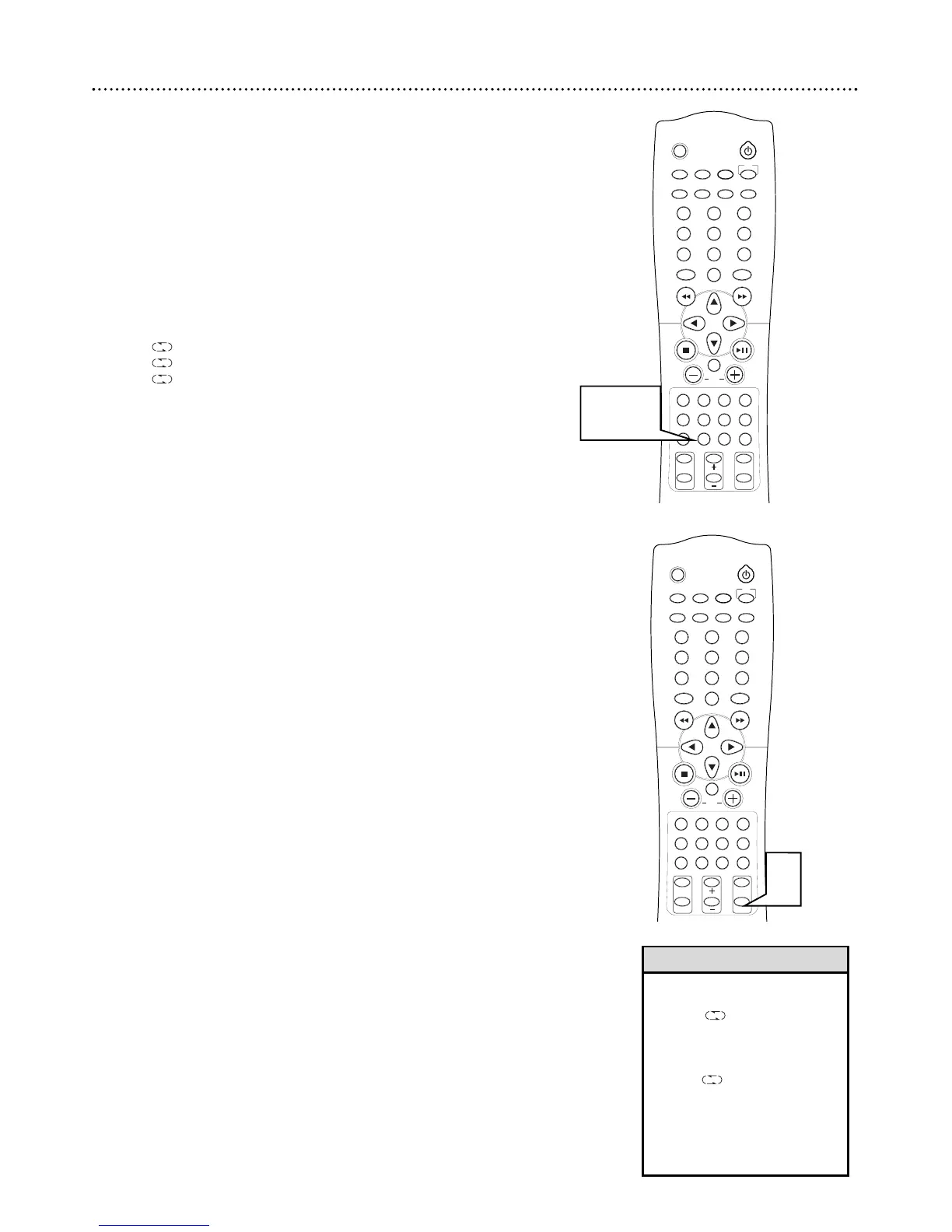
Repeat
1
During DVD playback, press REPEAT on the remote to play a
Title or Chapter repeatedly. Press REPEAT to select:
● CHAPTER REPEAT to repeat playback of the current Chapter.
“
CHAP” flashes on the display.
● TITLE REPEAT to repeat the current “TITLE” flashes on the dis-
play.
● REPEAT OFF to cancel repeat playback and resume normal play
back.
2
During Audio CD press REPEAT to play a Track or Disc
repeatedly. Press REPEAT to select:
● to repeat the current track.
● ALL to repeat the entire disc.
● ALL DISC to repeat all three discs.
• Repeat play is not available with
all Discs.
• To use ALL DISC you must
have a disc in each tray.
Otherwise playback will stop
when it reaches an empty tray.
• When is activated you can-
not use
4
or
¢
to skip to
another track. You must exit
the repeat mode or use the
number buttons to entered the
desired track number.
Helpful Hints
1
1-2



 To Next Page