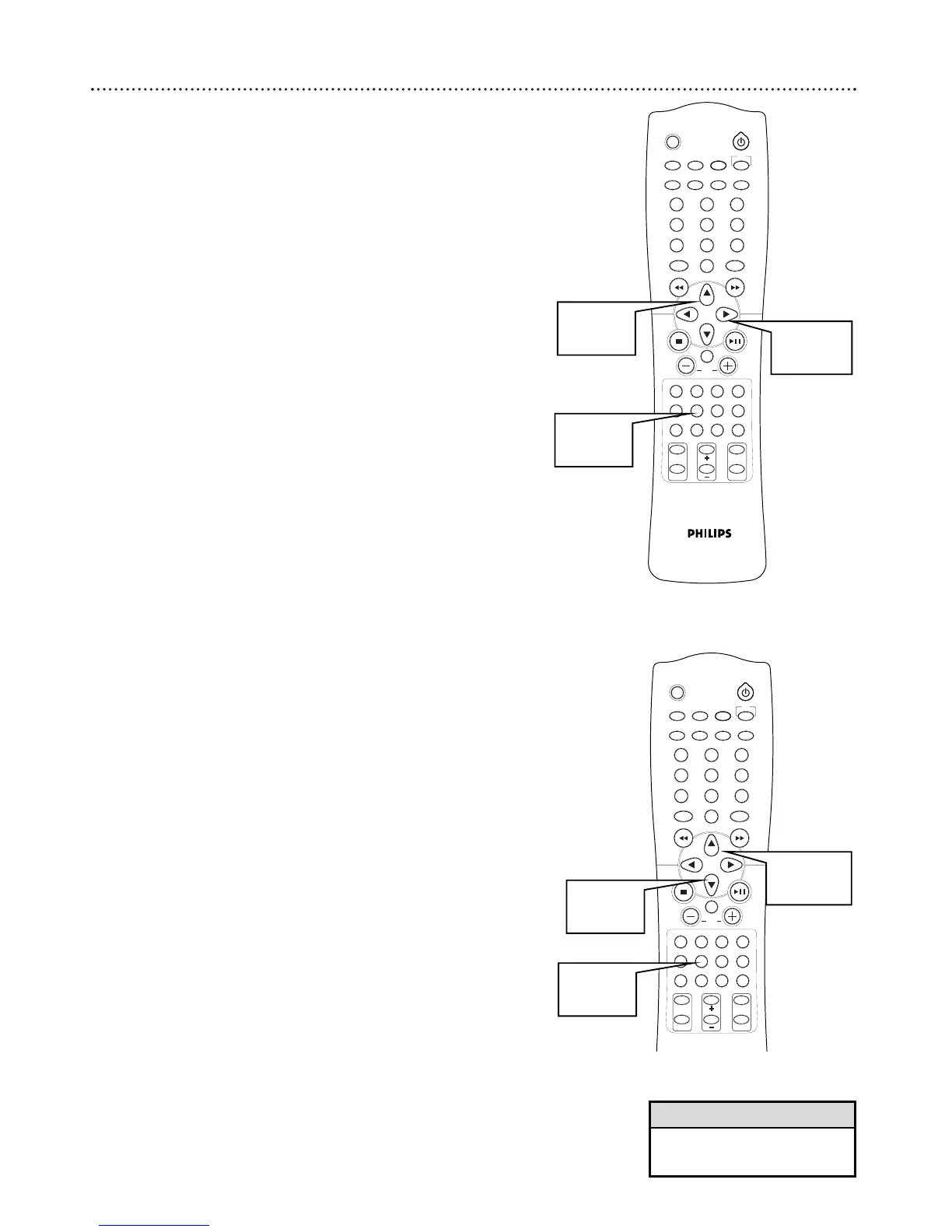
You can adjust the size, distance, and volume of the speakers connected to
the DVD Receiver. These adjustments let you optimize the sound accord-
ing to your speakers, surroundings, and setup.
Speaker Size
If you are using the speakers that came with the receiver, the settings are
correct. You will only need to change them if you use other speakers.
1
With the Receiver in DVD/CD mode, press SPEAKER. SP
SIZE appears.
2
Press 3 to confirm.
3
Press 5 or ∞ to select the speaker and press 3 to confirm.
● FRONT, CENTER, SURR, or SUB-WF
4
Press 5 or ∞ to change the size setting. Select SMALL if the
speaker cone size (diameter) is less than five inches. If it is more
than five inches, select LARGE.
● F-LARGE or F-SMALL
● C-SMALL, C-SMALL, or C-NONE
● S-SMALL, S-SMALL, or S-NONE
● SW-YES or SW-NO
5
Press 3 to confirm. Repeat 3-5 for other settings.
6
Press SPEAKER to save the settings and exit speaker mode.
• Press 2 when in Speaker mode
to go back one step.
Helpful Hint
Speaker Distance
You can adjust the distance for each speaker individually. This may be
helpful when trying to balance the sound for your room.
1
With the Receiver in DVD/CD mode, press SPEAKER. SP
SIZE appears.
2
Press 5twice to select SP DIST and press 3 to confirm.
3
Press 5 or ∞ to select the speaker and press 3 to confirm.
● FRONT, CENTER, SURR, or SUB-WF
4
Press 5 or ∞ to change the distance between the speaker and
the listening position (0-30 ft).
5
Press 3 to confirm. Repeat 3-5 for other settings.
6
Press SPEAKER to save the settings and exit speaker mode.



 To Next Page