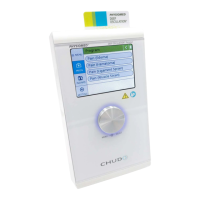
2.2 Data Selector <2>
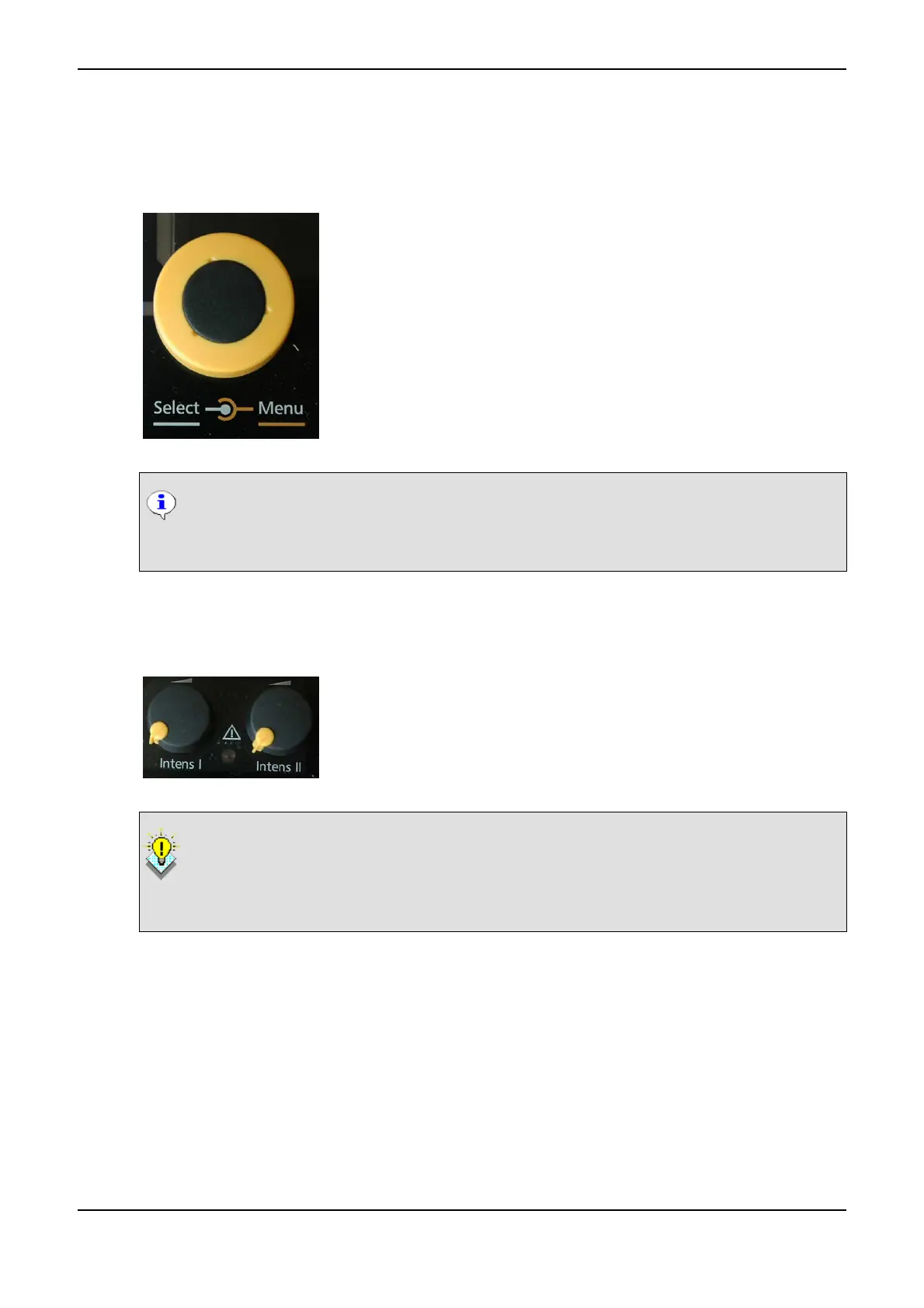
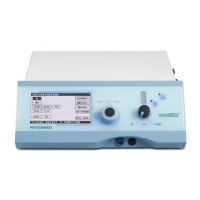
The Data Selector <2> is used to select the therapy parameters and to
operate the instrument by means of the cursor. After switching on the in-
strument, the cursor is located at the current mode G of the Display <1>.
You can move the cursor to the other menu items by turning the selector
to the right or left. To select a menu, simply press the selector.
To select a parameter, move the cursor to the respective field by turning
the selector. After pressing the selector, the cursor will start flashing. You
will then be able to select the parameters by turning the selector and con-
firm the selected value by pressing the selector again (cursor stops flash-
ing). .
NOTICE
In the ultrasound menu the dose is also selected using the Data Selector <2> (refer to Ultra-
sound Therapy on page 55).
2.3 Intensity Control Channel 1 <3> and Channel 2 <4>
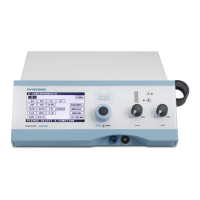
The Intensity Control Channel 1 <3> and Intensity Control Channel 2
<4> serve to set the intensity in the channels I and II in steps of 0.5 mA.
When turning up the intensity of the two intensity controls, the associated
therapy timer in the Display <1> will be started as well.
Convenient Reduction of Intensity
The intensity can automatically be turned down to 0.0 mA: To do so, press the Intensity
Control Channel 1 <3> or Intensity Control Channel 2 <4> until you hear a short signal.
Afterwards, the instrument will automatically reduce the intensity to zero.
2.3.1 Automatic Output Current Switch-off
IONOSON-Basic features an automatic output current switch-off, activated in case the current flow of the
electrodes is interrupted (electrode falls off, connector is disconnected from patient lead etc.). The mes-
sage CHECK ELECTRODES I or CHECK ELECTRODES II will appear in the lower status bar and the cur-
rent will be automatically turned down to a minimum basic current in the respective channel. The timer
stops the therapy time. After eliminating the error, you have to turn the Intensity Control Channel 1
<3> or Intensity Control Channel 2 <4> to the left by one position. The message will disappear and you
can increase the intensity again.
PHYSIOMED ELEKTROMEDIZIN AG
2 Controls and Indicators
IONOSON-Basic 7



 To Next Page