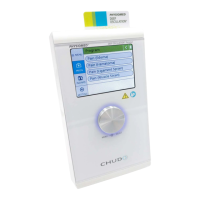
A.7 Basic Settings
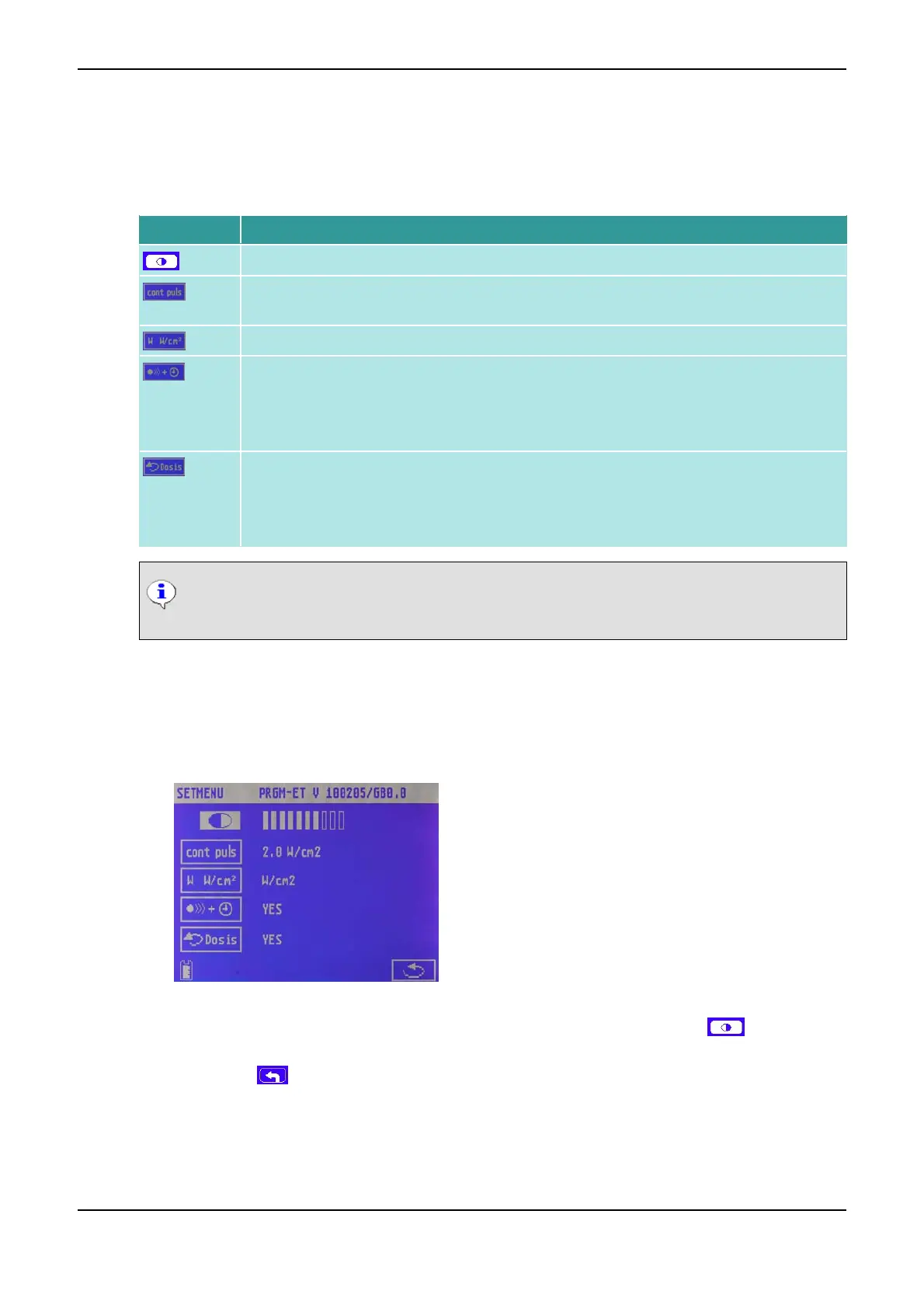
In the Basic Settings menu, you can adjust the following instrument parameters:
Symbol Meaning
Contrast of the Display <1>
Power threshold at which the instrument switches from continuous to pulsed power out-
put in continuous mode
Unit of displayed ultrasound dose, W or W/cm
2
Linking of coupling control to timer:
• YES: Timer runs only when coupling is sufficient
• NO: Timer runs independently of coupling
Dose limit after ultrasound has coupled:
• YES: Disable dose increase after coupling - active
• NO: Disable dose increase after coupling - inactive
NOTICE
The software version is displayed in the upper status bar.
How to Change the Basic Settings
(1) Switch on the instrument.
(2) On the start screen, click on SETMENU.
You get to the Basic Settings menu.
Basic Settings
(3) Click on the symbol for the parameter you want to change (e.g. for the contrast ).
(4) Turn the Data Selector <2> until the parameter accepts the value desired.
(5) Click on the symbol.
You return to the start screen. The changed settings are immediately effective.
Annex PHYSIOMED ELEKTROMEDIZIN AG
66 IONOSON-Basic



 To Next Page