In case of a monitoring note, first perform a self-test once or several times (refer to Function Check on
page 39), and check if the problem still occurs afterwards.
Important
Inform your service partner if the monitoring note does not disappear even after several self
tests! Never perform a treatment when the proper function of the instrument is not assured!
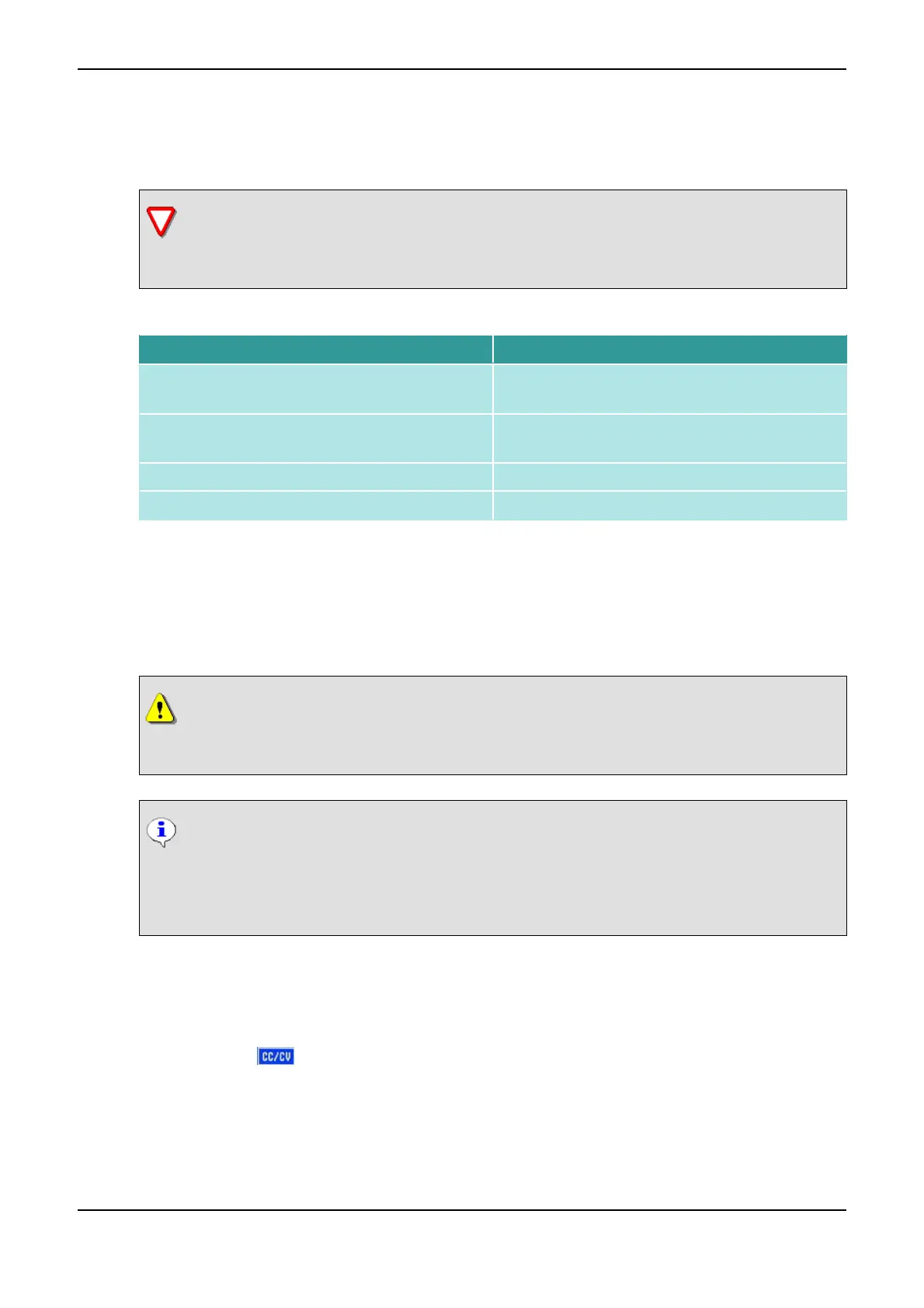
List of Monitoring Notes
Monitoring Note Meaning
ET 101 – 106 Problem with stimulation current module during
selftest
ET 201 – 206 Problem with stimulation current module during op-
eration
US 101 – 104 Problem with ultrasound module during selftest
US 201 – 203 Problem with ultrasound module during operation
4.5 Constant Current Operation
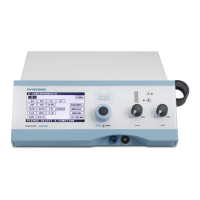
The IONOSON-Basic can emit all current modes except G, GMC and MENS with constant current (CC) and
with constant voltage (CV). The constant current operation (CC) is preset. The respective operation type is
displayed in the lower status bar.
CAUTION
In CV operation, the safety shutdown of the electrodes (refer to Automatic Output Current
Switch-off on page 7) is disabled!
NOTICE
When switching off the instrument, the selection is set back from CV operation to CC opera-
tion.
All current modes can also be saved in CV operation.
How to Change from CC Operation to CV Operation
(1) Switch on the instrument.
(2) Choose the desired current mode on the start monitor (e.g. UR).
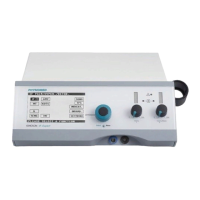
(3) Click on the symbol and turn the Data Selector <2> to the right by one position. The current
output is changed to constant voltage (CV).
4 Operation of the instrument PHYSIOMED ELEKTROMEDIZIN AG
40 IONOSON-Basic



 To Next Page