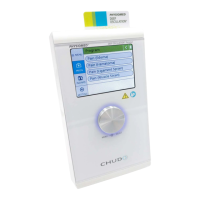
How to Adjust a Selective Frequency
(1) Click on the symbol by means of the Data Selector <2>. The symbol starts flashing.
(2) Turn the Data Selector <2> to the right until the SELECTIVE symbol is displayed.
(3) Turn the Data Selector <2> and turn it to the right by one position.
(4) Press the Data Selector <2>. The arrow symbol starts flashing.
(5) Turn the Data Selector <2> to set the desired frequency and press it to confirm.
3.4.3 (KOTS) Medium-Frequency Muscle Training
Definition Medium-frequency alternating current for systematic stimulation of enervated muscu-
lature in the fields of rehabilitation and sport ("Russian Technique")
Application
• Muscle Training
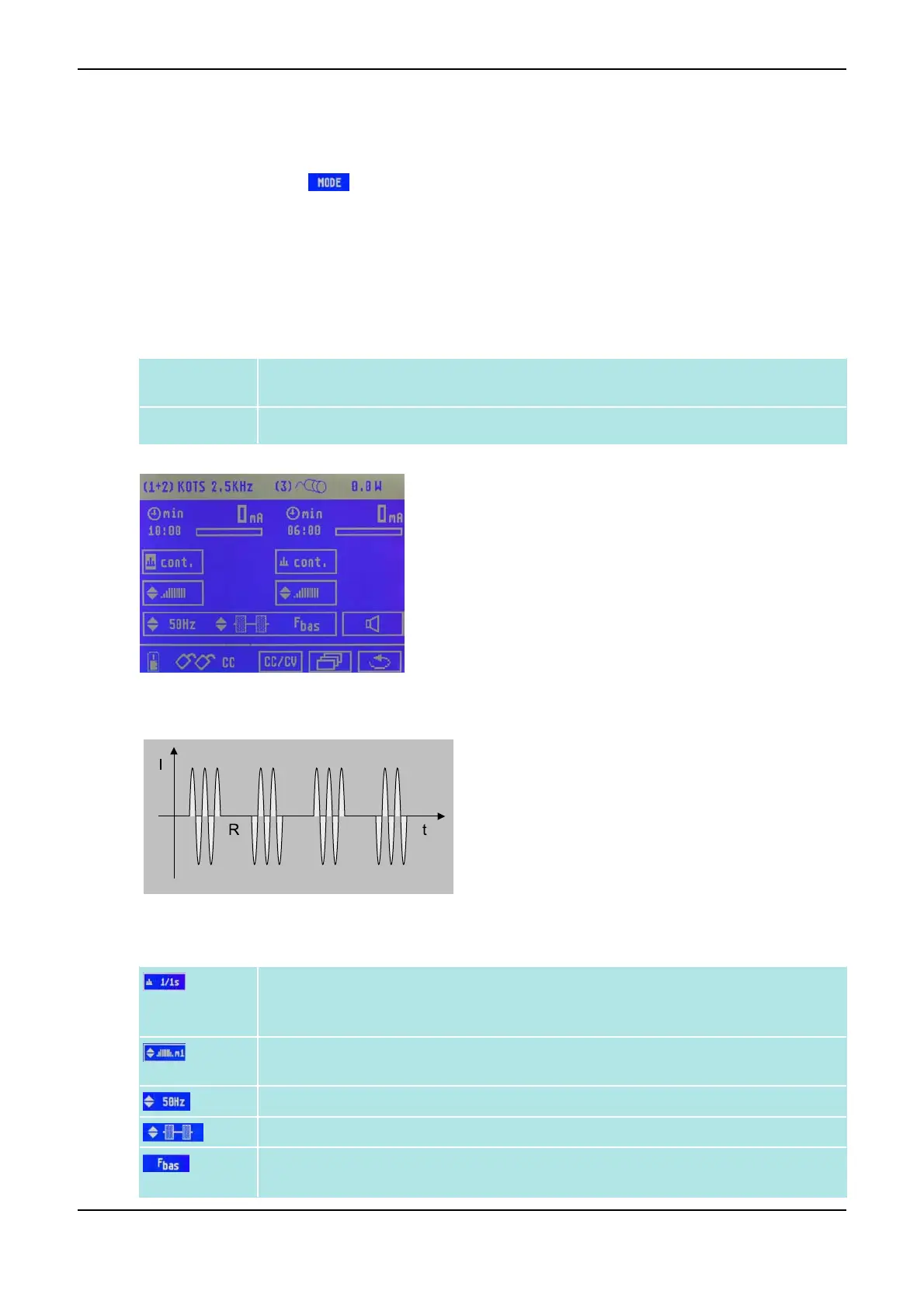
Menu for Current Mode KOTS
Current mode KOTS
Parameters for Current Mode KOTS
Pulse duration T (1 - 60 s or continuously) and pulse pause R (1 - 60 s or manual release
key); can respectively be adjusted separately for both channels, refer to Dual Channel
Operation on page 11.
Ramp (Surge time) m
1
- m
4
for different slew rates; can respectively be adjusted separ-
ately for both channels
Modulation frequency (1 - 95 Hz)
Pulse shape (sinusoidal wave, triangle pulse, square pulse)
Basic frequency (2.0 - 9.5 kHz). A lower basic frequency makes the current mode more
intensive, a higher makes it more mild.
3 Overview of Current Modes PHYSIOMED ELEKTROMEDIZIN AG
36 IONOSON-Basic



 To Next Page