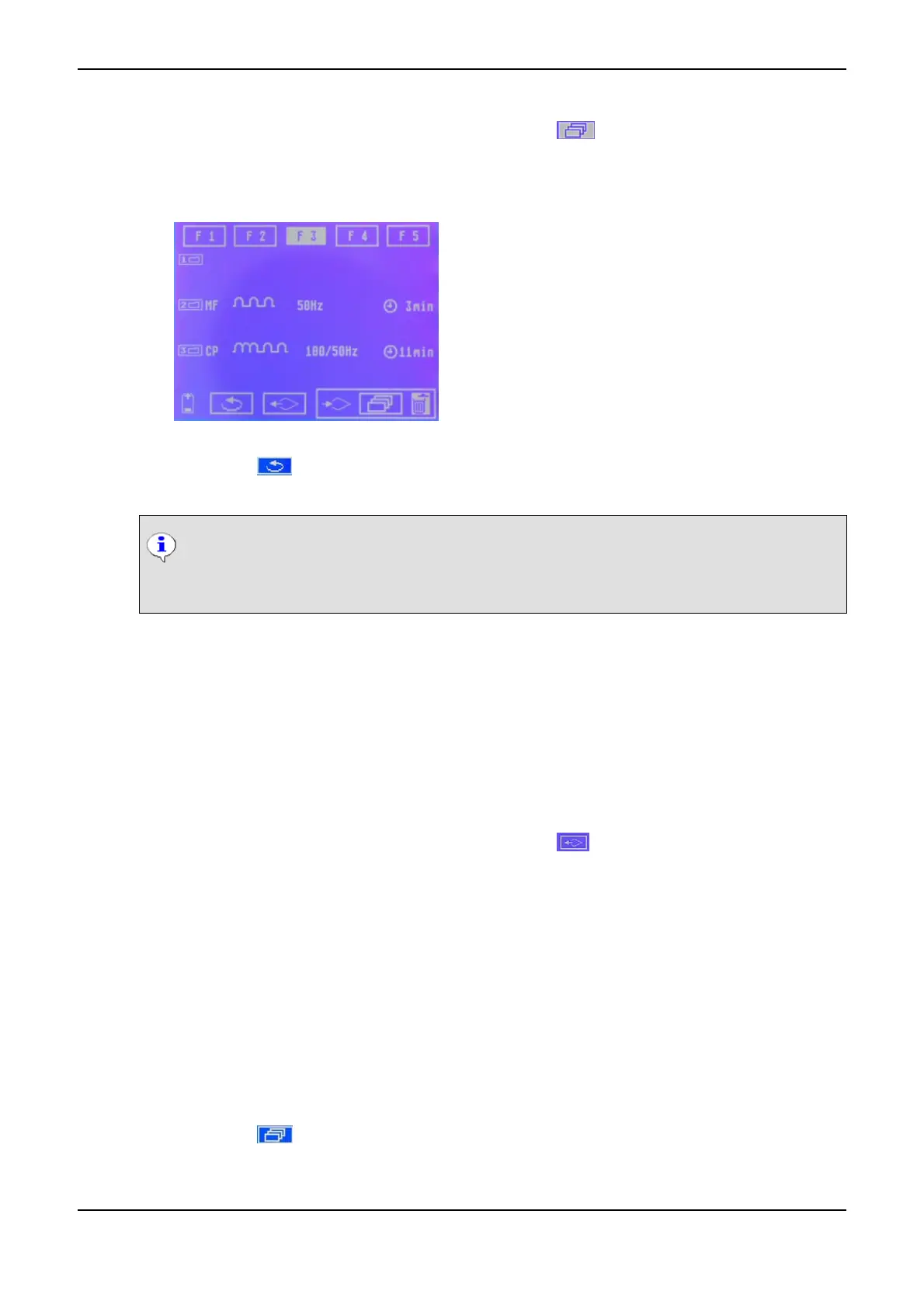
(5) Turn the Data Selector <2> to the right and click on the symbol (save program). The symbol
flashed and the cursor jumps to the first position of the selected program.
(6) Turn the Data Selector <2> to select the desired position and confirm by pressing it.
The current settings are saved.
Individual Program Saved
(7) Click on the symbol (back), to exit the menu.
The settings selected are saved on the respective program and can be reloaded at any point in time.
NOTICE
Doing so, you can save different current modes on individual positions of a program to create
a current sequence.
9.2 Call Program
You can call saved therapy modes at any point in time.
How to Call a Program
(1) On the start monitor, click on the INDIVID symbol. The memory menu is displayed.
(2) Click on the program you want to call. The cursor jumps to the lower status bar.
(3) Turn the Data Selector <2> to the right and click on the (call program). The first current mode
of the desired program is set.
The settings are adopted and the respective current mode is displayed with the saved parameters in
the Display <1>.
The position of the selected program is highlighted.
9.3 Delete Program
You can delete or overwrite programs no longer in use.
How to Delete a Program
(1) In the start menu, choose any current mode.
(2) Click on the symbol (individual programs).
(3) Click on the program you want to delete. The cursor jumps to the lower status bar.
9 Individual Programs PHYSIOMED ELEKTROMEDIZIN AG
62 IONOSON-Basic



 To Next Page