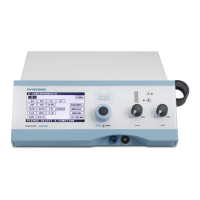
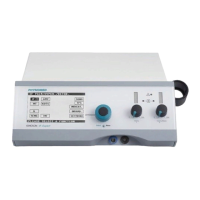
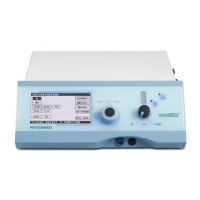
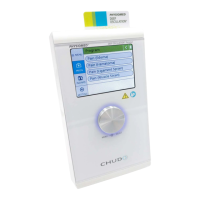
(4) Turn the Data Selector <2> to the right and click on the symbol (delete program). The bin sym-
bol flashes and the cursor jumps to the first position of the selected program.
(5) Turn the Data Selector <2> to select the desired position and confirm by pressing it.
The position selected is deleted and thus free again.
Tip
You can just overwrite saved current modes on individual positions. Thus, you do not have to
delete the program.
PHYSIOMED ELEKTROMEDIZIN AG
9 Individual Programs
IONOSON-Basic 63



 To Next Page