242424
FAILED IGNITION: WHAT TO DO
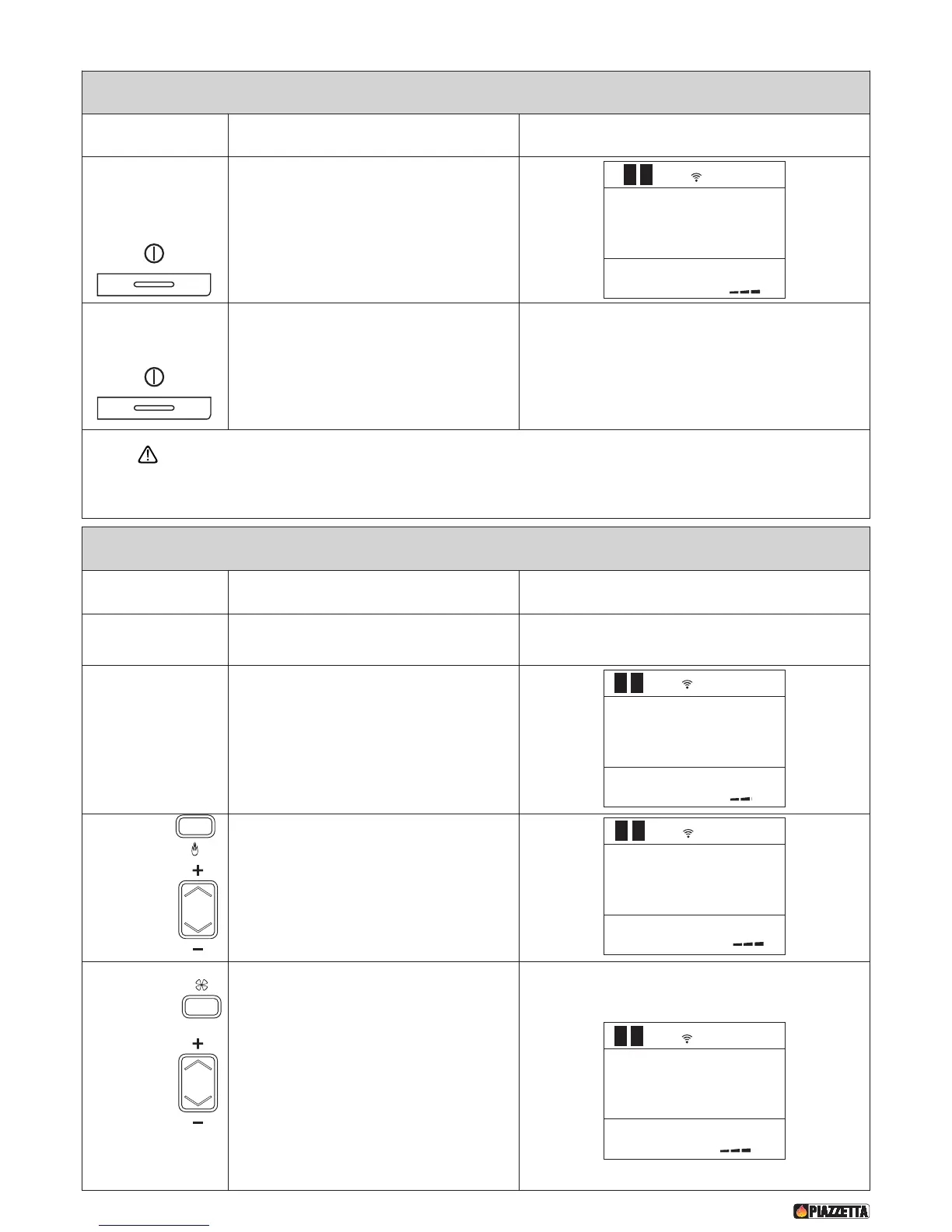
Action Function Display
S
hut the stove down
by pressing the
ON/OFF key down for
several seconds.
•
the alarm should stop;
• check the cause of the failed ignition. Always
remove any fuel from the grate before starting a
new ignition process.
Restart the stove by
pressing the ON/OFF
key.
• Repeat the ignition process as described above.
If the appliance does not ignite properly the main cause could be either insufficient maintenance (consequently refer
to the “Maintenance” paragraph) or the poor quality of the pellets (refer to the “Fuel” paragraph). It is therefore
recommended to check these conditions before attempting to relight the appliance.
NORMAL OPERATION
Action Function Display
Once the startup cycle has been completed
successfully the stove stabilises in the normal
operating mode.
The power, fan speed and room temperature may
be adjusted during normal operation. To the side is
an example of the INITIAL DISPLAY in normal
operation.
Press the
POWER
key
and to select
POWER
To adjust the power, press the POWER key and
select the desired setting by pressing the SELECT
key. After the desired setting has been selected
the remote control returns to the INITIAL
DISPLAY.
Press the FAN
key
and to select
To adjust the Multifuoco setting, press the FAN key and
select the desired Multifuoco setting using the SELECT
key. On the P961 stove it is possible to adjust the two
fans separately if SEPARATE FANS has been set in the fan
mode menu. After having pressed the FAN key once
(VENT 1 appears on the display) and selected the desired
Multifuoco setting for the left fan, press the FAN key
again (VENT 2 appears on the display) and select the
desired Multifuoco setting for the right fan. After the
desired Multifuoco setting has been selected the remote
control returns to the INITIAL DISPLAY. To maximise the
potential of the Multifuoco function read the paragraphs
MULTIFUOCO AND MULTICONFORT OPERATION.
LEVEL
P2
12:00 22
.
c


 To Next Page