31
PROGRAM WEEK
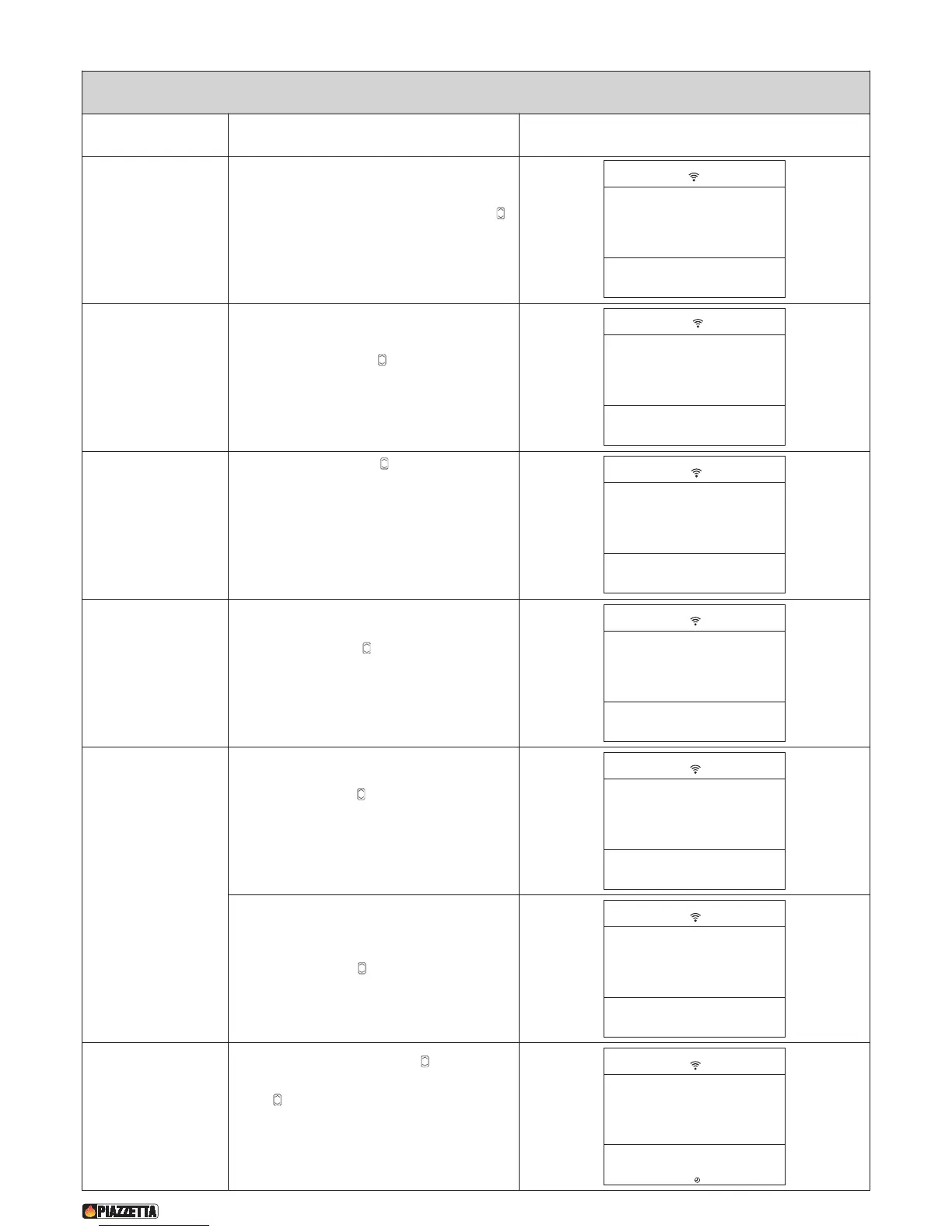
Function Action Display
S
elect set chrono
menu
Press the MENU key. Using the SELECT MENU
key select the SET CHRONO menu and confirm by
pressing the SET key.
Select week
programme
Using the SELECT MENU key select the week-
programme PROGRAM WEEK menu and confirm
by pressing the SET key.
Enable or disable the
week programme
Press the SELECT MENU key and select oN to
enable the week programme or oFF to disable the
week programme. Confirm by pressing the SET
key. If you have disabled the programme by
selecting oFF and do not wish to carry out further
programming, press the ESC (EXIT) key to return
to the previous menu or the MENU key to return to
the initial display.
Set startup time for
1st operating cycle.
Press SELECT MENU to set the startup time,
advancing in ten-minute jumps (for example, you
want the stove to start up at 06:00). Confirm by
pressing the SET key.
Set shutdown time
for 1st operating
cycle.
Press SELECT MENU to set the shutdown time,
advancing in ten-minute jumps (for example, you
want the stove to shut down at 09:00). Confirm by
pressing the SET key.
In this stage a shutdown time need not be set.
Press SELECT MENU , set the readout oFF and
confirm by pressing the SET key.
Activate or
deactivate the first
operating cycle on
individual days of the
week.
Press the top part of the SELECT MENU key to select the
day of the week, then press the bottom part of the SELECT
MENU key to select oN to activate the first operating cycle
on the chosen day or oFF to deactivate the first operating cycle
on the chosen day. Active days will be shown on the DAYS OF
THE WEEK display by the digits 1 MO - 2 Lu - 3 UE - 4 LH - 5
Fr - 6 SA - 7 Su. Confirm by pressing the SET key.


 To Next Page