English
40
6.13 Opening the door
During operation the door must remain closed. It is to be opened only when the stove has been shut down and cooled for the carrying out of
maintenance.
Use the door handle tool provided in the kit to open the door, using it as shown in the picture below.
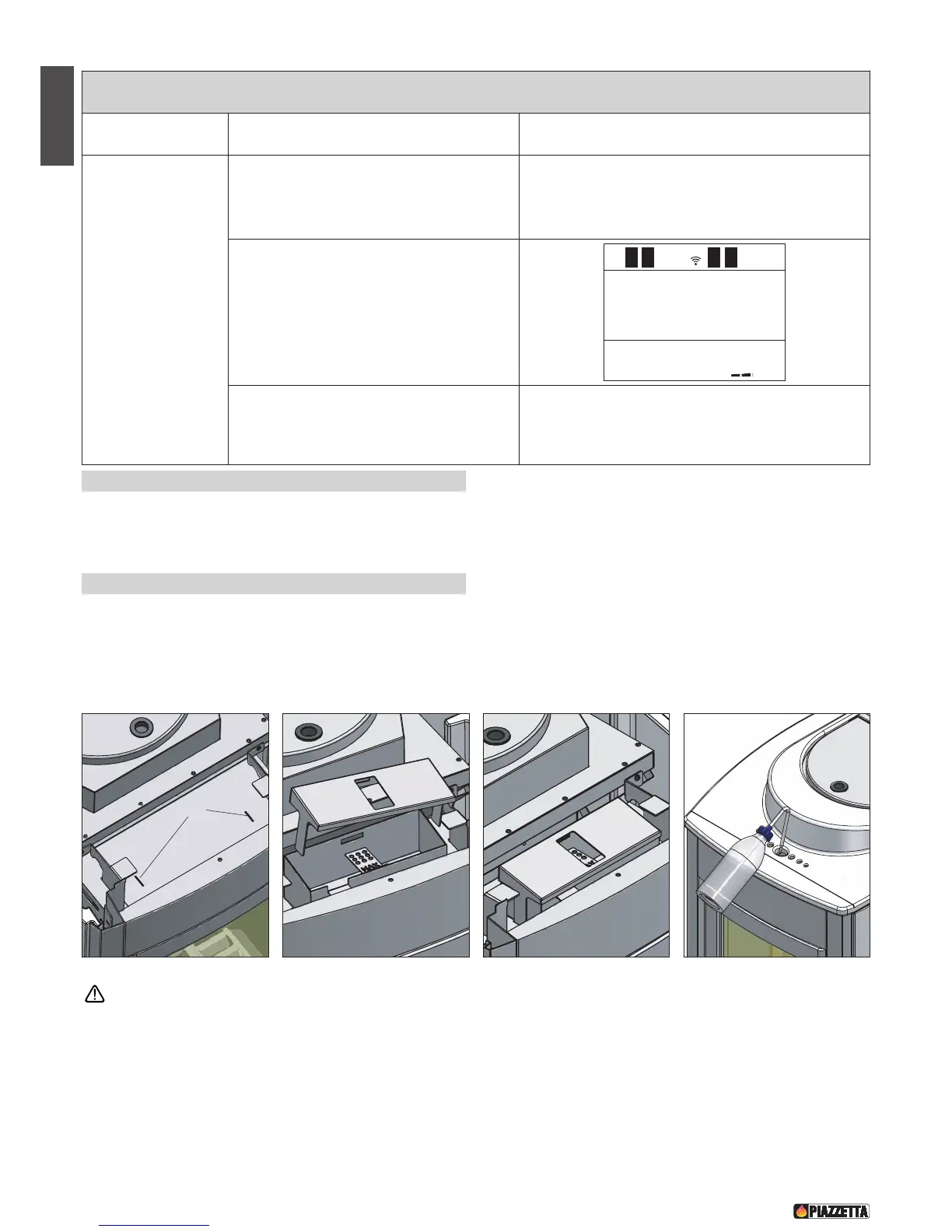
6.14 Humidifier P950 - Fig. 56 / 59
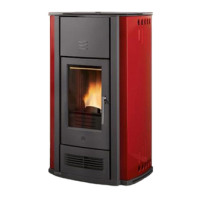
The stove comes with a humidifier placed at the top in front of the pellet hopper.
It has two tabs designed for insertion into the slits as shown in the figures (fig, 56, 57, 58).
Once the ceramic cladding has been fitted on the stove, the humidifier can be filled with water using the bottle provided and inserting the
spout through the hole in the top (fig 59).
The humidifier holds 500ml of water (as does the bottle), which will last between two and three days depending on stove use.
When refilling the humidifier, do not exceed the maximum capacity, shown as MAX, otherwise the electrical parts of the stove
could be damaged.
ROOM TEMPERATURE SENSOR
Sensor Description Display
Room sensor
Connected to the rear of the stove it constantly
monitors the temperature in the stove’s
immediate environs to ensure its operation in
complete safety.
WHEN ACTIVATED
If the sensor detaches itself momentarily and/or
accidentally from its position, the problem does
not require the immediate shutdown of the stove,
which will continue to function normally at the
chosen power level.
The problem will be indicated on the display by
the readout "ton".
WHAT TO DO
- Restore the sensor to its proper position.
- If the temperature display has been activated
this will once again be shown.
LEVEL
P2
12:00 ton


 To Next Page