Weighing your shipment with a scale in SendPro®
When you create a shipping label you select the type of envelope or package for your shipment using the
Enter Packaging Details screen.
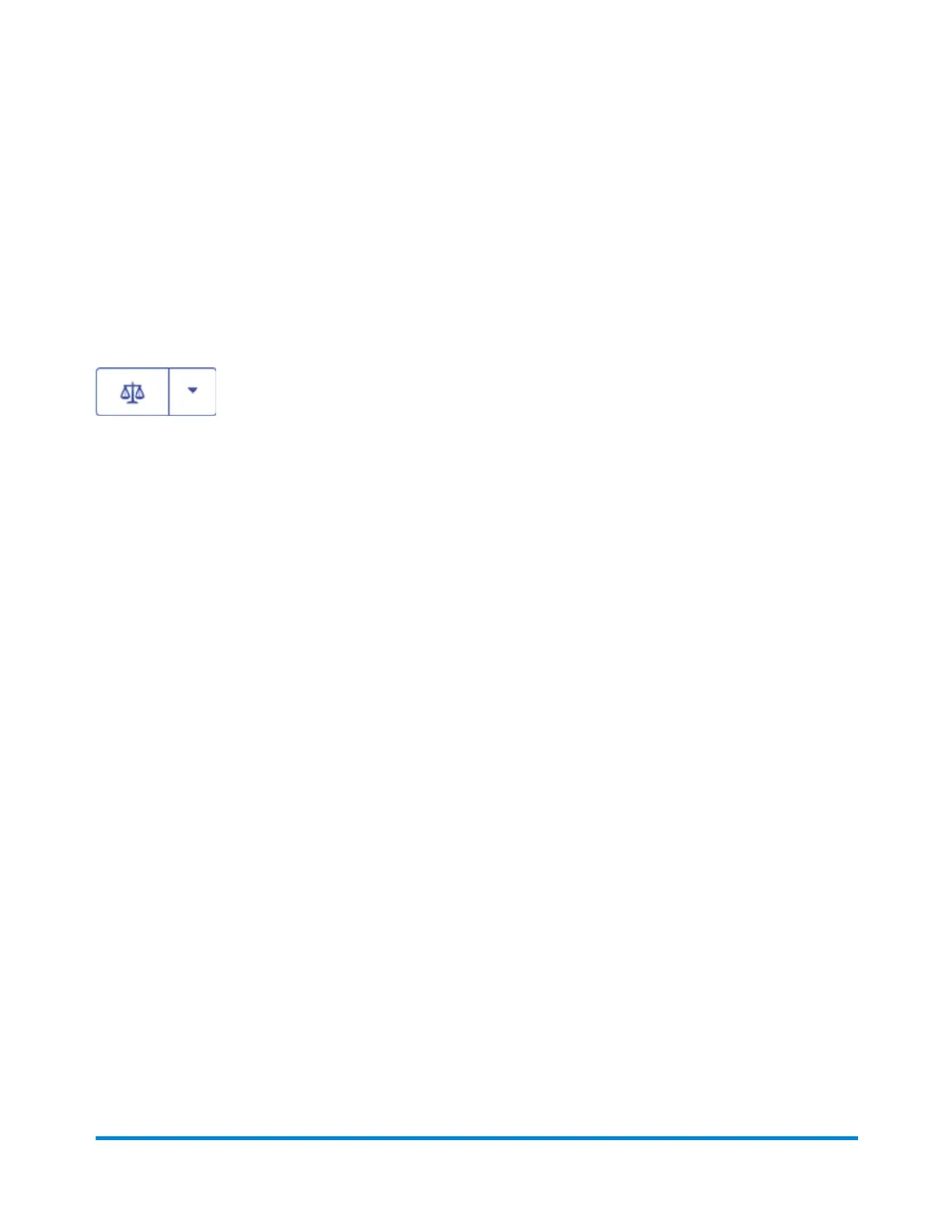
Depending on the carrier you may be prompted to enter the weight of your shipment. If you have an
attached USB scale, place the package on your scale and click the scale button.
The weight will appear in the Weight field. Refer to How to create a shipping label in SendPro® for more
information.
To zero your scale you can also use the blue drop down arrow if a weight greater than zero is shown
when there is nothing on the scale. Ensure there is nothing on the scale before you begin.
SendPro Online Shipping Solution
Pitney Bowes Operator Guide February,2018 Page 126 of 349











 To Next Page