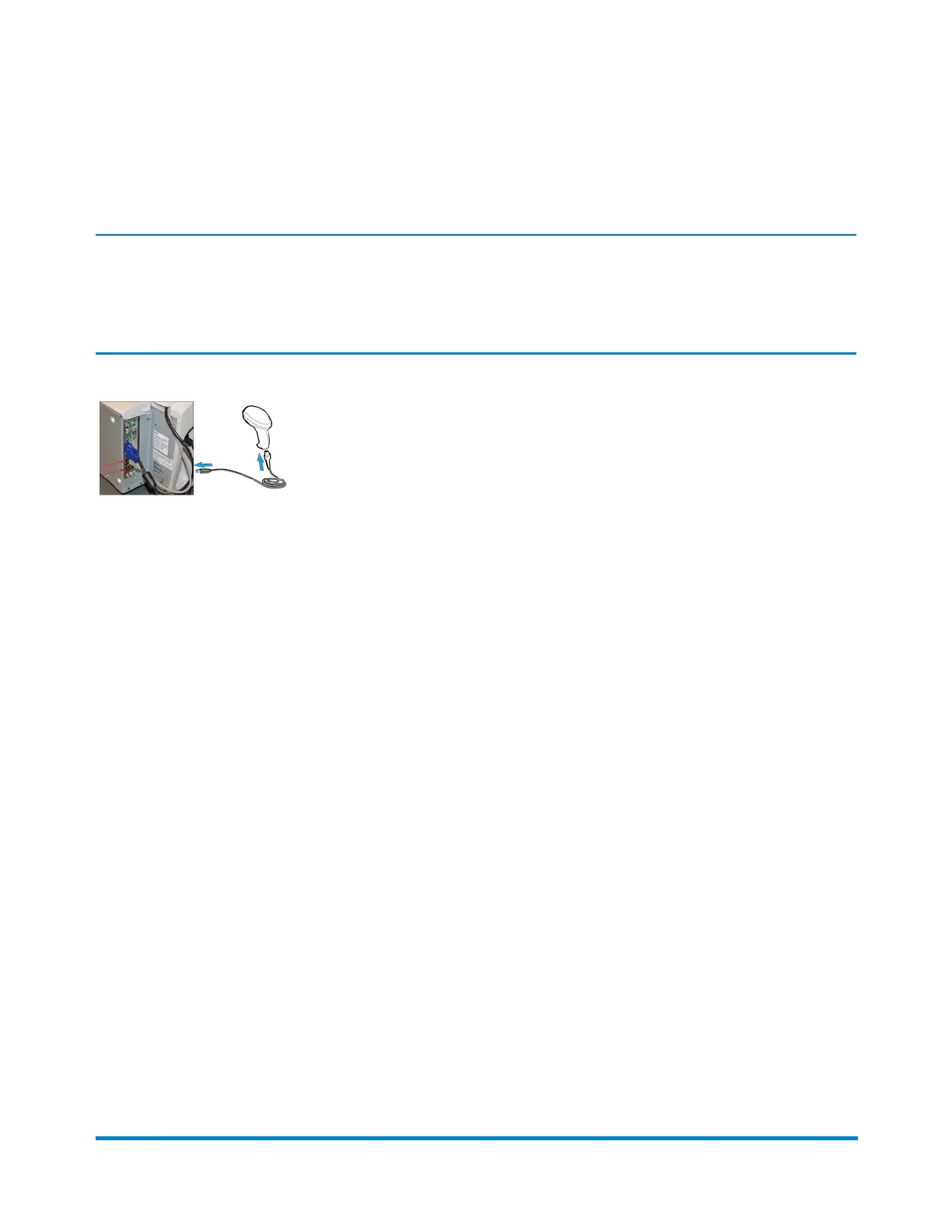
Setting up a cable-connected scanner
NOTE:
This feature may not be available in all markets. For further advice please contact your local Pitney
Bowes office.
Connect the scanner to an open USB port. You will hear a beep when the scanner is recognized.
Your scanner is ready to use.
Tell me more about scanning barcodes...
Barcode scanners read the barcodes printed on shipping labels. A simple 1D barcode may tell you the
tracking number and carrier name. A 2D barcode may contain more information, and can often provide
the sender and recipient names.
Receive a Package
Pitney Bowes Operator Guide February,2018 Page 147 of 349











 To Next Page