Package Notifications
Receive a Package will inform the recipient that a package has arrived via email. You can turn this
feature on or off in the Package Notifications window.
NOTE:
This feature may not be available in all markets. For further advice please contact your local Pitney
Bowes office.
Recipients must have a valid email address that can be added via the Contacts button in the Mailing tile
on the Home screen.
You can also customize the email subject and message, if desired.
1. Select the Package Notifications button in the Mailing tile on the Home screen.
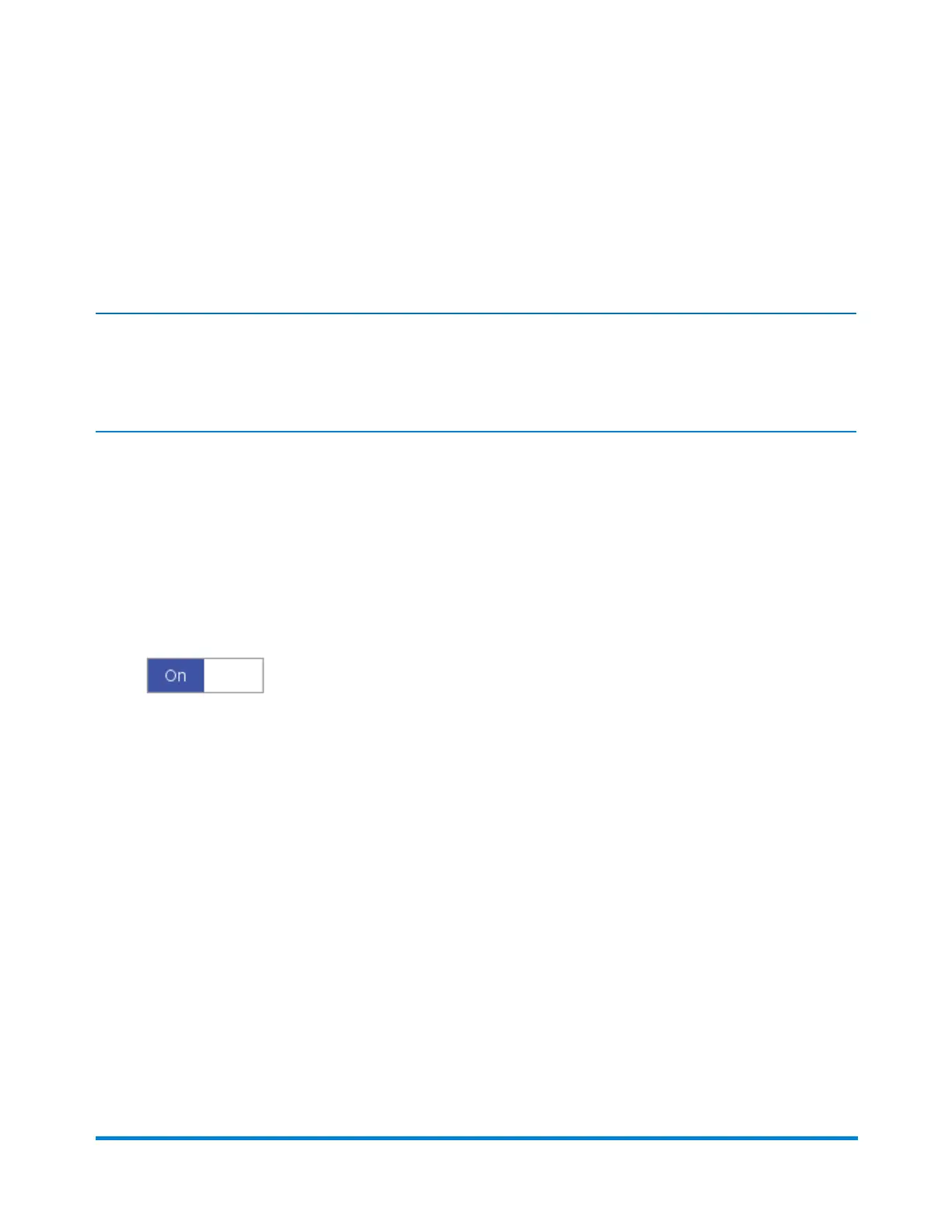
2. Select the ON/OFF toggle switch.
Receive a Package
Pitney Bowes Operator Guide February,2018 Page 152 of 349











 To Next Page