Printer Error on your
Connect+® Series / SendPro® P-Series
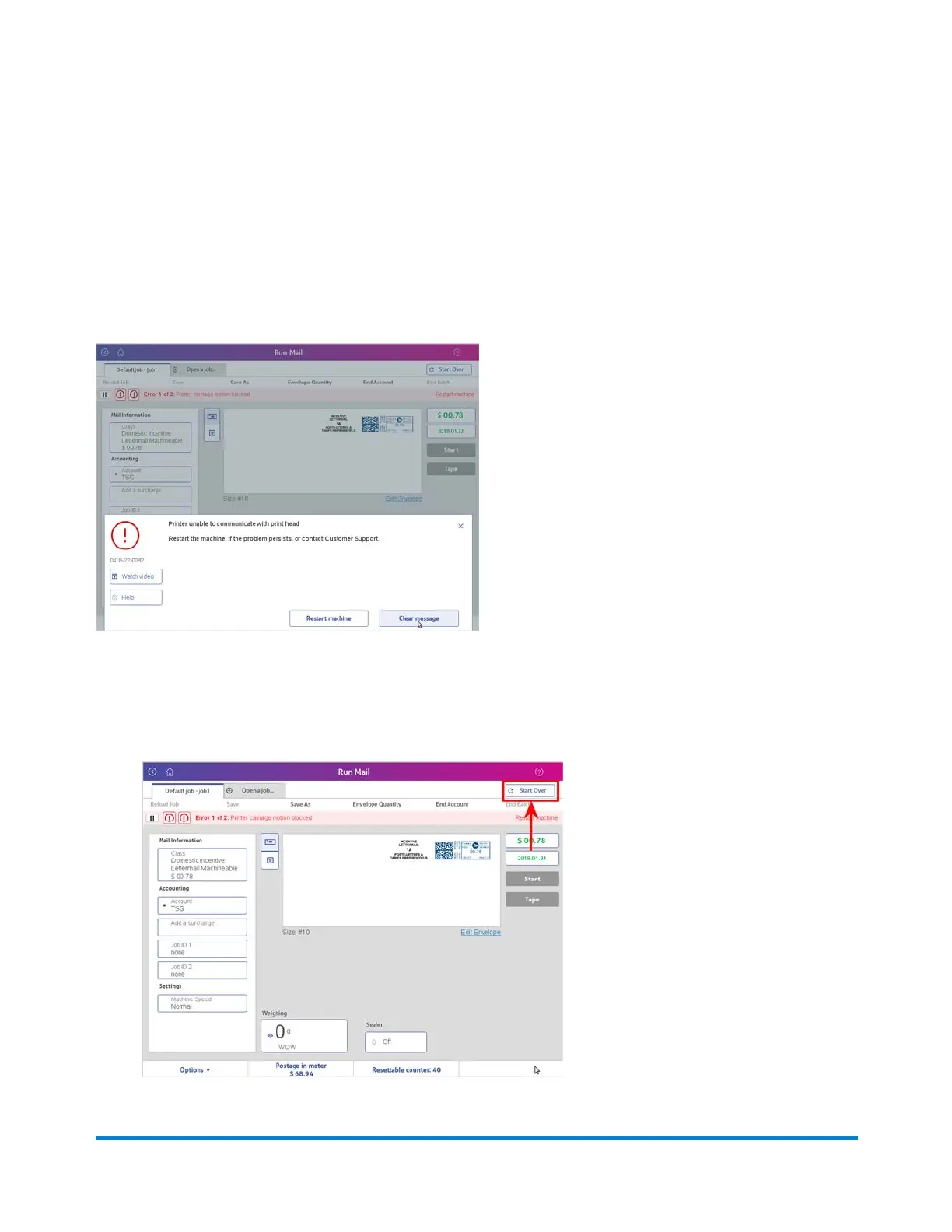
If you receive the following error message while attempting to print postage, follow the procedure here to
correct the problem and resume printing.
1. Select the Clear message button at the bottom of the Run Mail screen.
2. Select Start Over at the top right corner of the Run Mail screen.
Troubleshooting
Pitney Bowes Operator Guide February,2018 Page 335 of 349











 To Next Page