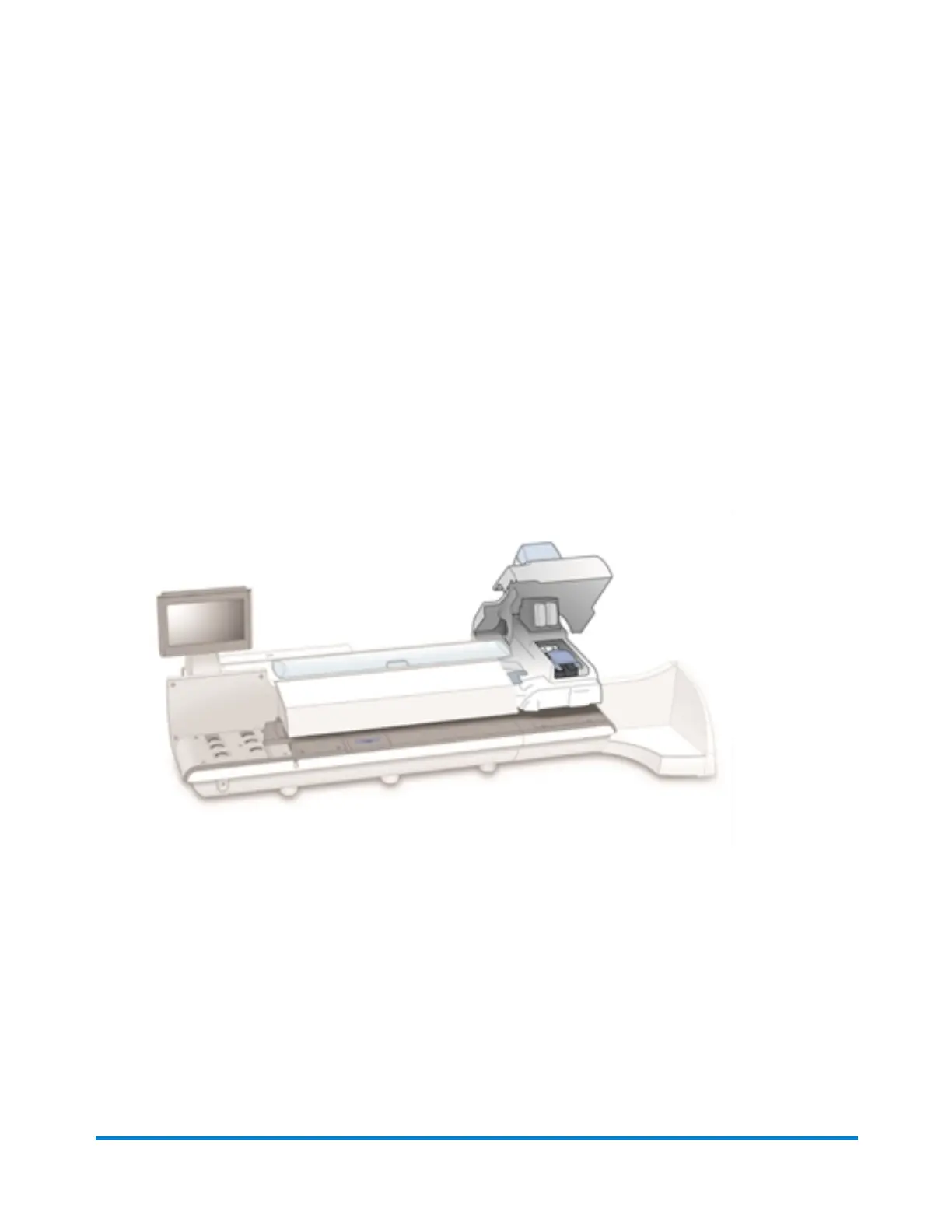
Replacing the print heads
If you have cleaned the print head and changed the ink cartridge and the print quality of the test sample is
still not satisfactory, replace the print head.
1. Select the Settings button in the Mailing tile on the Home screen.
2. Select Hardware.
3. Select Printer.
4. Select the Print head tab.
5. Select the Install new... button.
6. Open the printer cover.
Maintenance
Pitney Bowes Operator Guide February,2018 Page 256 of 349











 To Next Page