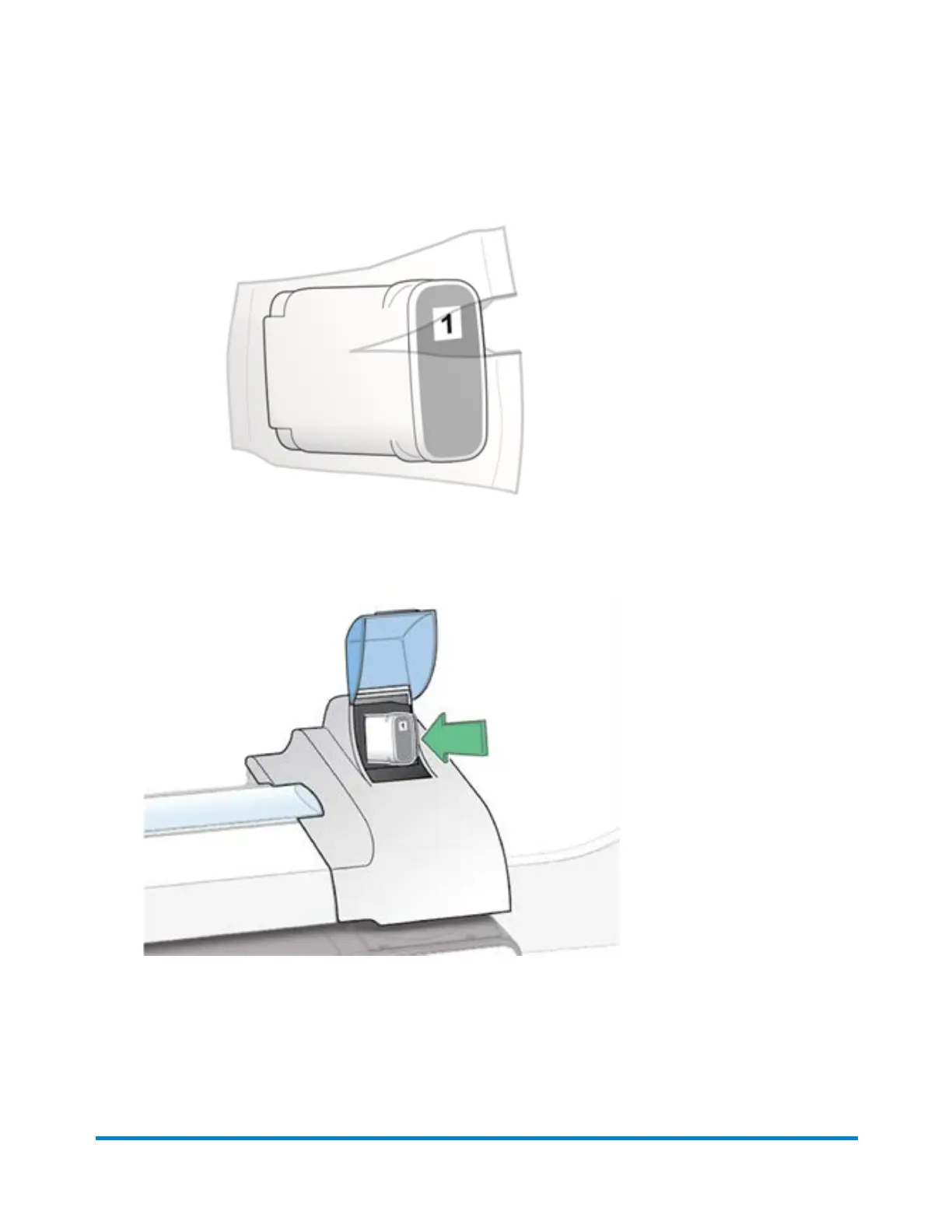
5. Remove the new ink cartridge from its packaging.
6. Hold the ink cartridge with the label facing upright and push into place.
7. Close the ink cartridge cover.
8. Select Print test pattern to verify that you have installed the ink cartridge correctly.
Maintenance
Pitney Bowes Operator Guide February,2018 Page 254 of 349











 To Next Page