6. Select the Printer button on the right pane of the Settings screen.
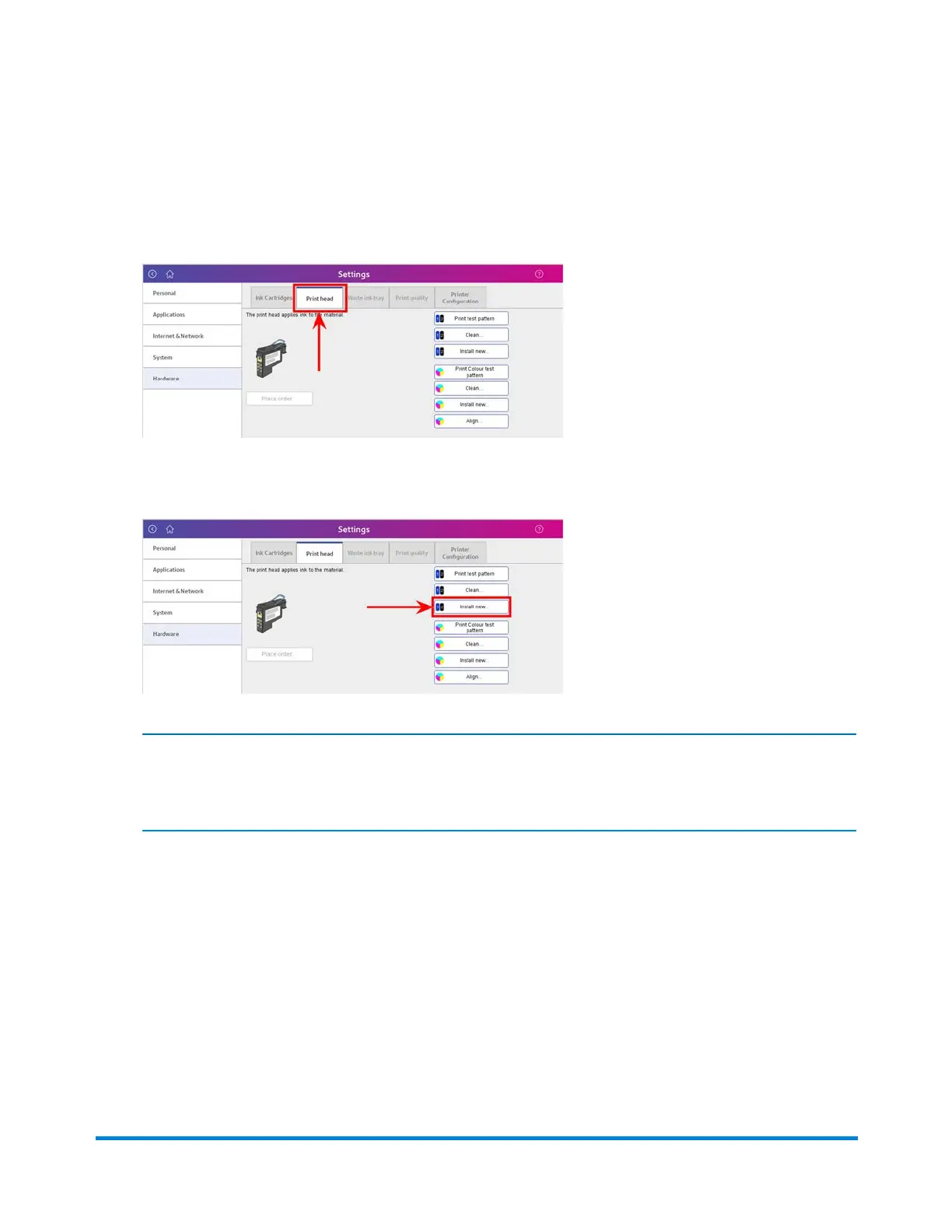
7. Select the Print head tab in the Settings screen.
8. Select the Install new button.
NOTE:
Please use the existing print head in this procedure.
You will receive the following message:
"Please wait while preparing to replace print head. This may take a few minutes. Do not open the
printer cover until instructed."
Troubleshooting
Pitney Bowes Operator Guide February,2018 Page 337 of 349











 To Next Page