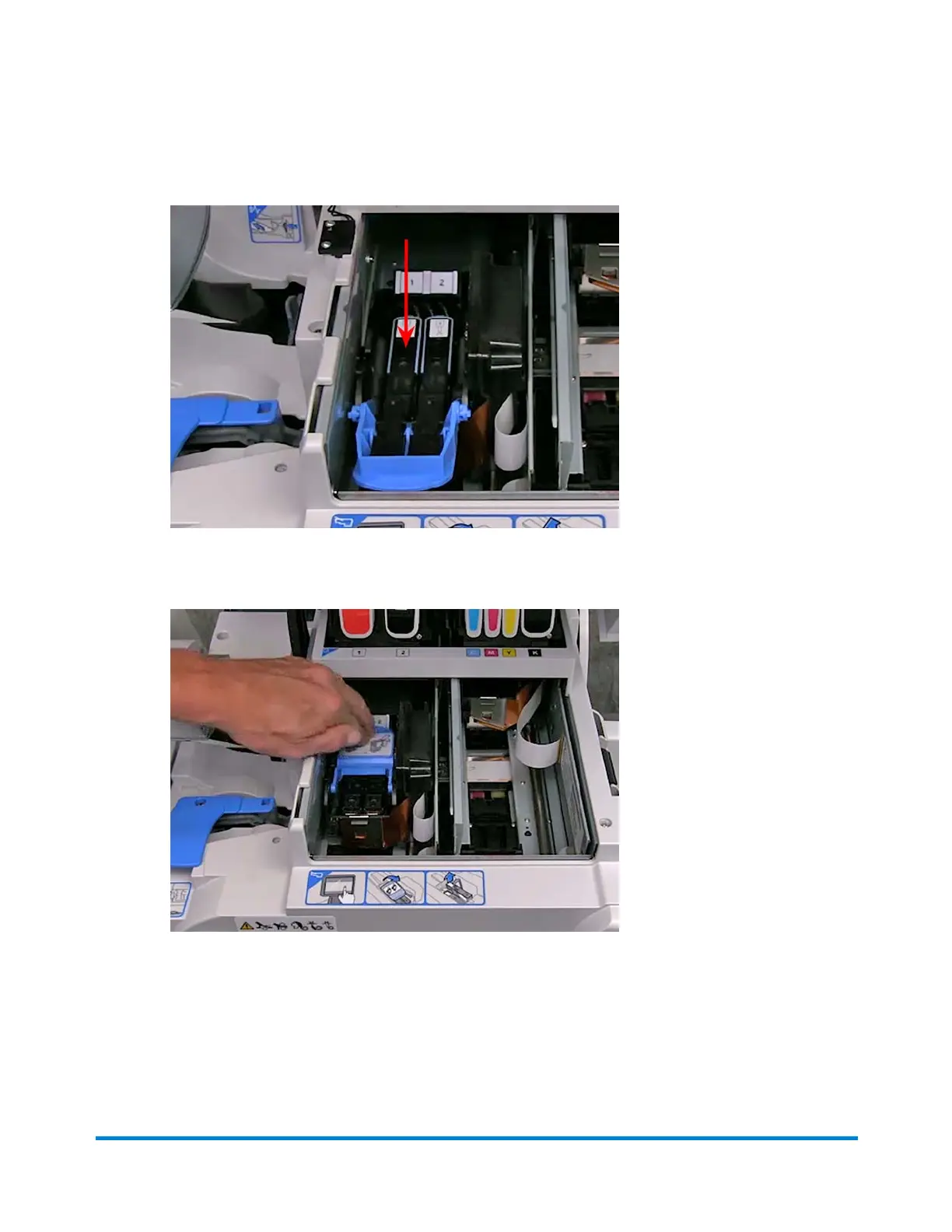
e. Make sure the handle is down and then apply pressure only to the center of the print head.
f. Push the blue latch back until it stops.
10. Close the printer cover. Once you close the cover, the system begins to prepare the print head.
This may take a few minutes.
11. As soon as you are prompted to print a test pattern, select the Cancel button at the bottom of the
Print Test Pattern screen.
Troubleshooting
Pitney Bowes Operator Guide February,2018 Page 340 of 349











 To Next Page