Button, Icon, or Link Touching or Selecting:
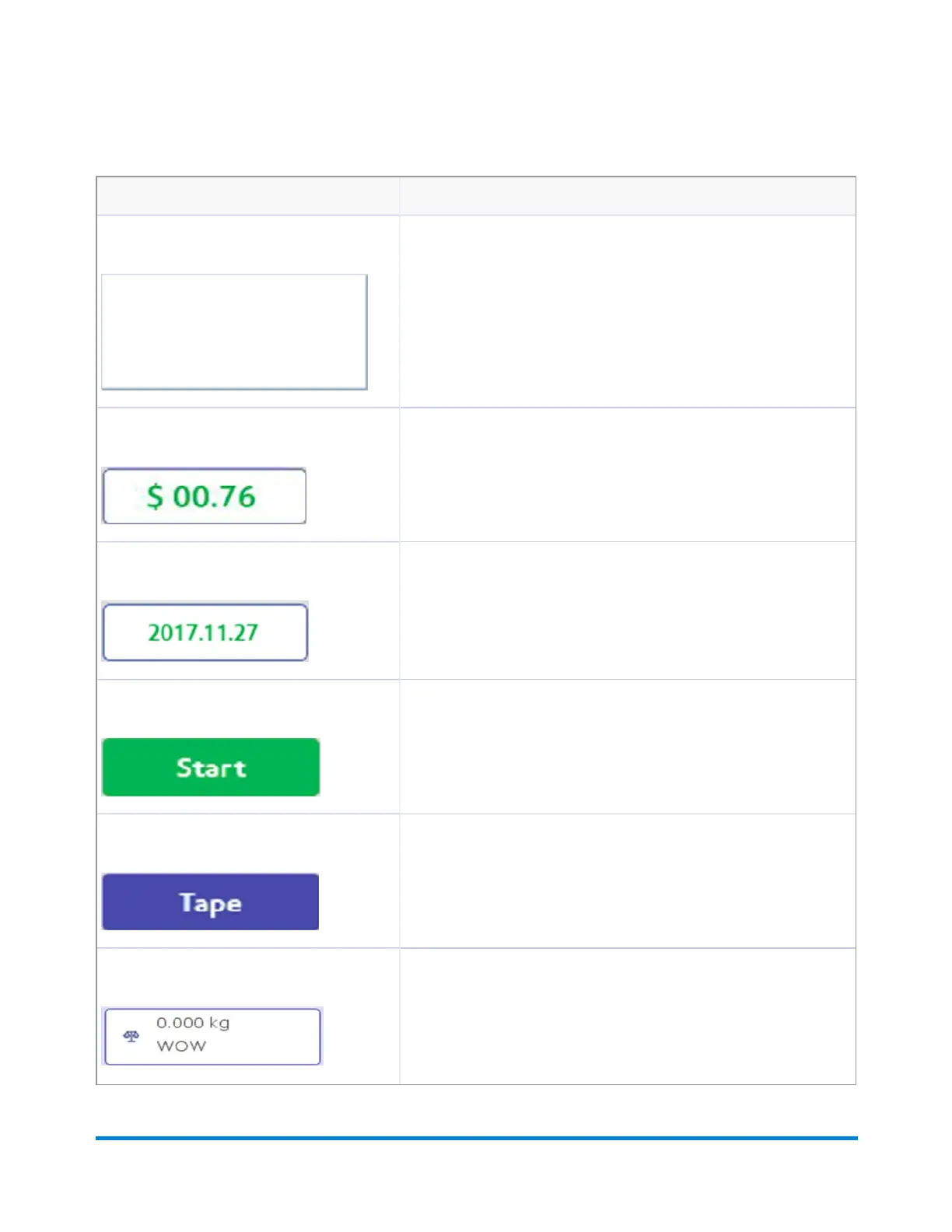
Envelope Preview image Opens the Edit Envelope screen allowing you to make changes to
your envelope.
Postage Amount image Shows the current postage value.
Date image Opens the Print Date dialog box within the Edit Envelope screen so
you can modify the date printed on tape or envelope.
Start button If the job is selected and envelopes loaded, this starts the job running.
Tape button If the job is selected and ready, this results in running the job.
Weighing icon The weighing icon opens the weighing method dialog screen. The
shape of this icon varies depending on the weighing method for the
current job.
Running mail
Pitney Bowes Operator Guide February,2018 Page 70 of 349











 To Next Page