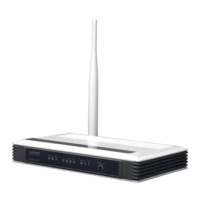
User Manual of VDR-300NU
5.5 Management
Choose Management and the submenus of Management are shown below:
Figure 5-5-1
5.5.1 Settings
Backup
Choose Management > Settings > Backup to display the following page.
Figure 5-5-2
On this page, click the Backup Settings button to save your router’s settings to your local PC.
Update
Choose Management > Settings > Update, and the following page appears.
Figure 5-5-3
On this page, click the Browse… button to select the correct new settings file and then click the Update
Settings button to update the router’s settings.
116


 To Next Page