User Manual of VDR-300NU
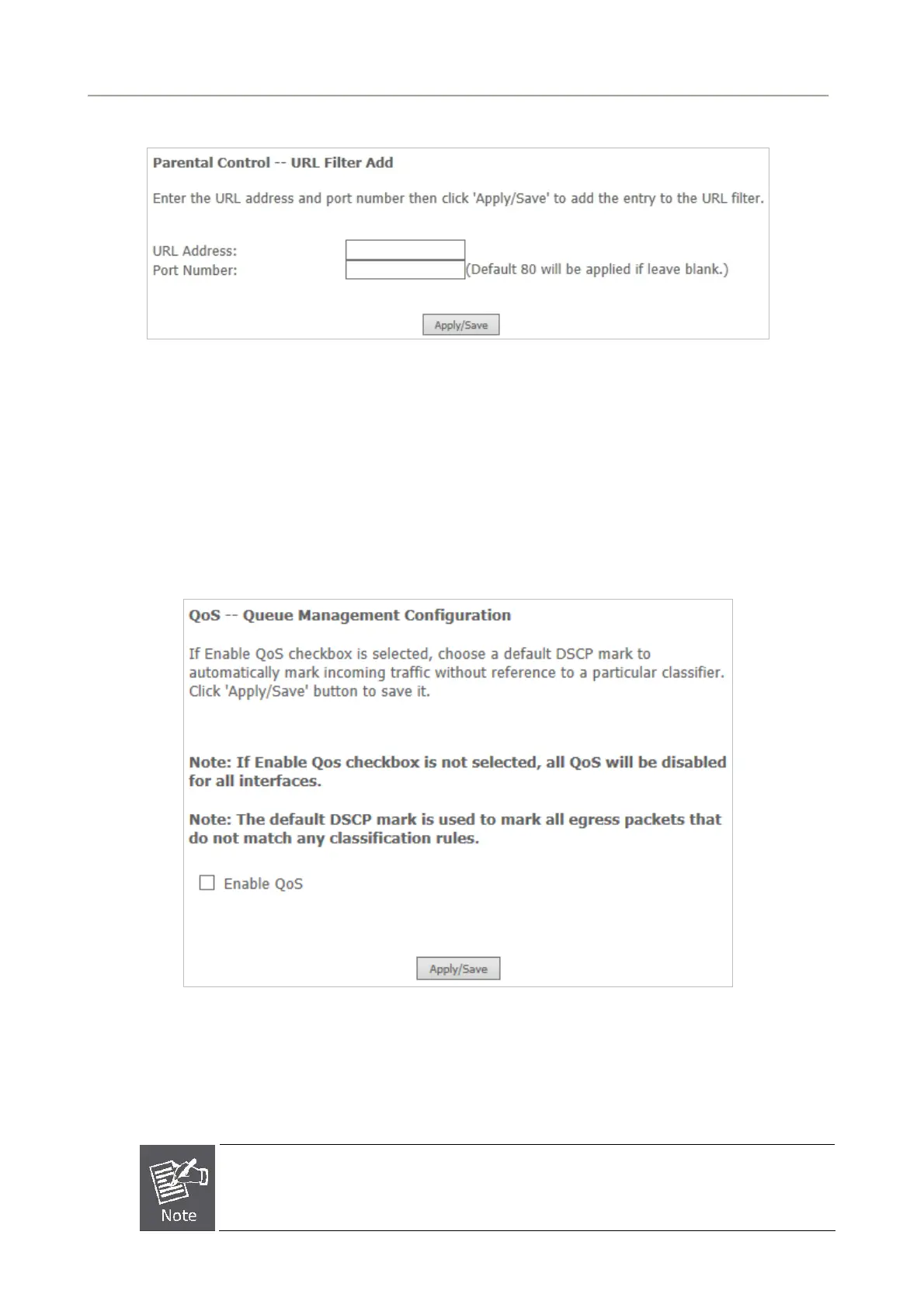
Click the Add button to display the following page.
Figure 5-2-55
On this page, enter the URL address and its corresponding port number. For example, enter the URL
address http://www.google.com and the port number 80 and then click the Apply/Save button.
5.2.8 Quality of Service
Choose Advance Setup > Quality of Service and the following page appears.
Figure 5-2-56
Select Enable QoS to enable QoS and configure the default DSCP mark.
After finishing setting, click Apply/Save to save and apply the settings.
If the Enable Qos checkbox is not selected, all QoS will be disabled for all interfaces.
The default DSCP mark is used to mark all egress packets that do not match any
classification rules.
71



 To Next Page