User Manual of VDR-300NU
Chapter 2. Hardware Installation
This chapter offers information about installing your router. If you are not familiar with the hardware or
software parameters presented here, please consult your service provider for the values needed.
2.1 Hardware Description
2.1.1 Front Panel
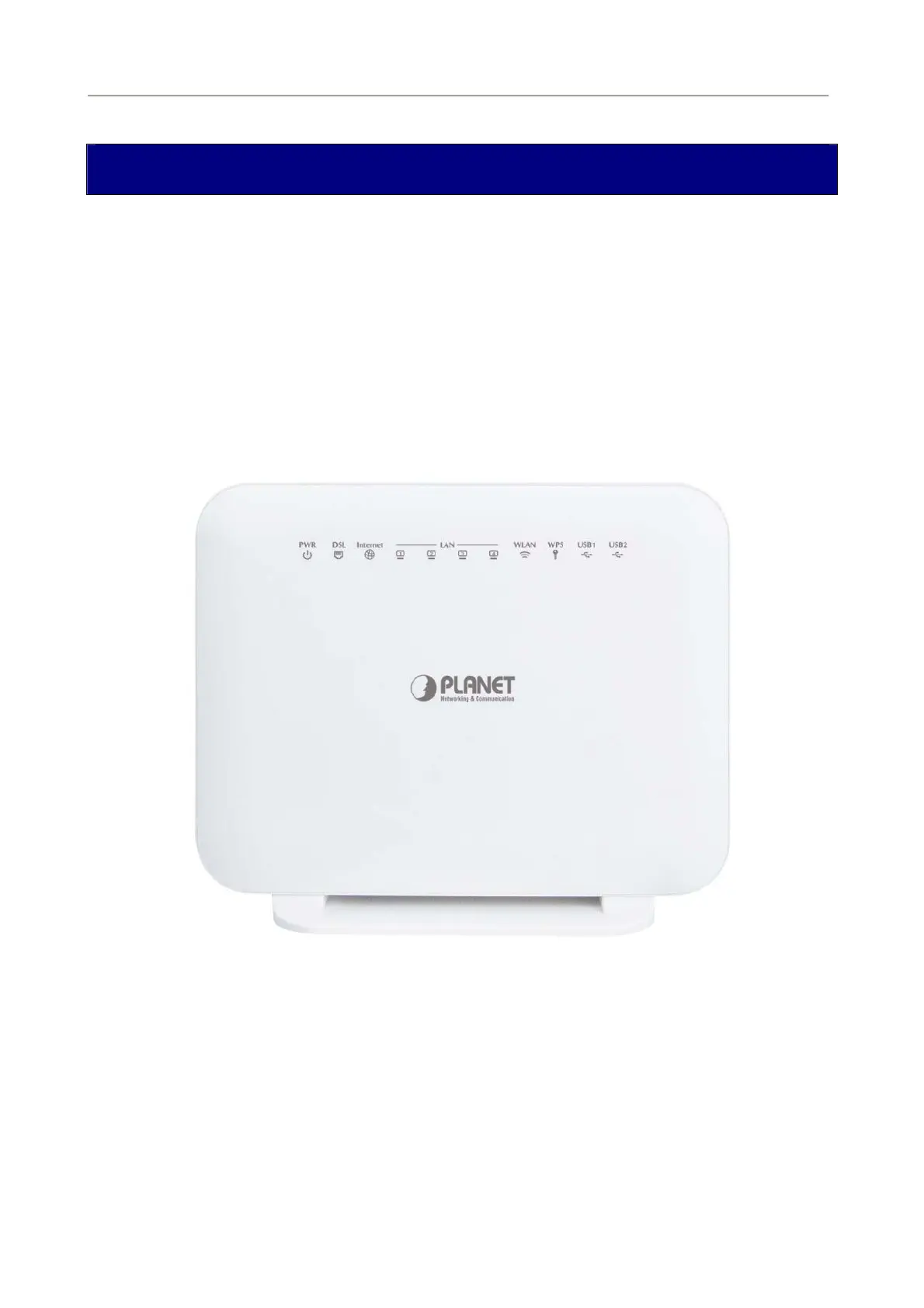
The front panel provides a simple interface monitoring of the router. Figure 2-1 shows the front panel of
VDR-300NU.
Figure 2-1 VDR-300NU Front Panel
2.1.2 LED Indications
The LEDs on the top panel indicate the instant status of system power, WAN data activity and port links,
and help monitor and troubleshoot when needed. Figure 2-1 and Table 2-1 show the LED indications of
the VDR-300NU.
18



 To Next Page