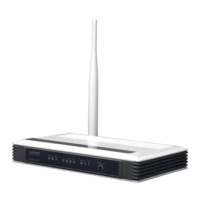
User Manual of VDR-300NU
4.2 Configuring PC in Windows XP
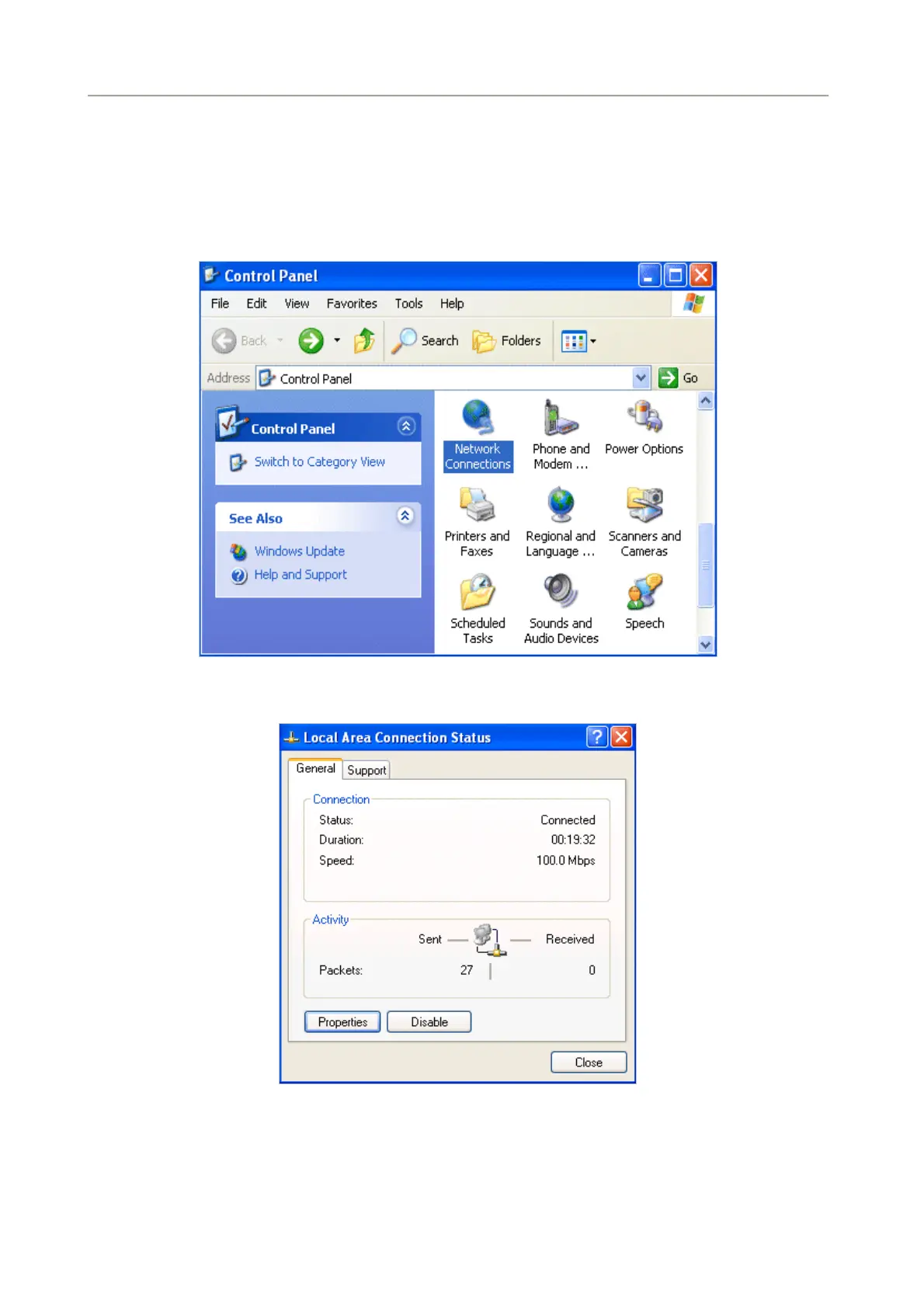
1. Go to Start / Control Panel (in Classic View). In the Control Panel, double-click on Network
Connections
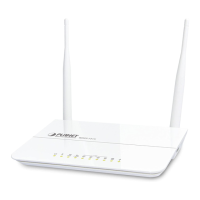
2. Double-click Local Area Connection.
3. In the Local Area Connection Status window, click Properties.
4. Select Internet Protocol (TCP/IP) and click Properties.
27


 To Next Page