User Manual of VDR-300NU
After finishing se
tting, click Save/Apply to apply the settings.
You can use a single port number, several port numbers separated by commas,
port blocks consisting of two port numbers separated by a dash, or any combination
of these, for example 80, 90-140, 180.
DMZ Host
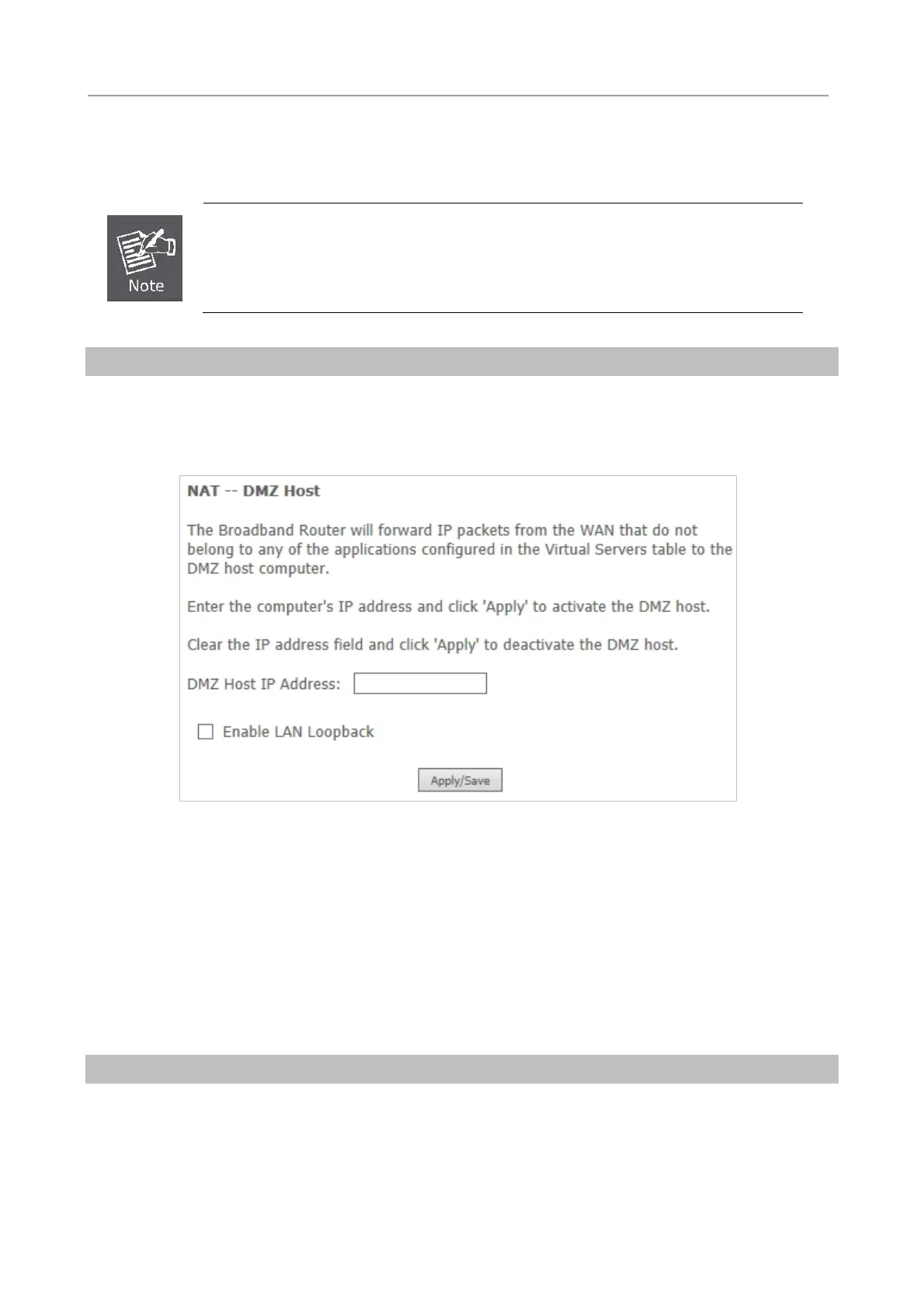
DMZ allows all the ports of a PC on your LAN to be exposed to the Internet. Set the IP address of the PC
to be DMZ host, so that the DMZ host will not be blocked by firewall.
Choose Advanced Setup > NAT > DMZ host to display the following page.
Figure 5-2-47
On this page, enter the IP address of the DMZ host. After finishing the settings, click the Apply/Save
button to apply the settings.
If you want to clear the DMZ function of the host, please delete the IP address of the host in the field of
DMZ Host IP Address and then click the Apply/Save button.
5.2.6 Security
Firewall
Choose Security > Firewall and the following page appears.
66



 To Next Page