User Manual of VDR-300NU
5.2.13 DNS Proxy
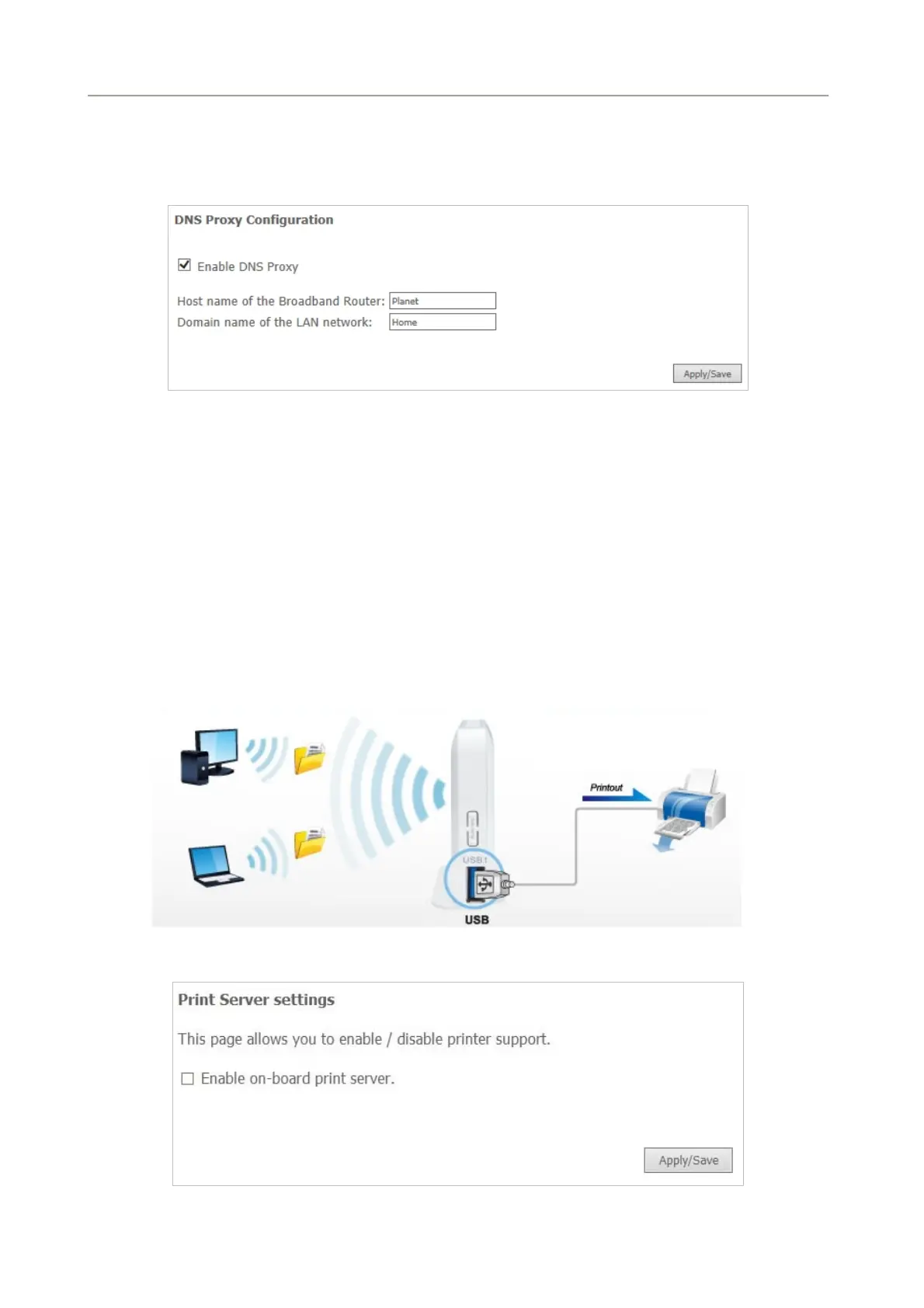
Choose Advanced Setup > DNS Proxy and the following page appears.
Figure 5-2-72
On this page, you can enable or disable the DNS proxy function. After enabling the DNS proxy function,
enter the host name of the broadband router and the domain name of the LAN network and then click
Apply/Save to save and apply the settings.
5.2.14 Print Server
The USB printer service allows you to connect a USB printer to the device and thus all clients on your network
can print anything they want on their PCs. The device can identify a printer automatically as long as it is
successfully connected.
Choose Advanced Setup > Printer Server and the following page appears.
Figure 5-2-73
80



 To Next Page